
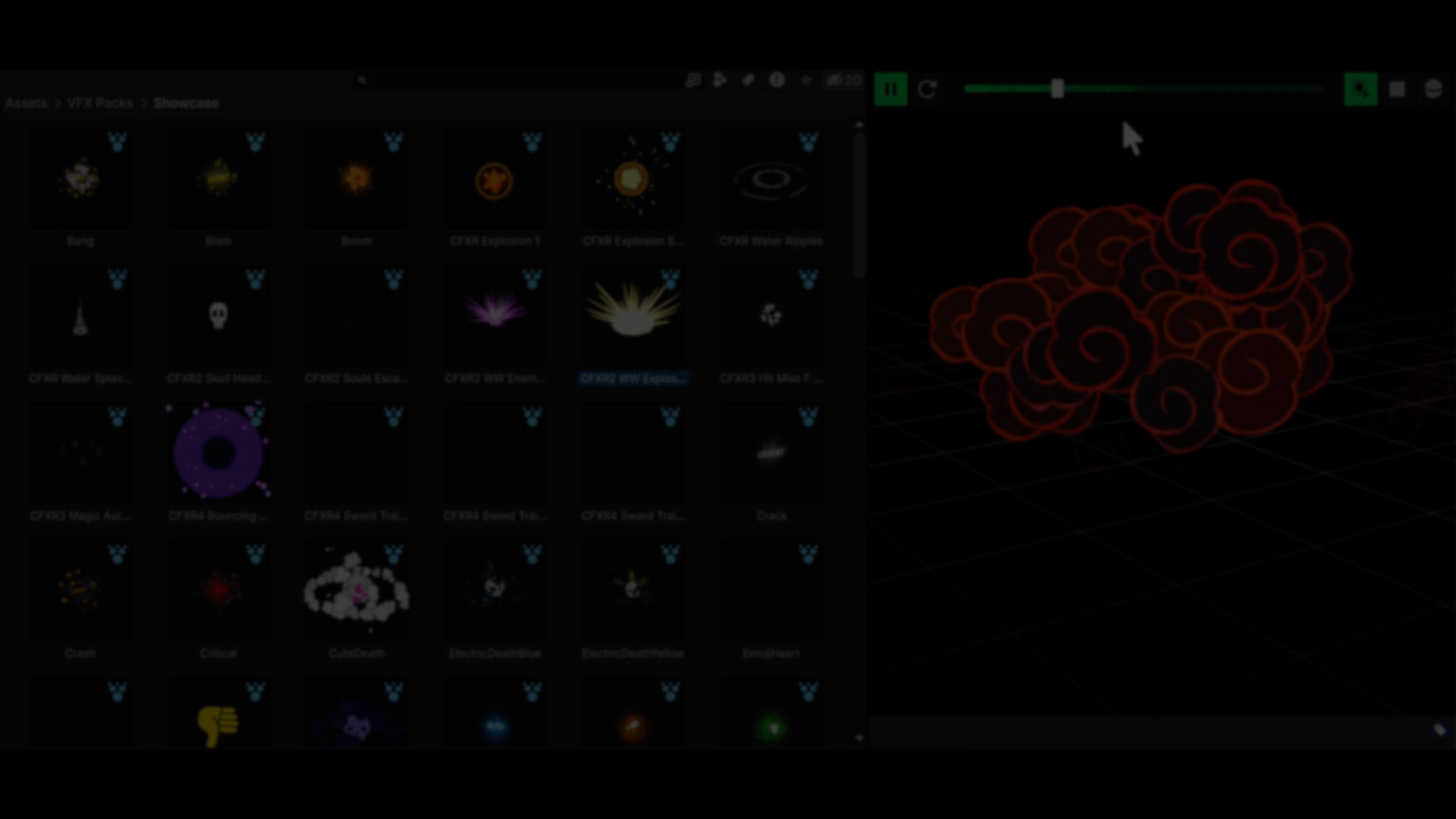
AI-assisted development continues to appear in different parts of game development. One recent example comes from developer Fardin Haque, who shared a Unity editor tool focused on improving how particle prefabs are previewed inside the Project window. The tool was developed with some use of AI-assisted coding during iteration.
It adds animated thumbnails for particle prefabs, custom thumbnails for other asset types, and a redesigned preview window with more control over how assets are inspected. Here’s a closer look at how it works.
Animated Thumbnails for Particle Prefabs
The starting point for Fardin was simple: generate thumbnails for particle prefabs.
That quickly turned into a more complex problem. Unlike static assets, particle systems evolve over time. Some effects are extremely short-lived, others rely on sub-emitters, and some only become visible when moving through space due to trails. Because of this, a single frame often doesn’t represent the effect clearly.
Early versions of the tool generated static thumbnails by selecting a representative simulation frame. That worked, but still missed important behavior. The current version uses animated thumbnails instead.
To do this, particle systems are simulated at a reduced rate (around 8 FPS by default) and stored as a sequence of frames (Texture2D[]). This keeps previews lightweight while still showing motion clearly.
Caching is handled differently depending on the asset type:
- Static thumbnails are rendered at 128×128 and stored in Unity’s Library folder
- Animated particle previews are cached in memory only for the currently visible folder
- A static peak frame is used when filtering or searching to avoid unnecessary overhead
Custom Thumbnails and Preview Window
The tool also extends beyond particles. It can generate custom thumbnails for prefabs, 3D models, sprites, and UI elements directly in the Project window. These can be toggled per asset type.
A separate preview window replaces Unity’s default prefab preview with a more detailed setup. It includes:
- A 3-point lighting setup and environment controls
- Camera orbit and panning controls
- Asset statistics such as vertex count, triangle count, mesh count, submeshes, and materials
- Diagnostic views including normals, vertex colors, UV layout, and overdraw
For particle prefabs, the preview window allows scrubbing through the simulation. It can detect cases where particles need movement to become visible and applies motion automatically during preview.
Controls and Configuration
There are several settings available to adjust how previews are generated and displayed. These include:
- Frame count and playback FPS
- Simulation scan duration
- Thumbnail generation limits per editor refresh
- Motion padding
- Cache size and memory budget
- Camera field of view
Development Notes
Fardin mentioned the tool was built over a short period, with AI-assisted coding used throughout planning, iteration, and optimization.
The project started as a smaller experiment focused on generating particle thumbnails, but expanded as more edge cases came up, especially around how particle systems behave over time. In this case, AI was used as part of the development process while the structure, constraints, and behavior of the tool were defined by the developer.
The project started as a smaller experiment focused on generating particle thumbnails, but expanded as more edge cases came up, especially around how particle systems behave over time. In this case, AI was used as part of the development process while the structure, constraints, and behavior of the tool were defined by the developer.
You can follow the tool’s release updates through Fardin Haque’s links shared below.
- LinkedIn: linkedin.com/in/fardin-haque-game-dev
- GitHub: https://github.com/FardinHaque70
- Fardin’s portfolio: https://www.youtube.com/@fardinhaque70/videos
Interested in learning more?
If you’re working with Unity 6, the Unity 6 Creator Essentials Bundle brings together two books focused on editor tools and character customization.
It includes Unity 6 Editor Tools Essentials and Mastering Character Customization in Unity, and it is aimed at developers and artists interested in building custom tools and more flexible character systems for their projects.
Working with Unity 6? 🛠️ We’ve put together a bundle with two books on editor tools and character customization, available this week at a lower price.
— Jettelly Inc. (@jettelly) March 30, 2026
See it here: https://t.co/ILY3AtWmD4 🏷️#unity3d #gamedev #indiedev pic.twitter.com/TQu9F1HMZg
Jettelly wishes you success in your professional career!
Did you find an error? No worries!
Write to us at [email protected], and we'll fix it!
Level up your Unity skills with Character Customization and Editor Tools! At a special low price.
We invite you to explore "Unity 6 Creator Essentials Bundle", a comprehensive bundle on the concepts and fundamentals seen in this post.
Other posts that might interest you.
-
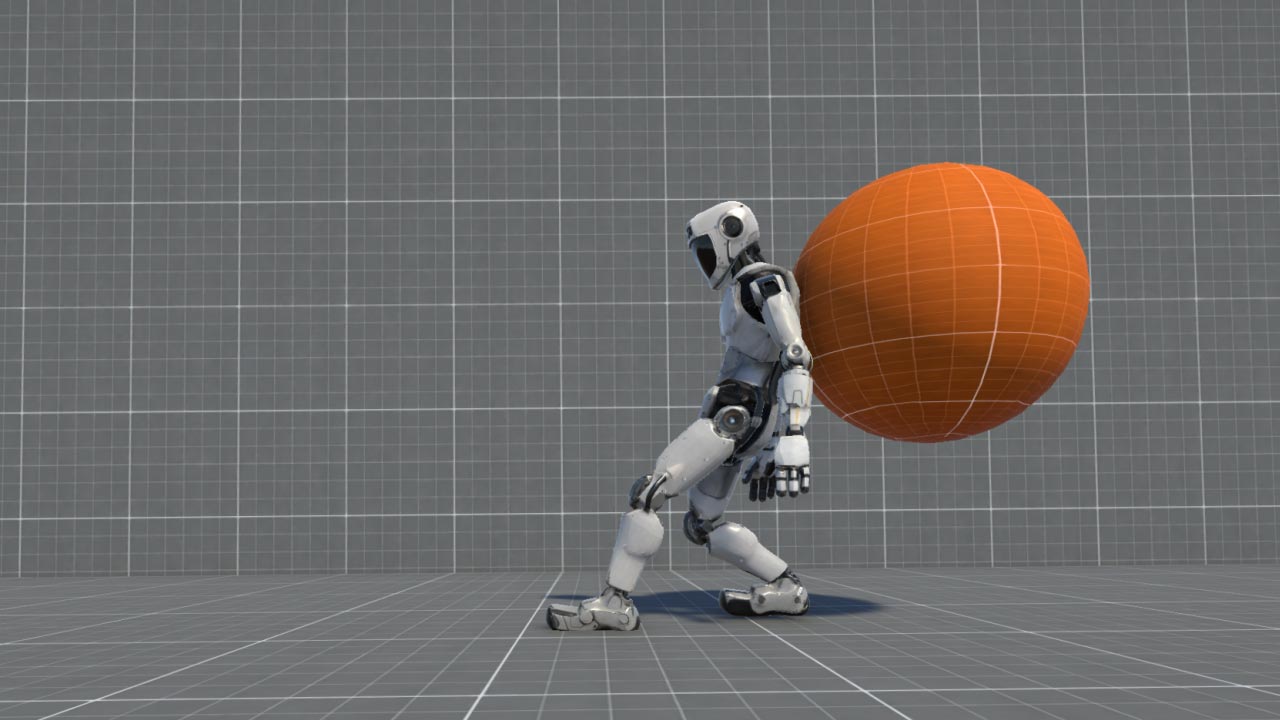 Rawad (Rudy) Akar shared a breakdown of their upcoming Unity tool, which combines physics, IK, and procedural animation to create a self-balancing active ragdoll.
 -
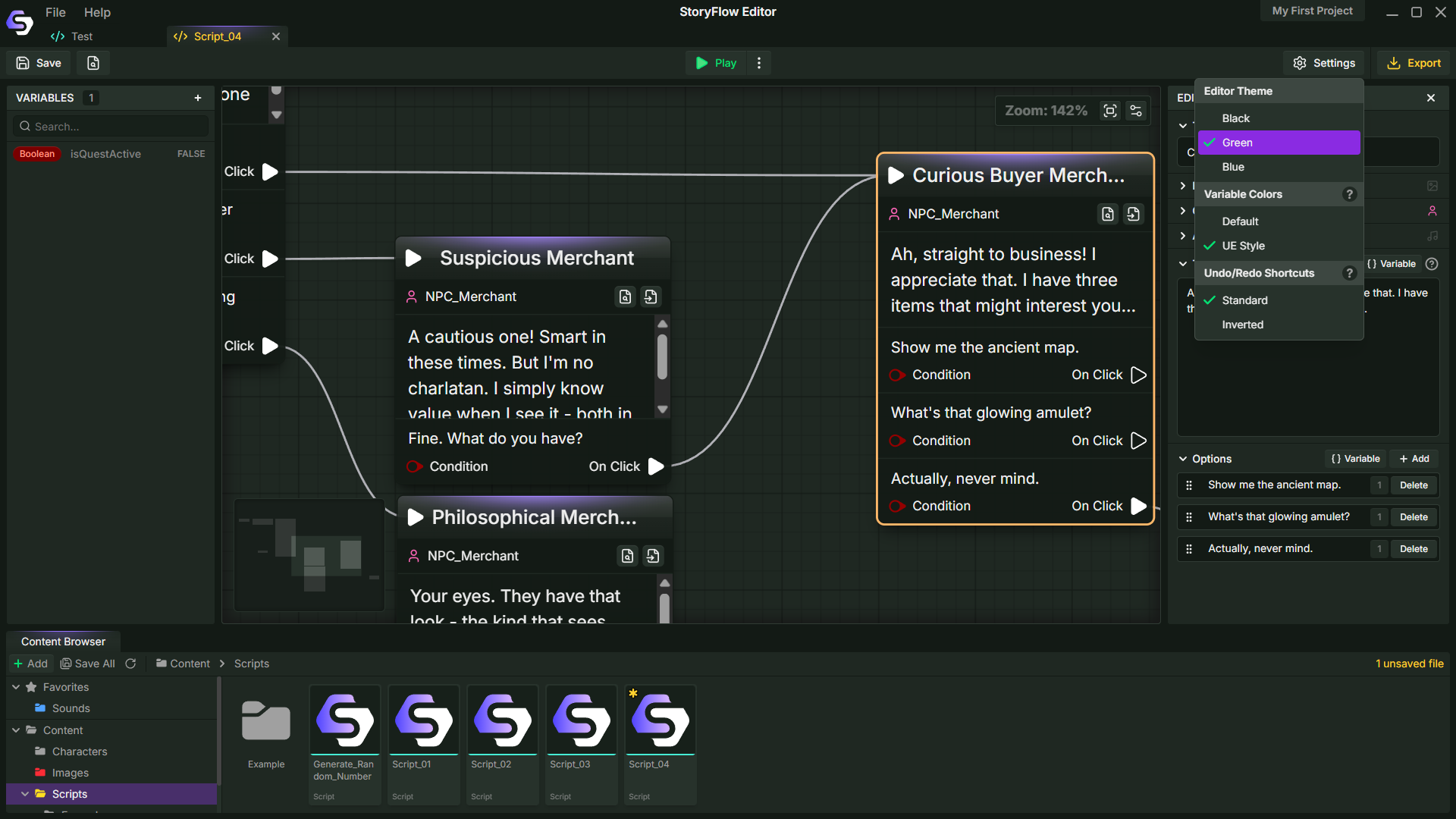 Can dialogue systems be built outside the engine? StoryFlow by Soulsticesyo is a node-based tool for creating branching narratives and bringing them into engines like Godot, Unity, and Unreal.
 -
 Developer William Schack released Repetitionless, their paid Unity shader tool that combines multiple techniques to reduce visible texture tiling across materials and terrains.
