
TerraSplines: Editing Terrain with Splines in Unity.
by Vicente C.
Published |
22
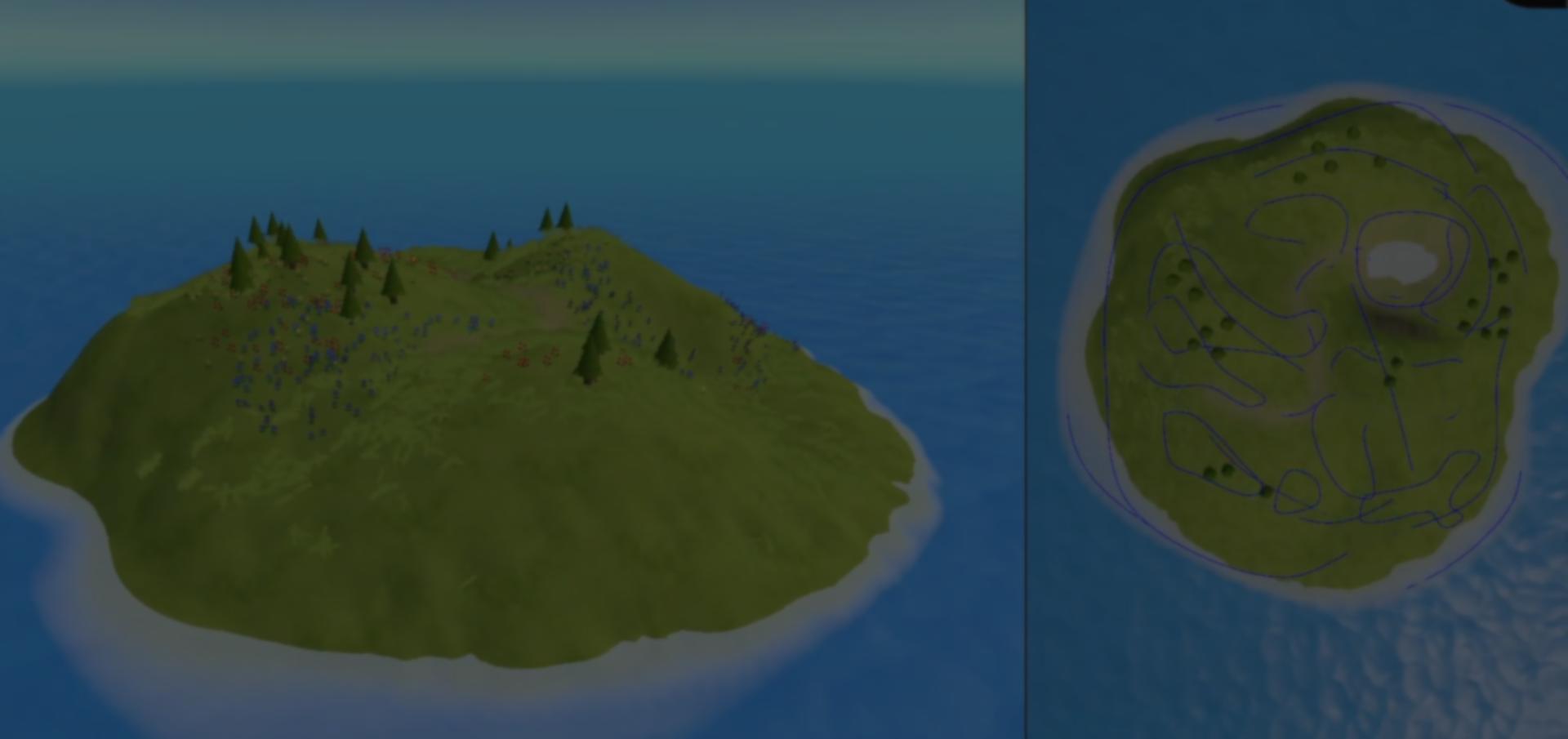
Building terrain in Unity usually means a lot of iteration, especially when you are still figuring out how it should look. That’s exactly what happened to the team behind GRUELSCUM while working on the levels for their new project, Lost Longing.
Without a clear direction, each iteration became slower, and trying out new ideas without breaking what was already working was not easy.
TerraSplines started from that need. Instead of working directly on the heightmap, you place splines in the scene and use them to shape the terrain.
Each spline works as a configurable brush, with parameters you can edit, like thickness or hardness, and is applied over a base texture that represents the heightmap.
For this, the splines are processed on the GPU using compute shaders, turning their shape into something you can apply directly onto the terrain.
They are processed one after another, which lets you combine the results on the terrain. You can also layer and blend them depending on what you need.
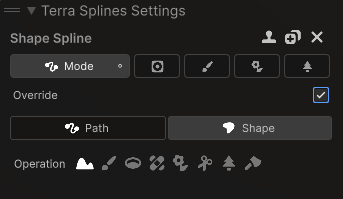
One of the more interesting parts is that it works in a non-destructive way. The terrain’s base state is stored, and all changes are applied on top of it, so you can move, edit, or remove splines at any time without losing previous work.
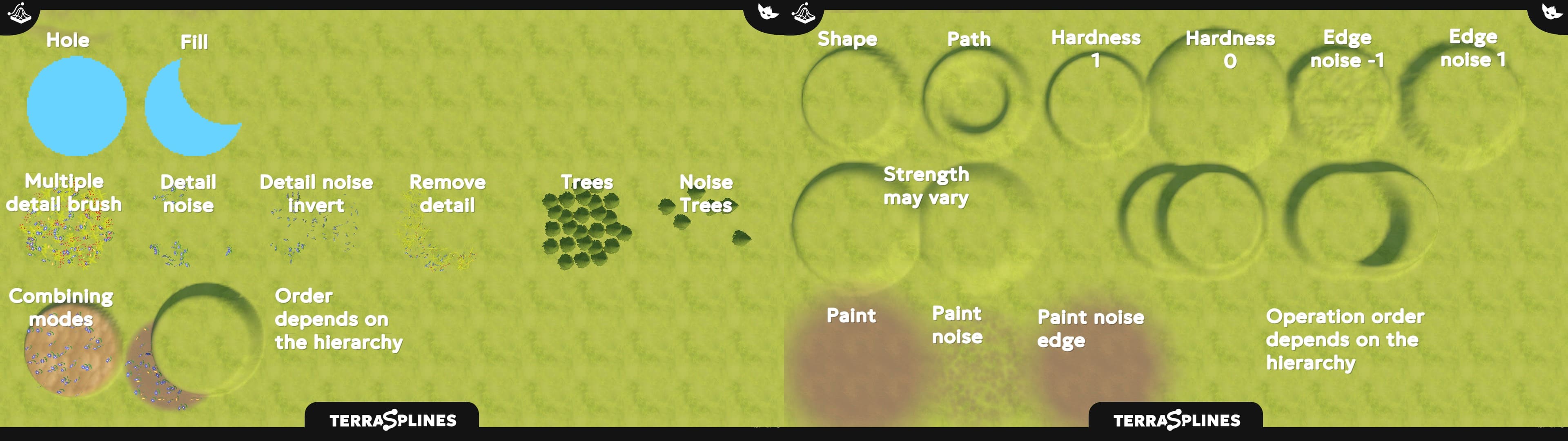
To keep things running well, once a spline is processed, it is saved so the system does not have to calculate it again.
On top of that, splines do not just affect terrain height, you can also use them to paint textures or place things like grass and trees.
According to the team, the idea came after trying existing tools that already used splines on terrain, but were not designed for a more complete or stable use in production.
If you want to see more about TerraSplines or follow GRUELSCUM’s work, you can check out their posts and the asset page, all the links are below.
If you want to see more about TerraSplines or follow GRUELSCUM’s work, you can check out their posts and the asset page, all the links are below.
Interested in learning more?
If you’re interested in the technical side of Unity? The Unity Dev Bundle brings together six books covering shaders, math, procedural shapes, editor tools, and character customization.
This is for developers and technical artists who want to build a stronger foundation and work with more advanced graphics and systems in their projects.
Shaders, tools, animation, math, and more, the new "Unity Dev Bundle" is still available for a bit longer. 🔥 Get it here: https://t.co/gPPcuZDuFX#unity3d #gamedev pic.twitter.com/mnxRUCtUHC
— Jettelly Inc. (@jettelly) April 8, 2026
Jettelly wishes you success in your professional career!
Did you find an error? No worries!
Write to us at [email protected], and we'll fix it!

Level up your Unity skills! Grab our bundle and start learning today.
We invite you to explore "The Unity Dev Bundle", a comprehensive bundle on the concepts and fundamentals seen in this post.
Other posts that might interest you.
-
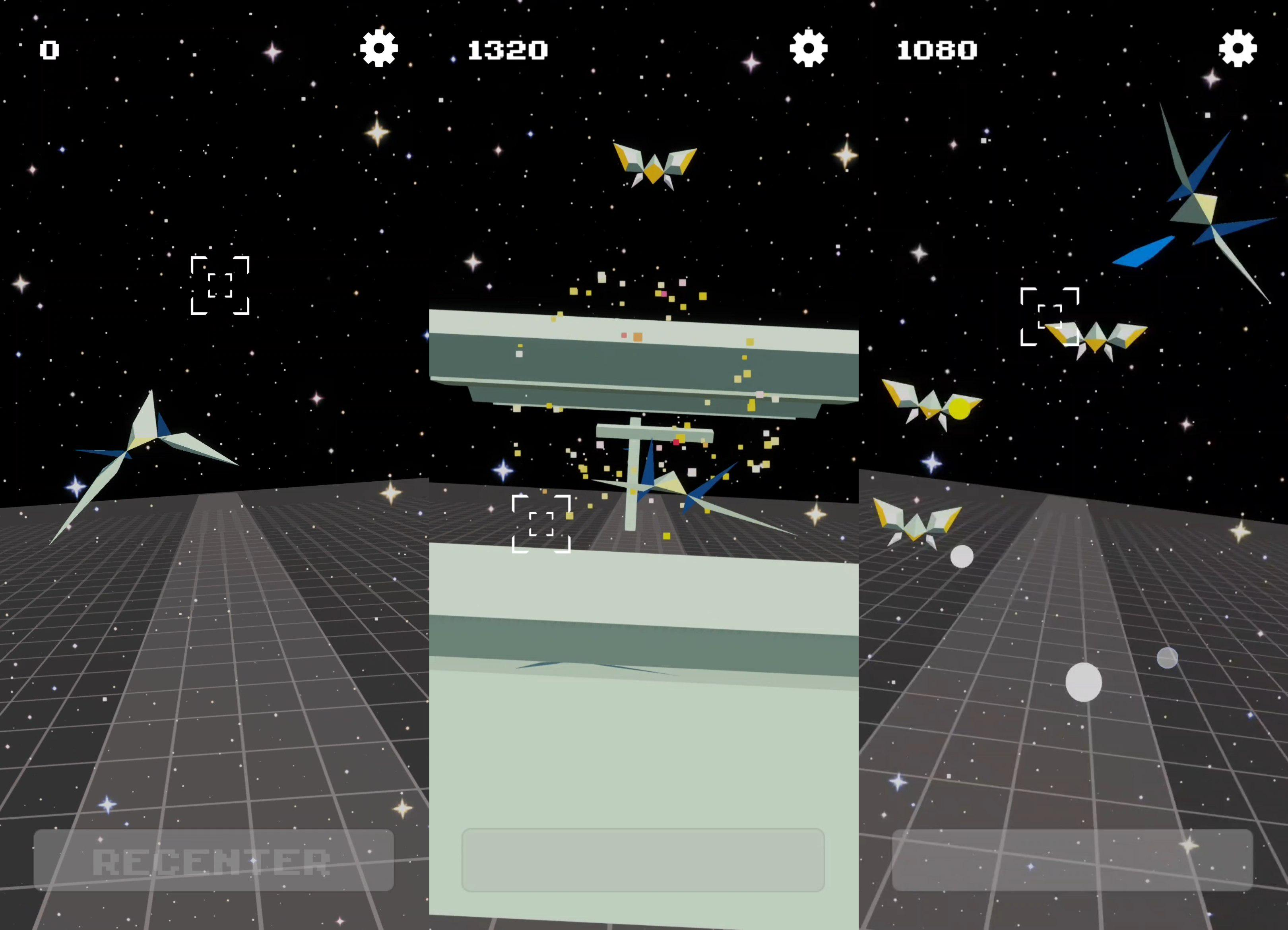 Check out this Star Fox-style mobile prototype by Giulytsme that you can play with one hand using gyro controls.
 -
 Developer Niko shared how the 2.5D visual style in Moon Reader comes together, combining billboard sprites, shader passes, and texture projection.
 -
 How does a GPU-instanced grass system work in Unity? GPU Infinite Grass by RED_SIM is a system designed to render large-scale grass using GPU instancing.
