
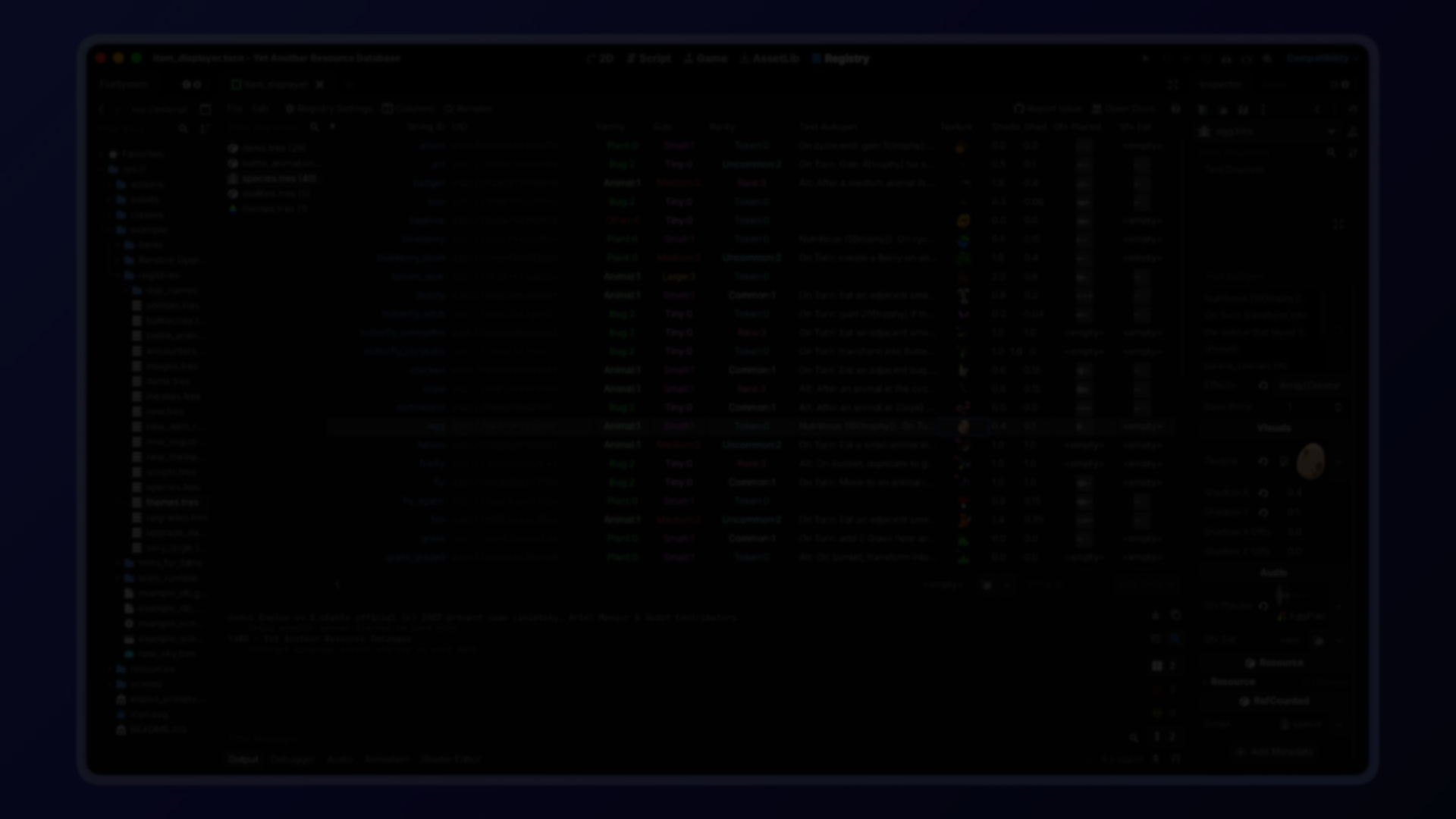
YARD: A Structured Resource Registry for Godot 4 Projects.
by Jettelly
Published |
Godot’s Resource system is powerful. Custom resources are often used to define weapons, enemies, items, abilities, or configuration data.
But as a project grows, common patterns start to show cracks:
- Autoloads filled with preloaded resources
- String-based path builders calling load()
- Enums duplicated across systems
- Scattered file paths stored in multiple scripts
- Manual filtering after loading everything into memory
On the other end of the spectrum, external databases like SQLite introduce overhead and pull you away from Godot’s native resource workflow.
YARD by Elliot Fontaine, sits between those extremes. It provides structure without abandoning the Resource system.
YARD by Elliot Fontaine, sits between those extremes. It provides structure without abandoning the Resource system.
YARD – Yet Another Resource Database | A Godot 4 plugin for managing and querying resources
by u/ZemusTheLunarian in godot
What YARD Is
YARD (Yet Another Resource Database) is a Godot 4 plugin that combines:
- A table-based editor interface for managing registries
- A lightweight runtime API for querying and loading resources
A Registry is a .tres file that stores:
- Stable string IDs
- Resource UIDs
- An optional baked property index
At runtime, the registry does not load its resources automatically. Loading happens only when explicitly requested.
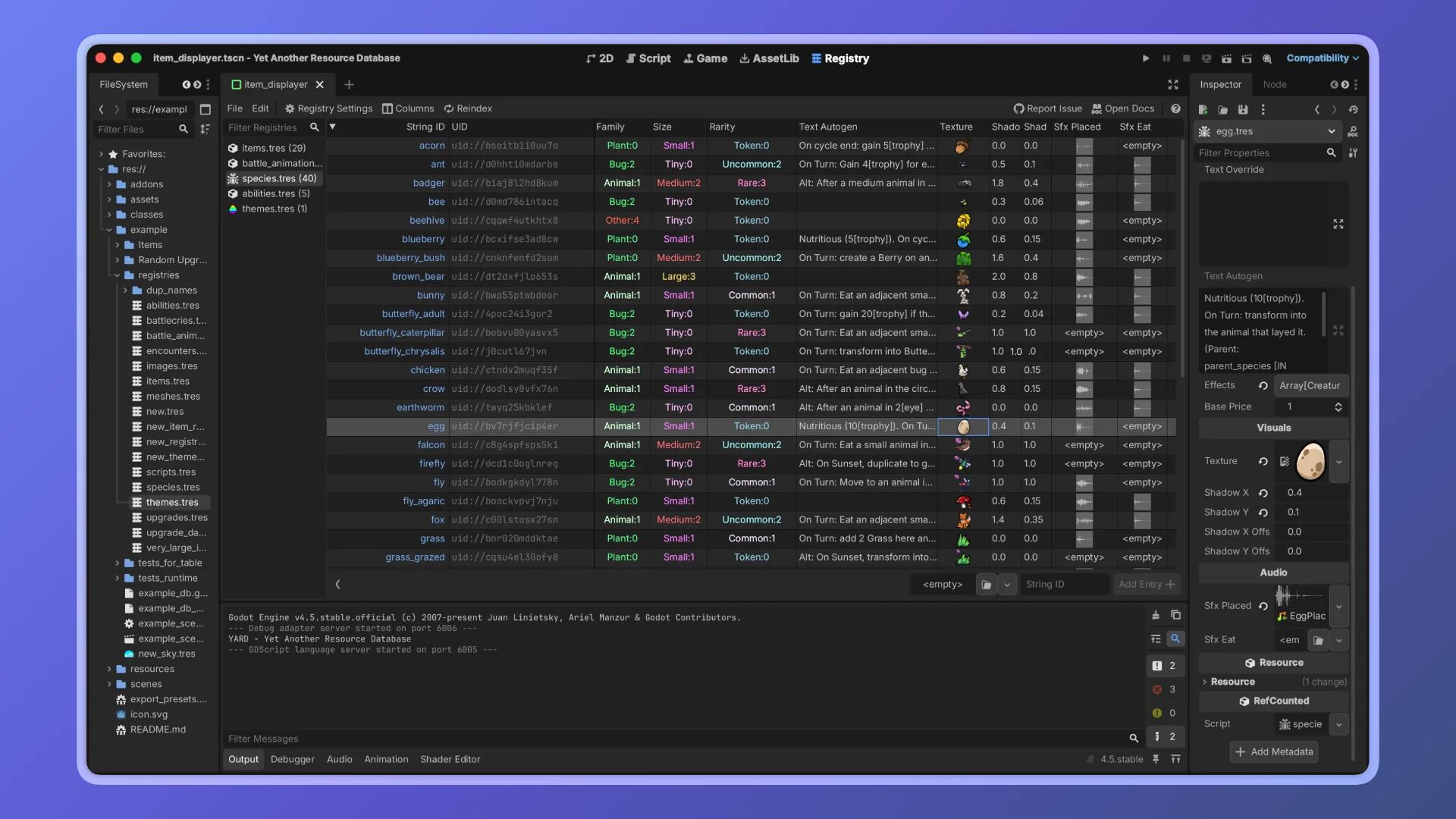
Editor-Side Registry Management
The YARD editor tab provides a spreadsheet-like interface where you can:
- Create registries
- Restrict entries to a specific class
- Sync automatically with a directory
- Index selected properties
Class Restriction
You can limit a registry to a specific resource class (or subclass). This prevents invalid resources from being added.
Directory Sync
Point a registry at a folder and it will:
- Automatically add new resources
- Remove deleted ones
- Optionally scan recursively
This keeps the registry in sync with the project structure.
Indexed Properties
Selected properties are baked into a nested dictionary inside the .tres file. This enables runtime filtering without loading resources.
Runtime API
At runtime, you preload the registry:
const WEAPONS: Registry = preload("res://data/weapon_registry.tres")Loading Entries
var skeleton: Enemy = ENEMIES.load_entry(&"skeleton")You can also:
- Load all entries synchronously
- Request threaded loading
- Control cache behavior
Loading is explicit and controlled.
Zero-Cost Filtering
The most distinctive feature of YARD is its baked property index. Since indexed properties are stored inside the registry file itself, filtering happens without loading resources.
Examples:
var legendaries := WEAPONS.filter_by_value(&"rarity", Rarity.LEGENDARY)

var high_level := WEAPONS.filter_by(&"level", func(v): return v >= 10)

var legendary_swords := WEAPONS.filter_by_values({
    &"rarity": Rarity.LEGENDARY,
    &"type": &"sword",
})
Filtering returns matching string IDs, not loaded resources. This avoids runtime scanning and avoids memory overhead.
How the Index Works
The baked index is stored as a nested dictionary inside the registry:
_property_index = {
    &"rarity": {
        Rarity.LEGENDARY: { &"excalibur": true, &"mjolnir": true },
        Rarity.COMMON: { &"stick": true },
    },
}
At runtime, lookups are direct dictionary accesses. There is no iteration over loaded resources. No reflection. No hidden allocation.
Where YARD Fits Best
YARD is particularly useful for:
- RPG systems with weapons, enemies, items
- Modular data-driven architectures
- Large projects with many custom resources
- Teams wanting stable string IDs instead of file paths
- Projects that need filtering without memory spikes
It integrates into projects already in progress.
Similar and Useful Tools
- Resource Databases: Resource Databases is an open-source plugin that provides a fully-fledged database editor inside Godot. It lets you create collections of custom or built-in resources, organize them into categories, and query them at runtime via API calls.
Differences: Like YARD, Resource Databases focuses on managing large collections of resources in structured ways. It offers editor UI for organizing and filtering collections and includes runtime access.
- ResourcePlus: ResourcePlus adds a dedicated “Resources” tab in the Godot editor with a tree view for easier browsing and management of resources across your project. It helps organize and locate resource files without manually navigating the filesystem panel.
Differences: ResourcePlus is lighter weight than YARD: it focuses on browsing and organizing resource files in the editor, but doesn’t provide the same custom database tables or runtime query system that YARD offers.
✨ YARD Godot is now available on GitHub.
📘 Interested in mastering shaders in Godot from the ground up? Check out The Godot Shaders Bible, a complete step-by-step guide covering mesh composition, lighting and rendering, procedural shapes, vertex animation, and advanced VFX for Godot 4.x.
📘 Interested in mastering shaders in Godot from the ground up? Check out The Godot Shaders Bible, a complete step-by-step guide covering mesh composition, lighting and rendering, procedural shapes, vertex animation, and advanced VFX for Godot 4.x.
These are all the shaders we've created so far while writing the Godot Shaders Bible! Want to learn shaders? Start step by step today! ✨ https://t.co/pTFh4XfXUt#godot #indiedev #3DCG pic.twitter.com/mXFKQ6Sn3k
— Shaders Bible Series (@ushadersbible) December 1, 2025
Jettelly wishes you success in your professional career!
Did you find an error? No worries!
Write to us at [email protected], and we'll fix it!

Level up your Technical Art skills in Godot! Check out our book and start learning today.
We invite you to explore "The Godot Shaders Bible", a comprehensive book on the concepts and fundamentals seen in this post.
Other posts that might interest you.
-
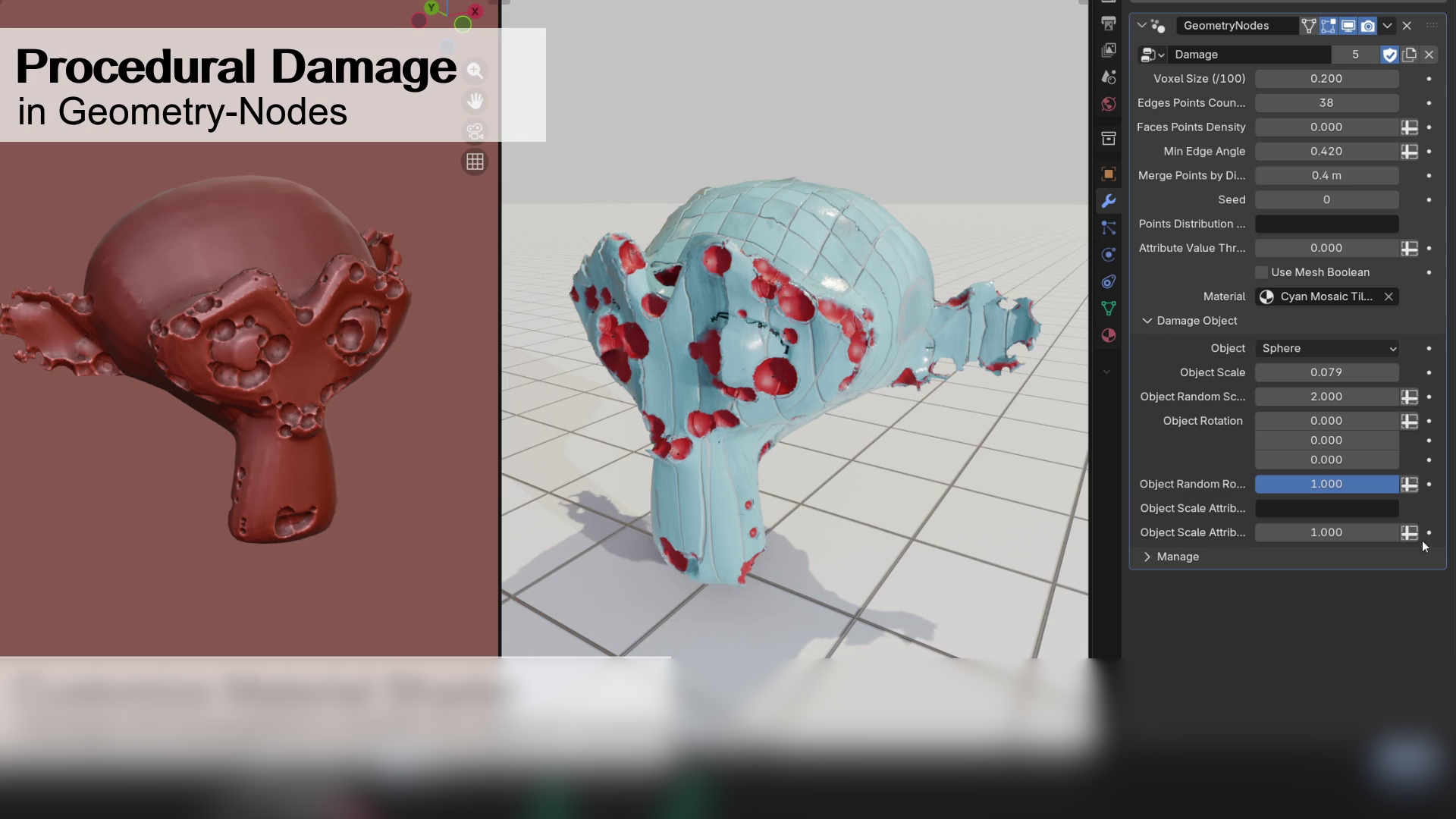 We take a look at a free Geometry Nodes setup by Alex Martinelli that procedurally adds damage and surface imperfections to any mesh using instanced booleans and volume-based subtraction.
 -
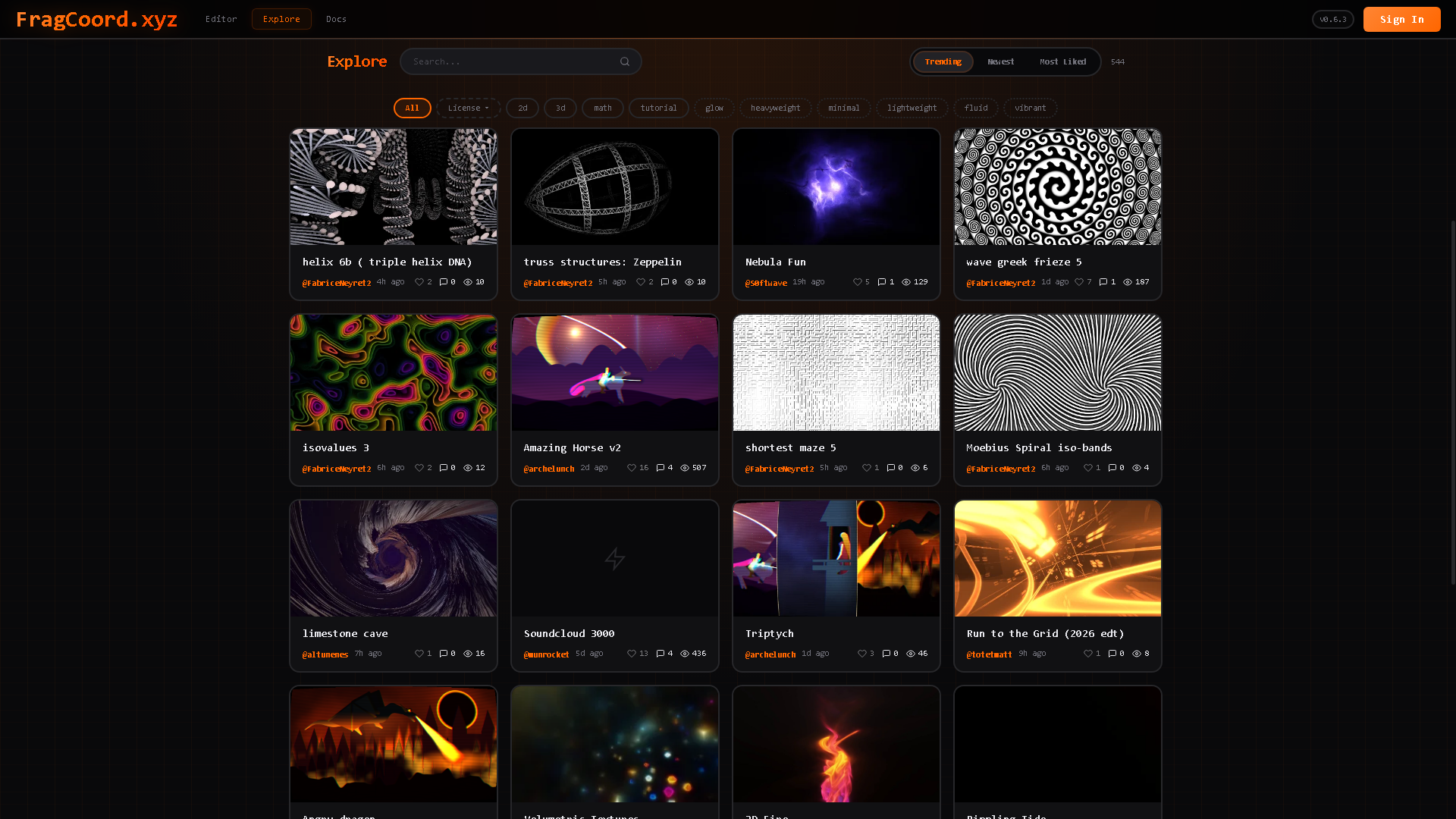 We take a look at FragCoord by XorDev, a real-time GLSL fragment shader editor designed to improve debugging, inspection, and multi-pass workflows beyond what traditional online shader tools offer.
 -
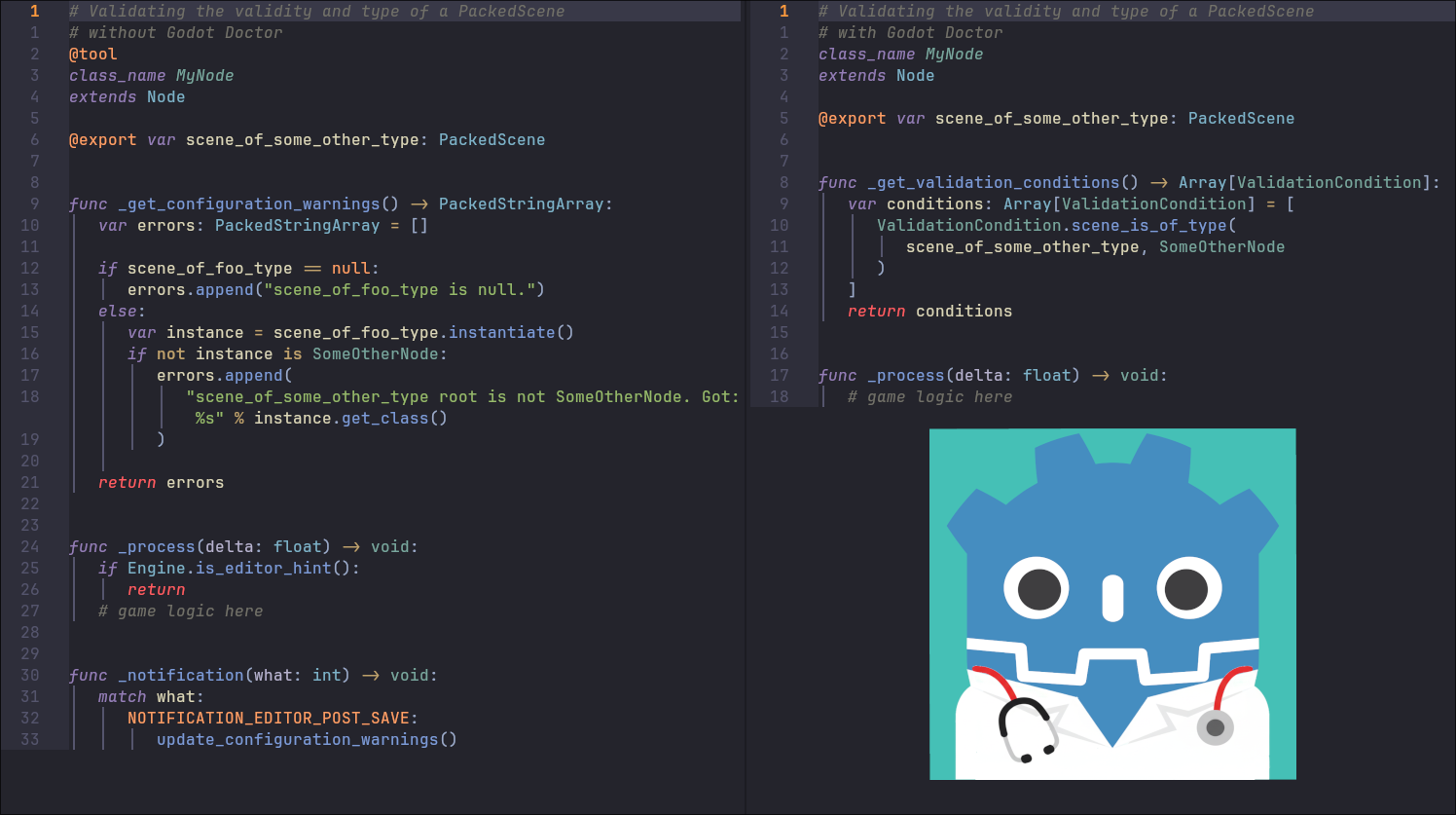 We take a look at Godot Doctor by CodeVogel, a validation plugin for Godot that checks scenes, nodes, and resources before runtime using a declarative, test-driven approach.
