
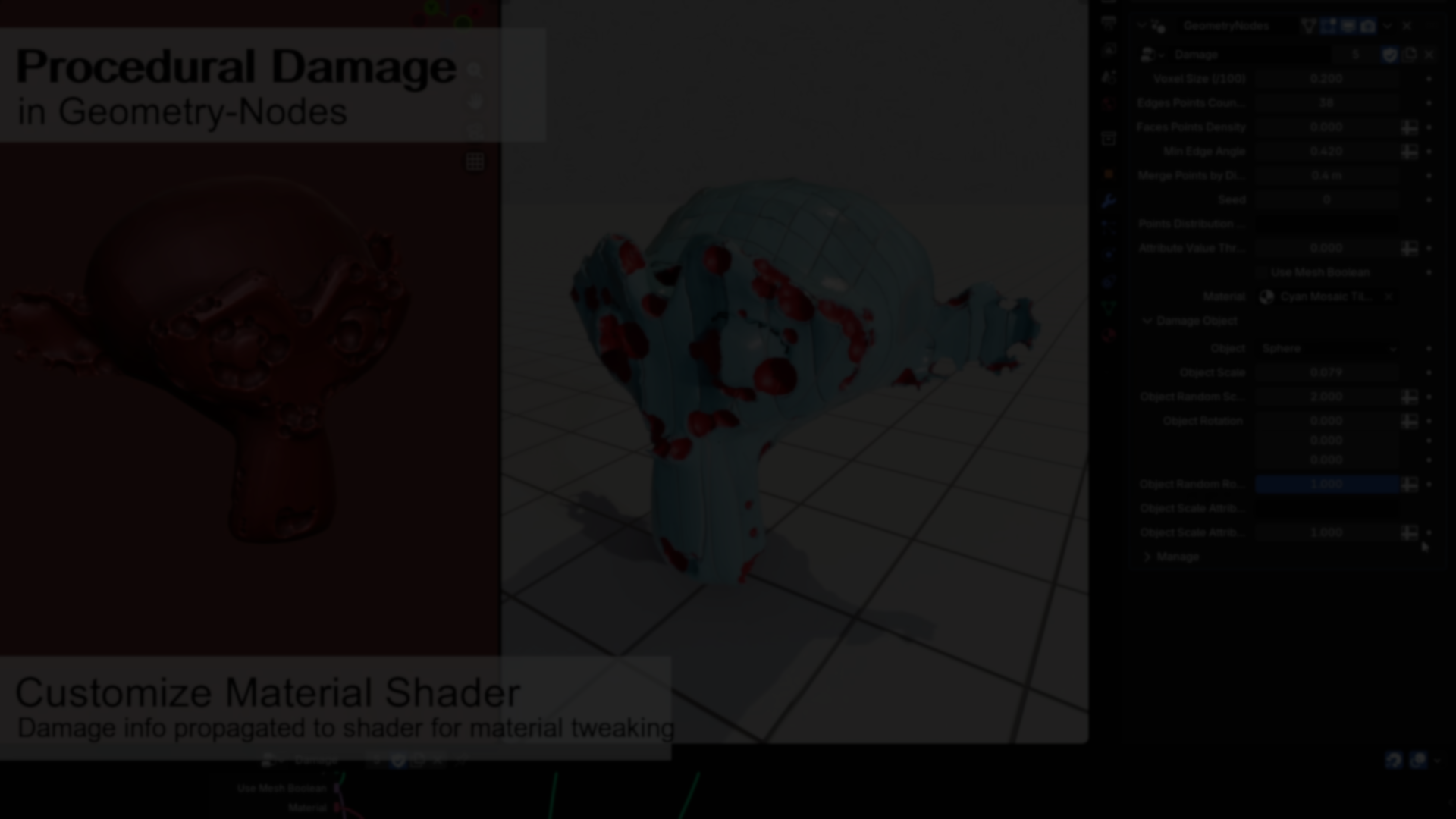
Surface damage adds realism. Chipped edges, worn corners, and subtle imperfections break the uniform look of clean meshes.
But in many cases, adding damage means sculpting, manual boolean operations, or committing destructive changes that are hard to iterate on. For production environments where variations are needed, that becomes repetitive and time-consuming.
To avoid this, Alex Martinelli’s Procedural Damage uses a Geometry Nodes modifier to generate damage procedurally and non-destructively.
Procedural Damage Modifier in Blender Geometry-Nodes.
— Alex Martinelli (@5agado) February 23, 2026
Get it for FREE on Gumroad: https://t.co/4aHPKTg7kH
Feeback and criticism welcomed, I always like to keep track of possible improvements to include in future versions.#b3d #geometrynodes pic.twitter.com/0STqsQv0D4
How the Modifier Works
The setup distributes points across:
- Mesh edges
- Mesh faces
At each generated point, it instances a base “damage object” and performs a boolean subtraction to carve into the surface.
Instead of relying on the standard Mesh Boolean node, the system uses Volume Grids utilities for the subtraction step. This makes the operation significantly faster, especially for complex geometry.
There is a tradeoff:
- Lower voxel size increases detail
- Lower voxel size increases computation time
- Larger meshes increase voxel computation cost
Detail and performance are directly linked to voxel resolution.
Core Parameters
All relevant controls are exposed in the modifier.
Mix Edge Angle
Only edges above a certain angle threshold are used for damage distribution. This allows focusing damage on sharper edges rather than flat surfaces.
Only edges above a certain angle threshold are used for damage distribution. This allows focusing damage on sharper edges rather than flat surfaces.
Face Points Density
Controls how many points are distributed across faces.
If set to 0, damage appears only along edges.
Damage Object
Defines the instanced mesh used for subtraction.
Controls how many points are distributed across faces.
If set to 0, damage appears only along edges.
Damage Object
Defines the instanced mesh used for subtraction.
- Sphere produces natural chipped results
- Cube generates harder, mechanical damage
- Custom objects can be inserted in the node tree
Object Scale
Controls the base size of the instanced damage object.
Controls the base size of the instanced damage object.
Object Rotation
Base rotation applied to each instance.
Base rotation applied to each instance.
Object Random Rotation
Adds per-instance variation on top of the base rotation. Because many parameters depend on object scale, values should be adjusted relative to scene scale for consistent results.
Adds per-instance variation on top of the base rotation. Because many parameters depend on object scale, values should be adjusted relative to scene scale for consistent results.
Premium Features
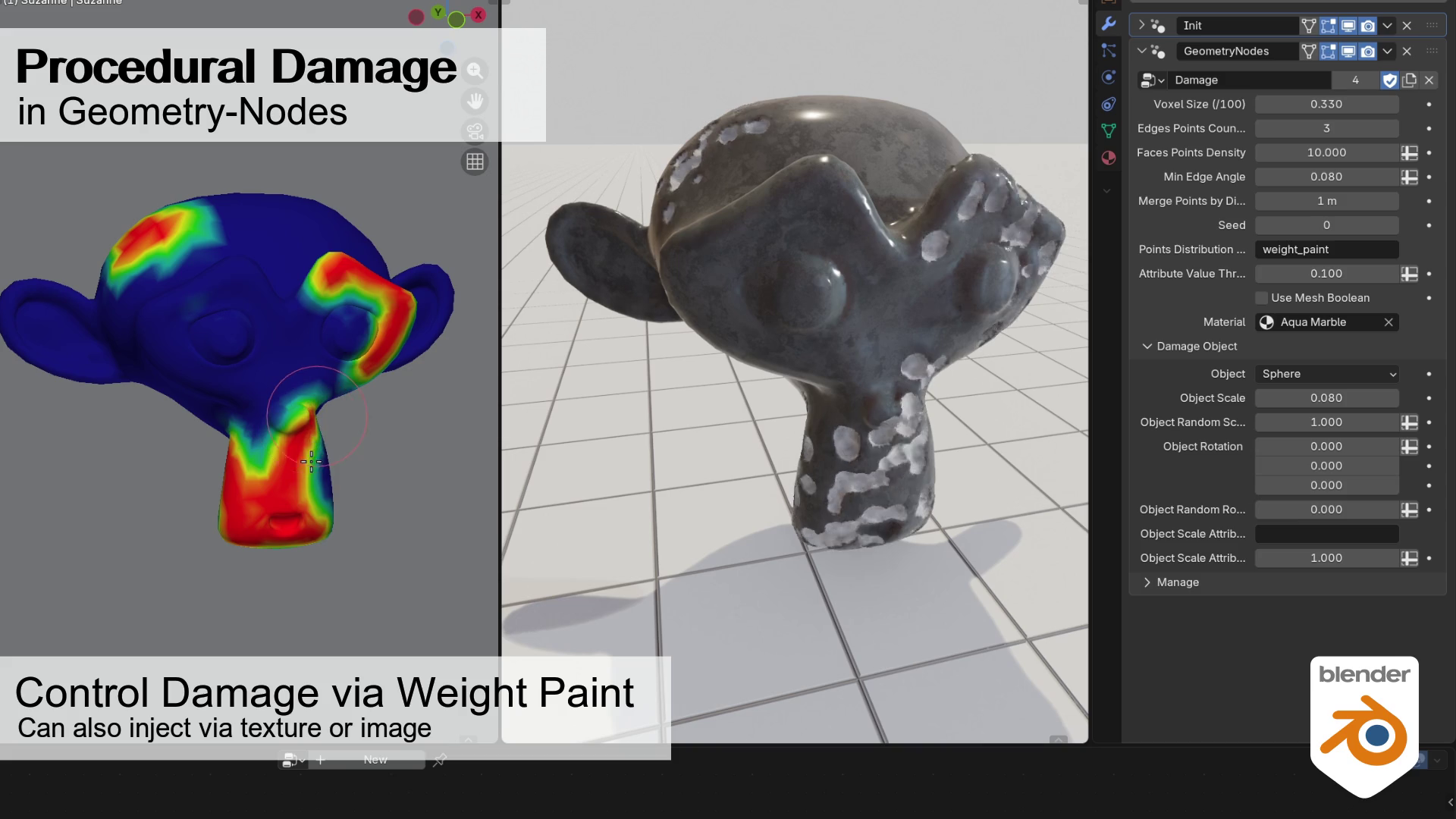
The premium version adds control over placement and scale using:
- Vertex groups (weight painting)
- Named attributes
- Texture-driven masks
Two main attributes are exposed:
- Points Distribution Attribute
- Object Scale Attribute
This allows selective damage placement, for example concentrating wear in specific areas.
An alternative Mesh Boolean option is also available. It may be useful in some cases, though the volume-based approach remains the recommended method for performance.
Where This Fits Best
This tool is particularly useful for:
- Environment props requiring chipped edges
- Stylized damage passes
- Hard surface assets needing variation
- Procedural asset pipelines
- Iterative workflows where non-destructive control matters
Since it functions as a modifier, it integrates into existing Geometry Nodes pipelines.
Similar and Useful Tools
- OCD (One Click Damage) – Blender Add-on: OCD (One Click Damage) is a Blender addon for creating realistic damage on objects such as rock, brick, wood, and concrete surfaces. It uses procedural noise patterns and built-in controls to layer wear, edge damage, and surface detail, with masking and material assignment for damaged areas.
Differences: Unlike the Geometry Nodes tool that is a parameterized node setup, OCD is a dedicated addon with a UI of sliders and pattern controls designed specifically for damage effects.
- Surface Peel – Blender: Surface Peel is a Geometry Nodes tool for Blender that lets you generate peeled-away sections of mesh surfaces. It can create flaking, broken, cracked, and peeled geometry based on procedural masks and surface curvature, producing visible imperfections without manual sculpting.
Differences: While Procedural Damage + Imperfections focuses on broad procedural distortion and randomness across a surface, Surface Peel is more oriented toward geometric peeling and fracturing effects.
✨ Procedural Damage + Imperfections (Blender Geometry-Nodes) is now available on Gumroad (Free and Premium versions).
📘 Interested in creating your own Tools and Shaders? Check out the Godot Shaders & Blender Tools Bundle, which includes: Blender Tool Development Fundamentals and The Godot Shaders Bible.
📘 Interested in creating your own Tools and Shaders? Check out the Godot Shaders & Blender Tools Bundle, which includes: Blender Tool Development Fundamentals and The Godot Shaders Bible.
Our best-selling indie Bundle: Godot shaders + Blender tools ✨ https://t.co/zSlHDCuGVC#b3d #GodotEngine #3DCG pic.twitter.com/sjdYxXjKUB
— Shaders Bible Series (@ushadersbible) November 16, 2025
Jettelly wishes you success in your professional career!
Did you find an error? No worries!
Write to us at [email protected], and we'll fix it!
Other posts that might interest you.
-
 We take a look at BagaIvy V3 by Baga, a Geometry Nodes-based tool for generating and simulating ivy growth in Blender, with over 300 assets and support for animation-ready vegetation.
 -
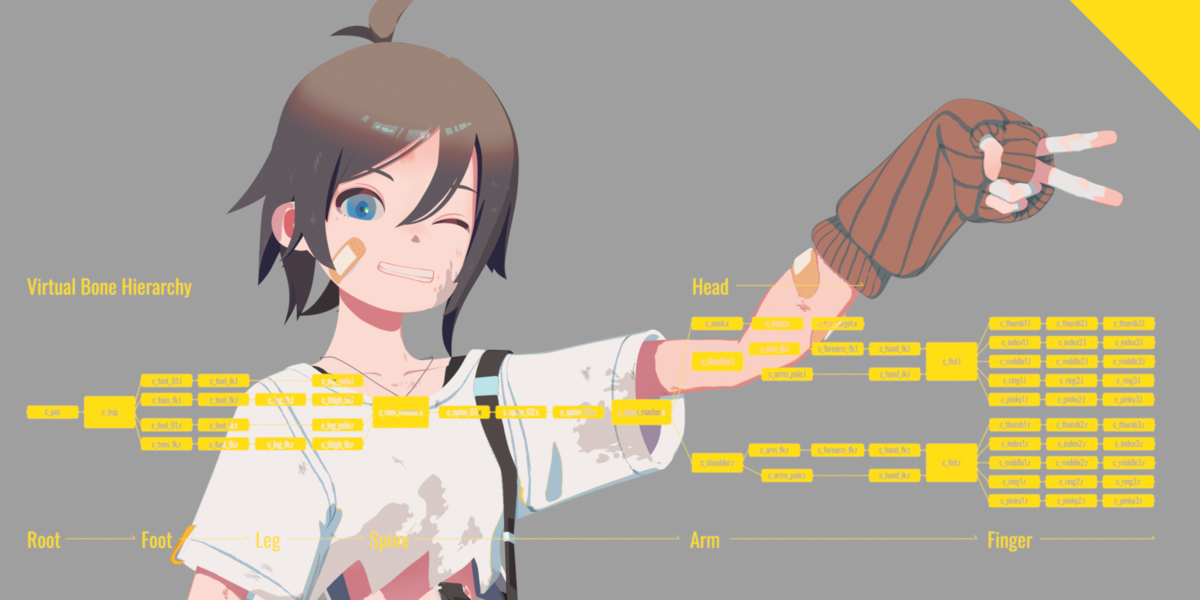 We take a look at Close Bone Picker by POPREQ, a Blender add-on designed to speed up bone selection through shortcuts, custom hierarchies, and pie menus.
 -
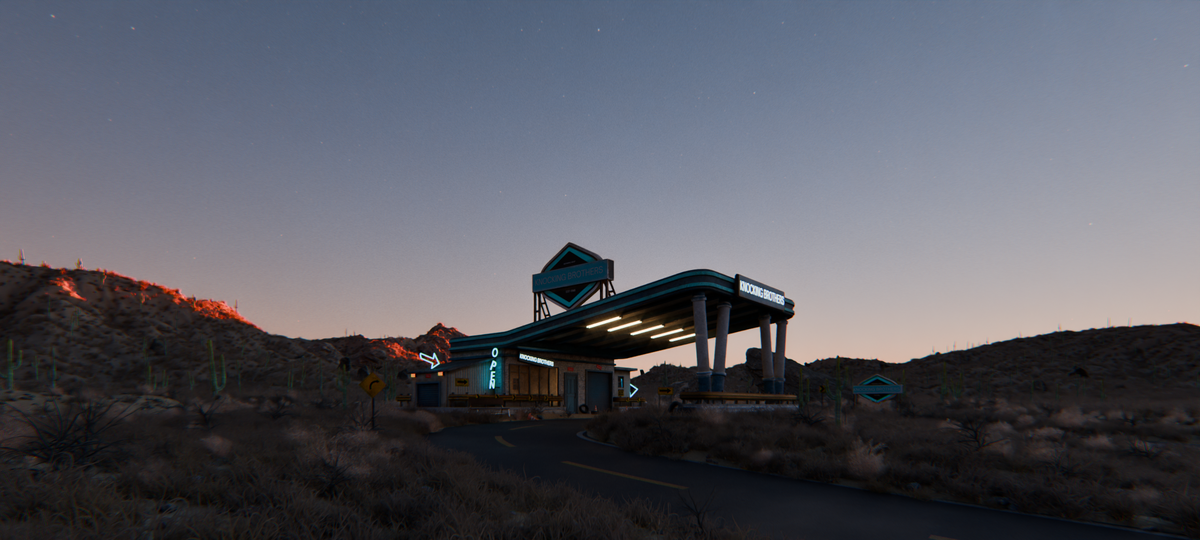 We take a look at World Conceptor by 3DVision, a Blender tool focused on procedural atmospheres, skies, clouds, and environmental lighting for Cycles renders.
