

Creating ivy and climbing plants in Blender often means choosing between manual modeling, particle systems, or procedural setups that lack fine control. While procedural generators can quickly cover large areas, directing growth precisely or animating it convincingly usually requires additional work.
BagaIvy V3, developed by Baga, combines procedural generation and simulation-based growth inside a non-destructive Geometry Nodes framework. It allows users to either generate ivy instantly or simulate organic growth step by step, depending on the needs of the scene.
The add-on supports Blender 4.3+ in its Simulation version (V3). Previous versions remain available for Blender 3.5+.
Two Core Approaches: Procedural and Simulation
BagaIvy V3 is structured around two main modes:
Procedural Mode
This mode focuses on fast, controllable generation and includes three generators:
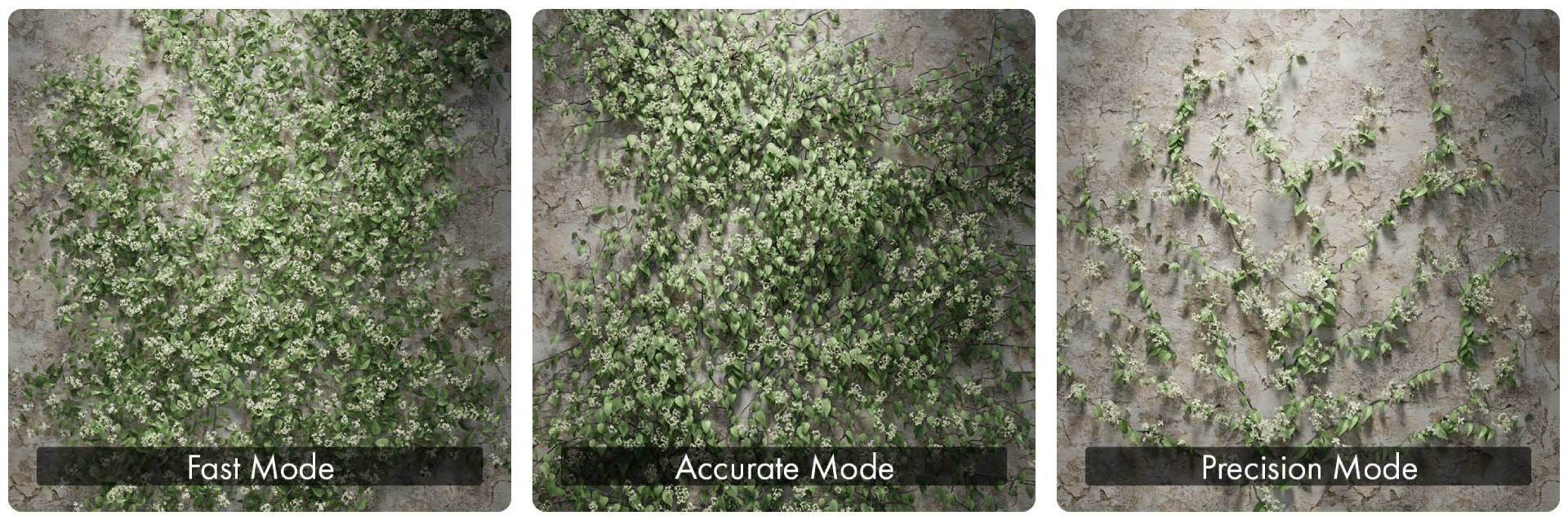
- Fast – Designed for performance and large coverage areas.
- Accurate – Adapts ivy to surface topology and generates complex branch networks.
- Precision – Allows branch-by-branch drawing for manual control.
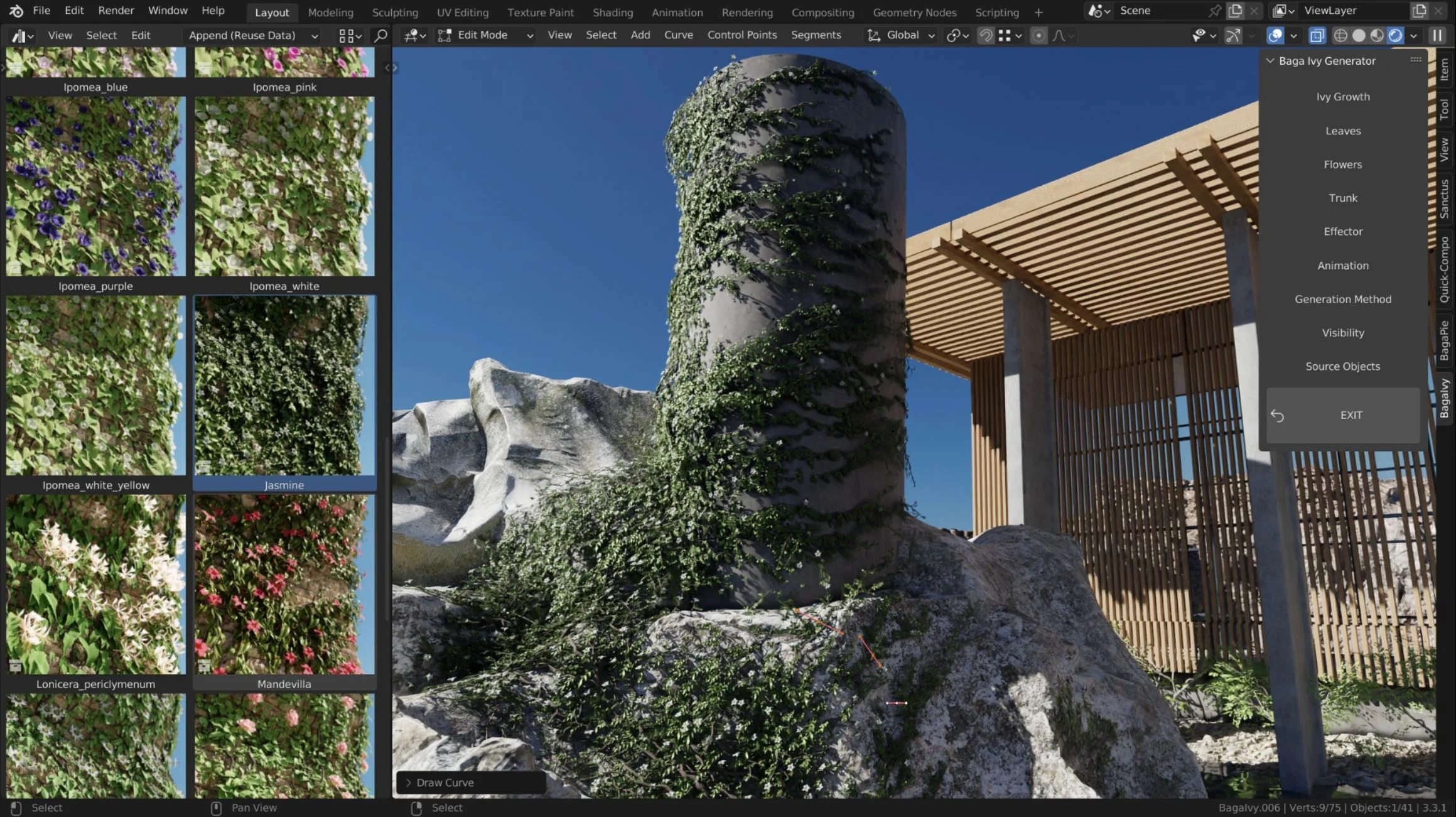
You select a preset, choose a target surface, and draw directly on the mesh. Each preset contains species-specific settings to shape the resulting structure.
Proximity-based controls allow leaves or branches to be removed when they get close to other objects.
Simulation Mode (Growth Animation)
Simulation Mode introduces animated ivy growth.
Key characteristics:
- Step-by-step growth control
- Full bake of growth animation
- Adjustable playback speed
- Loopable animations
- Wind animation preserved after baking
You can guide the growth by drawing on the surface, influencing where and how the ivy spreads. Growth animation exists only in Simulation Mode.
If you convert the ivy to mesh, wind animation is preserved, but growth animation is lost. A full "Bake All" option allows baking both growth and wind animation to improve viewport performance.
Library and Presets
The package includes:
- 300+ assets
- 70 preset species
Presets include various leaves, flowers, fruits, and plant variations. All assets are accessible through Blender’s Asset Browser, and you are not restricted to the included library. Custom assets can be used.
The assets are:
- Built with quad topology
- Designed for subdivision compatibility
- Compatible with both EEVEE and Cycles
- Designed with minimal alpha usage for rendering efficiency

Animation and Wind
BagaIvy generates loopable wind animation by default.
Additional notes:
- Wind remains active if ivy is converted to mesh
- Wind controls are intuitive and adjustable
- Loopable animations can be retimed independently of the bake range
The system is designed for both static renders and animated sequences.
Optimization Tools
Large vegetation setups can quickly impact viewport performance. BagaIvy includes several performance-oriented features:
Proxy System: Replaces high-poly assets with lightweight proxies for smoother viewport interaction.
Bounding Box Optimization (Procedural Mode): Automatically generates bounding boxes for foliage and allows separate viewport and render resolutions.
Bake All (Simulation Mode): Bakes full animation to improve performance in complex scenes.
Artistic Control Features
Additional control tools include:
- Cutting branches in Simulation Mode without applying the ivy
- Converting ivy to mesh for manual edits
- Saving and creating presets (with documented limitations)
The system remains non-destructive while in Geometry Nodes form.
Where BagaIvy V3 Fits Best
BagaIvy V3 is particularly suited for:
- Environment artists creating overgrown structures
- Architectural visualizations requiring climbing plants
- Cinematic scenes needing animated growth
- Artists who prefer procedural control but want optional simulation
Similar and Useful Tools
- Ivy Generator Kit: A set of Geometry Nodes–based ivy generators for different situations: curve-based growth, surface filling, hanging ivy, and point-based generation. It offers parameters for density, thickness, length, and noise to control ivy appearance.
Differences: This kit provides a modular set of ivy node tools without the heavier simulation system of Baga Ivy Simulation. It’s lighter weight and more focused on basic procedural generation rather than animated growth or multiple generation modes.
- IvyGen: A free addon included with Blender that generates ivy along surfaces and objects by extending from a starting point. It allows simple procedural ivy generation without external assets.
Differences: IvyGen offers a basic procedural ivy generator built into Blender itself. It lacks the preset species library, simulation baking, and multiple generation modes found in Baga Ivy Simulation, but is free, lightweight, and sufficient for simple coverage tasks on meshes.
✨ BagaIvy Simulation is now available on SuperHive and Gumroad.
📘 Interested in creating your own Tools and Shaders? Check out the Godot Shaders & Blender Tools Bundle, which includes: Blender Tool Development Fundamentals and The Godot Shaders Bible.
📘 Interested in creating your own Tools and Shaders? Check out the Godot Shaders & Blender Tools Bundle, which includes: Blender Tool Development Fundamentals and The Godot Shaders Bible.
Our best-selling indie Bundle: Godot shaders + Blender tools ✨ https://t.co/zSlHDCuGVC#b3d #GodotEngine #3DCG pic.twitter.com/sjdYxXjKUB
— The Unity Shaders Bible (@ushadersbible) November 16, 2025
Jettelly wishes you success in your professional career!
Did you find an error? No worries!
Write to us at [email protected], and we'll fix it!
Other posts that might interest you.
-
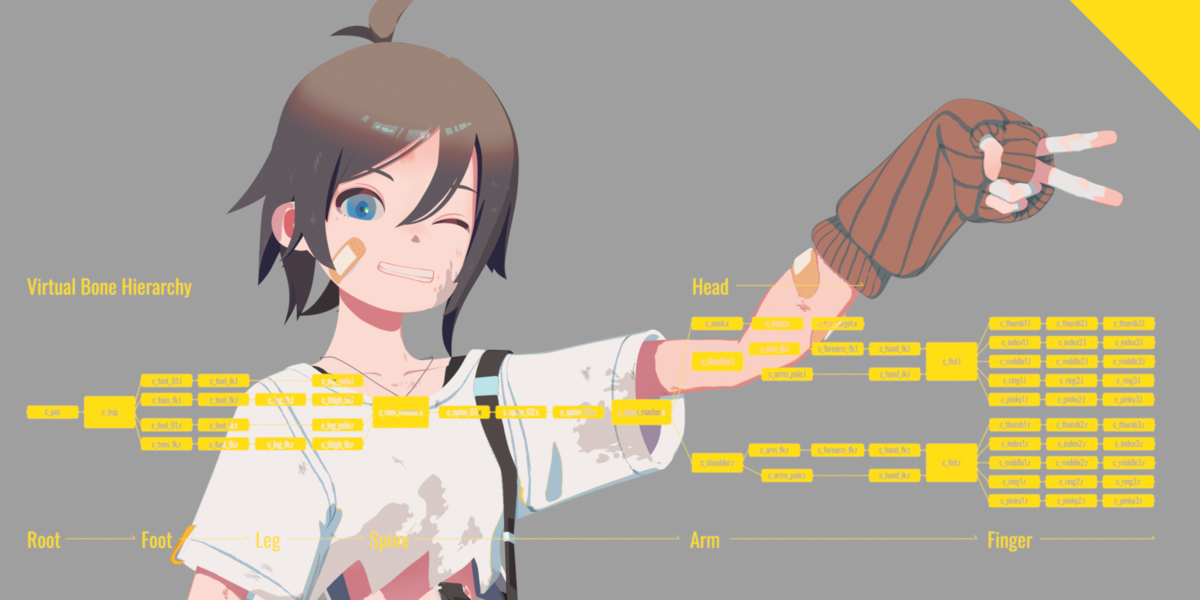 We take a look at Close Bone Picker by POPREQ, a Blender add-on designed to speed up bone selection through shortcuts, custom hierarchies, and pie menus.
 -
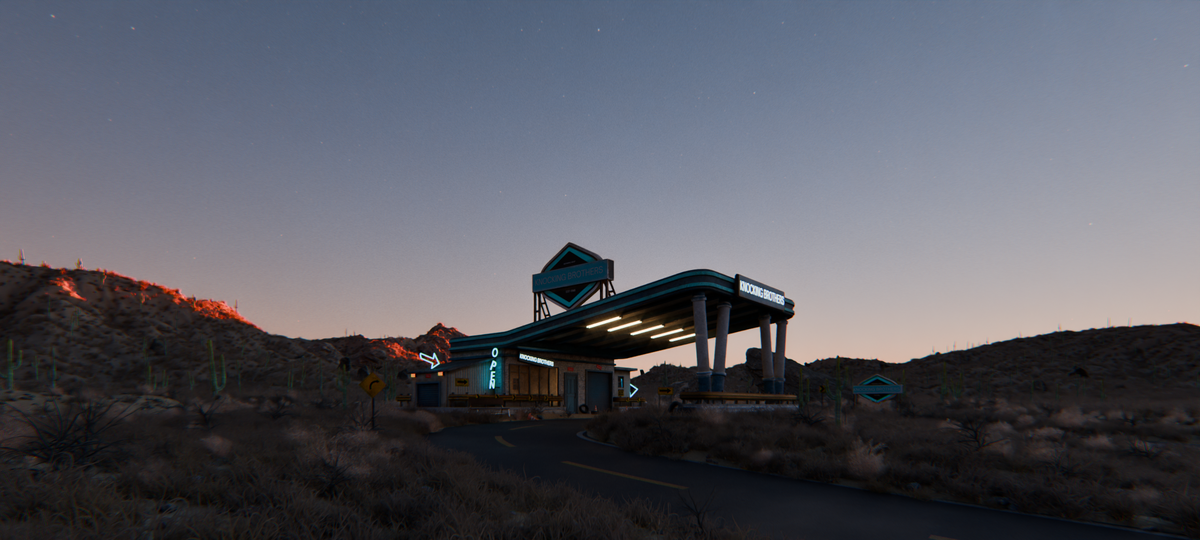 We take a look at World Conceptor by 3DVision, a Blender tool focused on procedural atmospheres, skies, clouds, and environmental lighting for Cycles renders.
 -
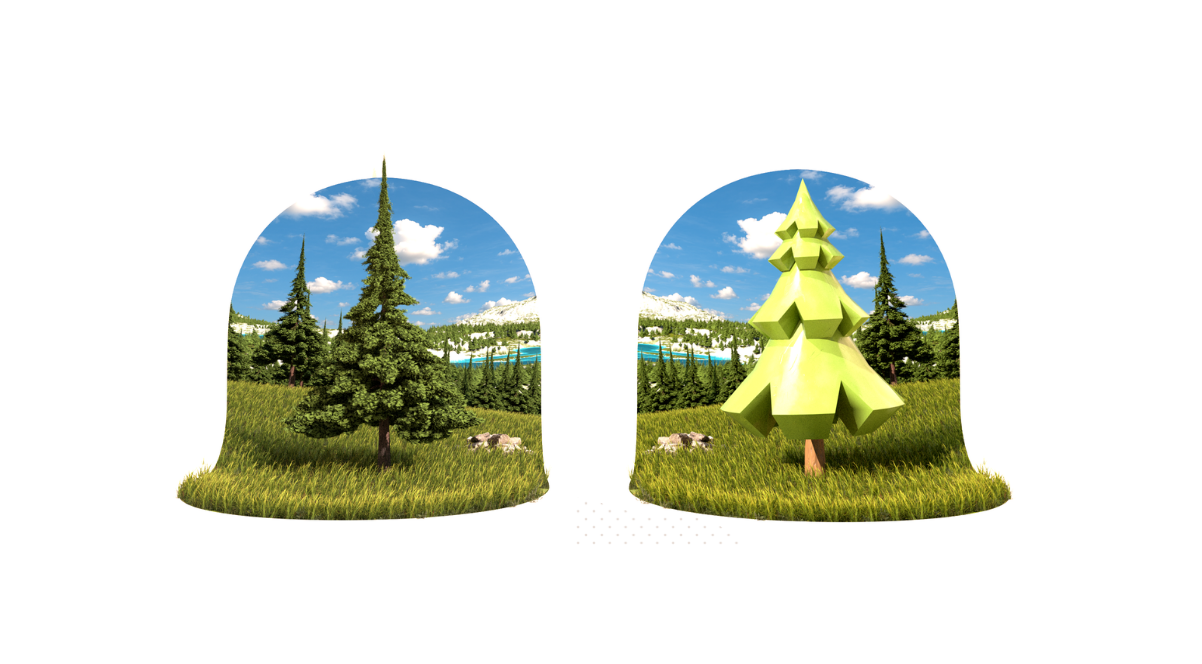 We take a look at TreeDesigner, a Geometry Nodes-based tool by Alexis Eginard that enables procedural tree creation in Blender, along with a library of 400 customizable tree assets.
