
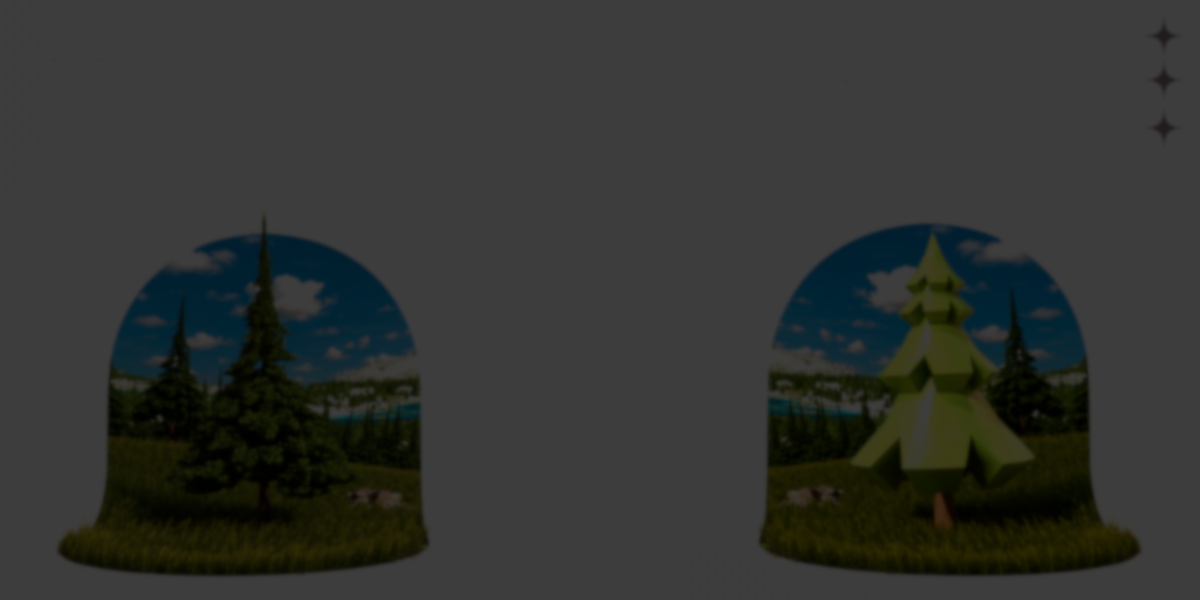
Building trees manually in Blender can quickly become repetitive. Sculpting trunks, shaping branches, placing leaves, adjusting topology, and optimizing for performance often means iterating across multiple files or duplicating assets with minor variations.
TreeDesigner, created by Alexis Eginard, approaches this differently. It is a Geometry Nodes-based system that allows users to generate and customize trees procedurally, with over 100 exposed inputs controlling structure, branching, leaves, animation, and mesh density.
Instead of modeling each tree from scratch, you configure parameters and generate variations directly inside Blender.
Geometry Nodes-Based Tree System
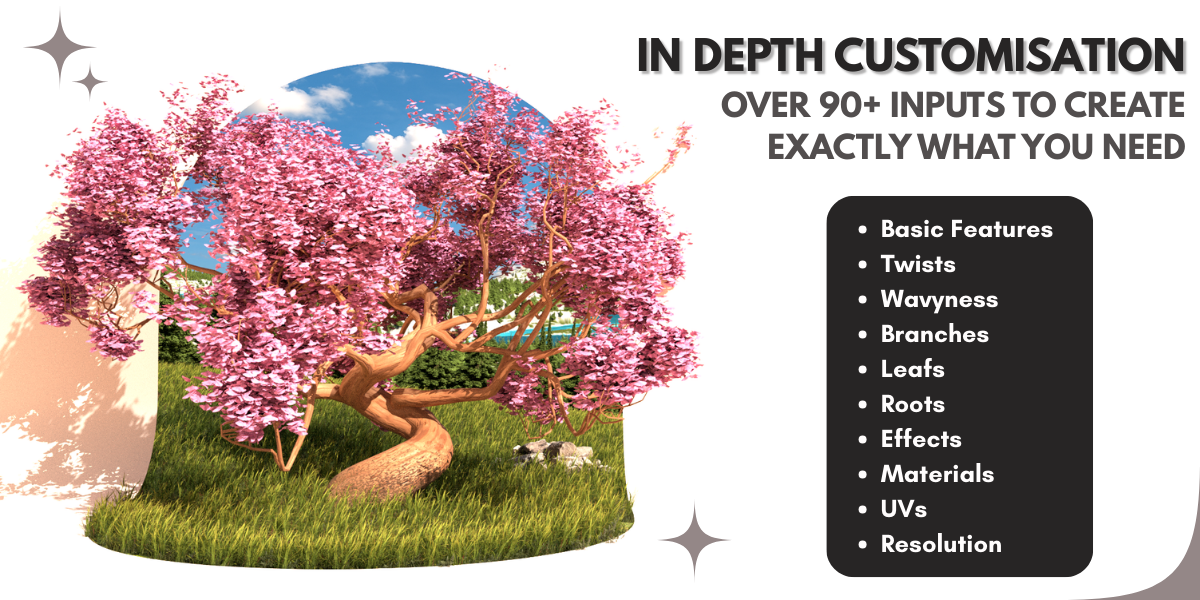
TreeDesigner runs entirely on Blender’s Geometry Nodes system. The setup exposes a large set of parameters that define tree structure and behavior.
Core structural controls include:
- Height and trunk scaling
- Trunk twist and deformation
- Root shaping
- Branch direction and density
- Branch curvature and orientation
Branch customization includes:
- Number of branches
- Length and thickness
- Orientation randomness
- Curvature adjustments
Leaf controls include:
- Scale and density
- Random distribution
- Texture-driven effects
- Optional falling leaves using particles
A seed value can be changed at any time to generate natural variation instantly.
Wind Animation and Optimization Controls
TreeDesigner includes loopable wind animation options suitable for both stylized and subtle movement. This makes it usable for animation and game-oriented usage.
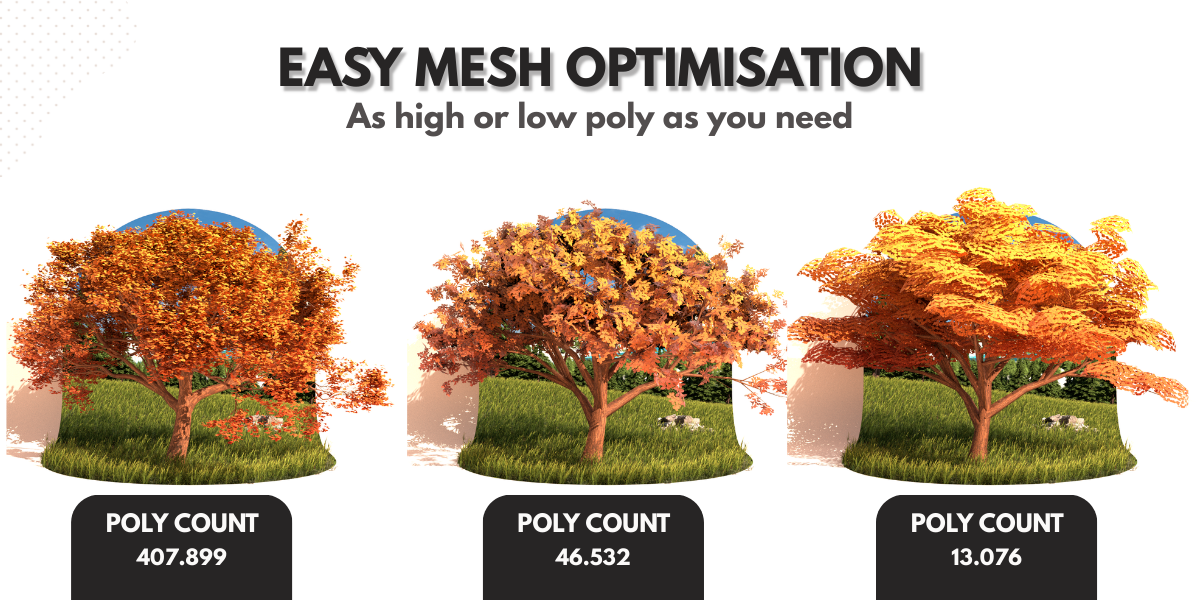
Mesh complexity is adjustable through resolution and density sliders. This allows users to:
- Increase detail for cinematic renders
- Reduce polycount for larger scenes
- Tune geometry for real-time use
UVs are automatically generated but remain editable.
New Update: Flower Support
The latest update introduces customizable flower generation. Flowers can be added and adjusted directly within the node setup, expanding the range of vegetation styles.
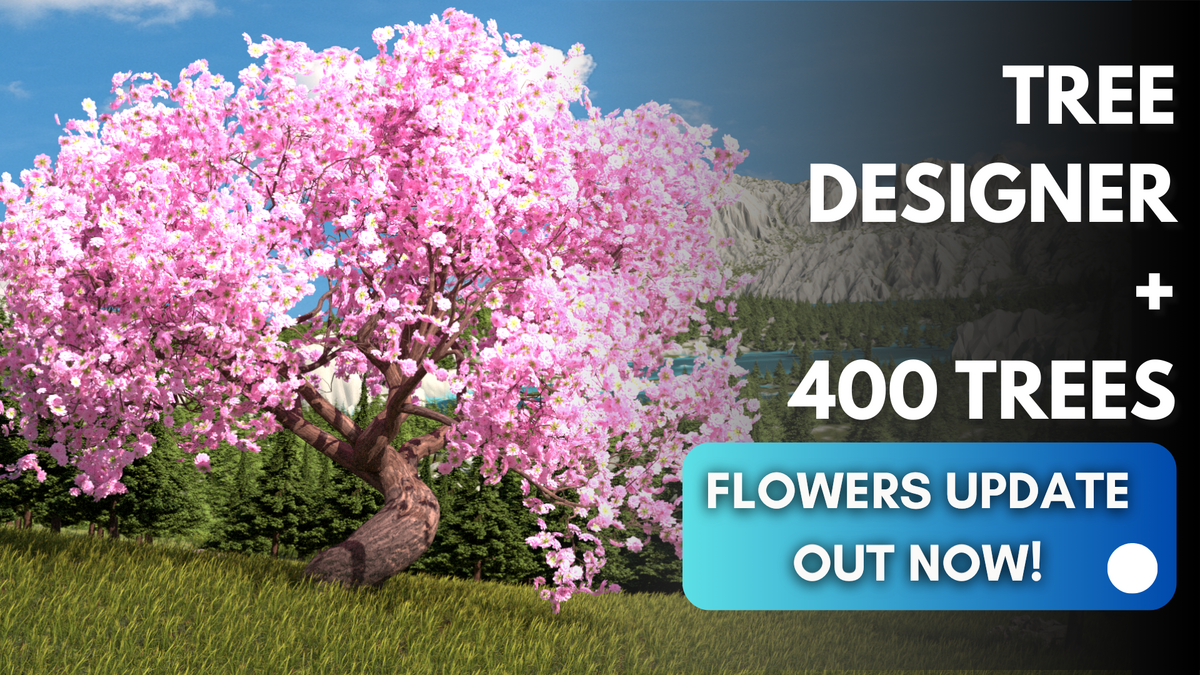
400+ Procedural Trees Included
TreeDesigner ships with a large procedural tree library built using the same system. These assets are intended as starting points and modification bases rather than final static meshes.
The library includes:
- 50 Ash trees (30 high poly, 20 low poly)
- 60 Birch trees (30 high poly, 30 low poly)
- 60 Ginko trees (30 high poly, 30 low poly)
- 60 Maple trees (30 high poly, 30 low poly)
- 60 Oak trees (30 high poly, 30 low poly)
- 28 Spruce trees (14 high poly, 14 low poly)
- 60 Bonsai trees (Anime, Futuristic, Realistic, Toy-like variants)
- 22 Pine trees (Anime and Toy-like variants)
The “low poly” versions are designed for Blender use and may exceed typical game-ready vertex budgets.
The key detail here is that the trees are fully procedural. They can be modified through the same control system used to generate them.
Where TreeDesigner Fits Best
TreeDesigner is particularly useful for:
- Environment artists building forests or stylized landscapes
- Indie developers needing fast tree variation
- Animators requiring controllable wind movement
- Blender users comfortable with Geometry Nodes
It reduces the need to sculpt individual trees and instead centralizes control through procedural parameters.
Similar and Useful Tools
- Easy Tree: This is a Blender add-on that lets you quickly create and customize procedural trees using Geometry Nodes. With one click you can generate a preset tree, then tweak parameters for branches, leaves, and scale. It also supports custom leaf meshes and wind effects.
Differences: Easy Tree is simpler and more lightweight than Treedesigner, it’s focused on quick one-click tree creation rather than a huge library of prebuilt species. It offers basic procedural controls, whereas Treedesigner bundles many models plus sliders for more artistic variety.
- Tree Vegetation – Tree and Plant Animation Library Addon: Tree Vegetation provides a large library of trees, shrubs, and plants optimized for Eevee and Cycles, with animated leaves and seasonal variations. It’s designed to create realistic vegetation scenes quickly, and includes many ready-to-use assets.
Differences: Tree Vegetation focuses on ready assets and animations rather than procedural generation from parameters. Treedesigner creates trees procedurally; Tree Vegetation gives you a big library to place directly. If you want variety with less setup, this one is better, but it lacks the deep procedural controls.
✨ Treedesigner + 400 Procedural Trees is now available on SuperHive.
📘 Check out The Technical Artist Bundle, a complete learning path covering shader programming, essential game-dev math, and procedural image generation through three in-depth books.
📘 Check out The Technical Artist Bundle, a complete learning path covering shader programming, essential game-dev math, and procedural image generation through three in-depth books.
Math + Procedural shapes + Tools in Unity! If you're into technical art, this Bundle is what you need 🔗 https://t.co/MflVh7KJnp#unity3dgamedevelopment #indiedevs #gamedevs pic.twitter.com/LHN2ci83SN
— The Unity Shaders Bible (@ushadersbible) November 8, 2025
Jettelly wishes you success in your professional career!
Did you find an error? No worries!
Write to us at [email protected], and we'll fix it!
Other posts that might interest you.
-
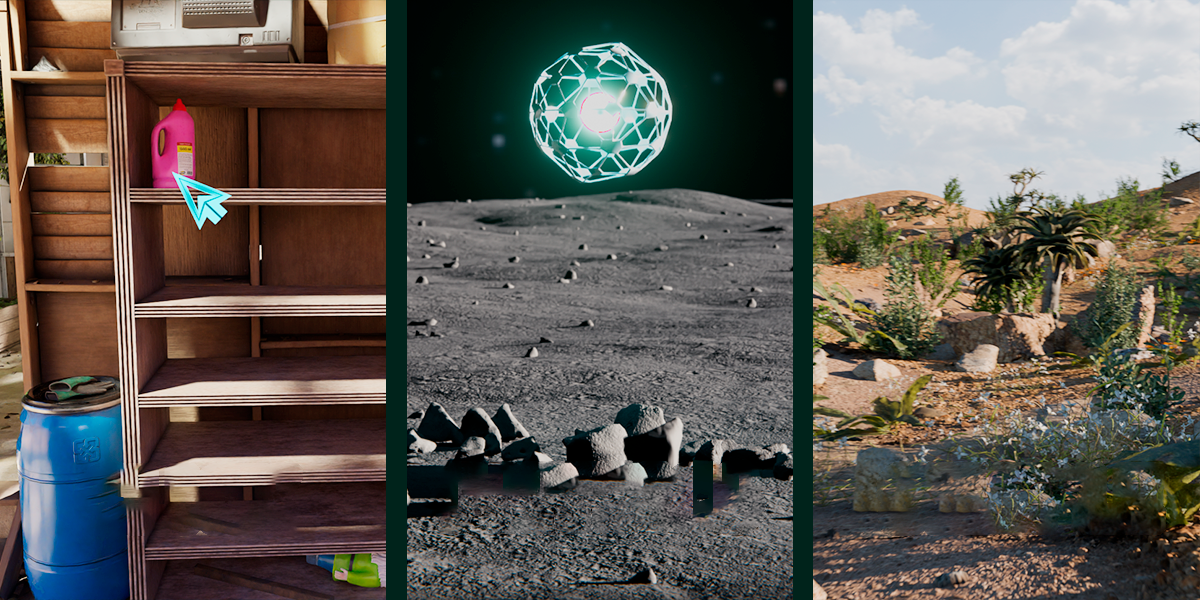 We take a look at Scatter by KIRI Engine, a free Blender addon that offers manual placement, Geometry Nodes scattering, and physics-based distribution in a single workflow.
 -
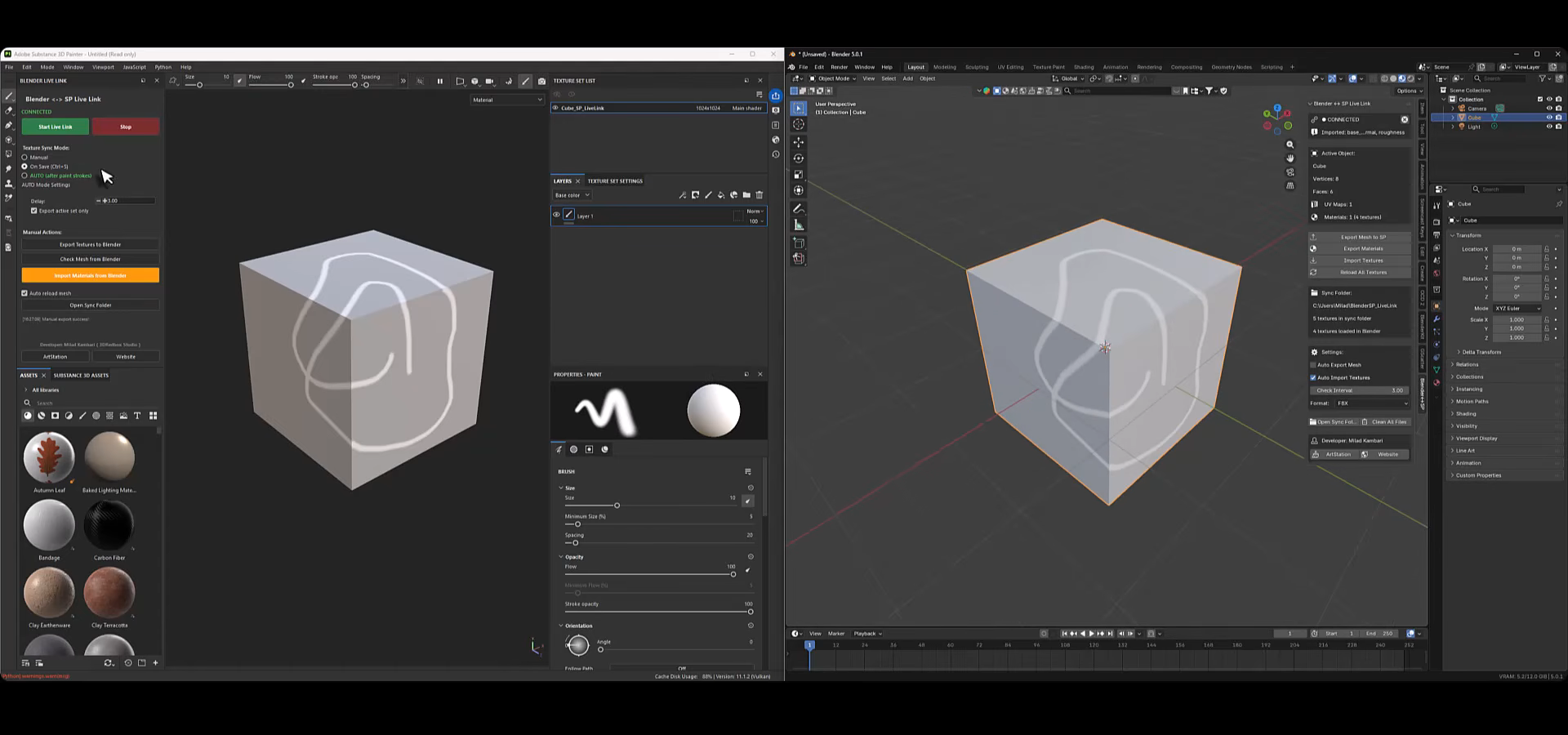 We take a look at Blender to Substance Painter Live Link Plugin, a tool by Milad Kambari that connects both applications through a real-time geometry and material sync workflow.
 -
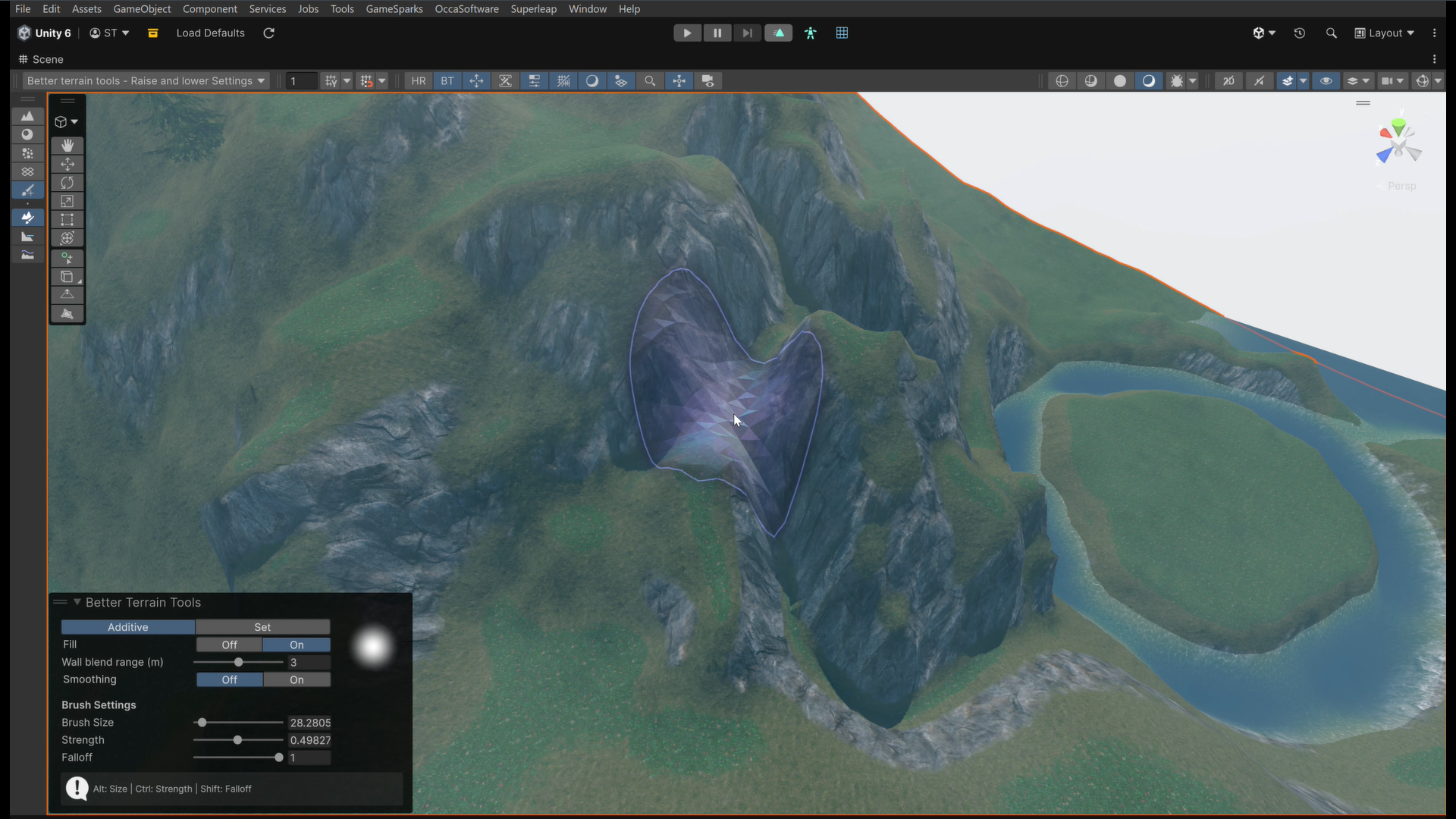 We take a look at Better Terrain Tools, a free Unity terrain sculpting add-on focused on hand-authored workflows.
