
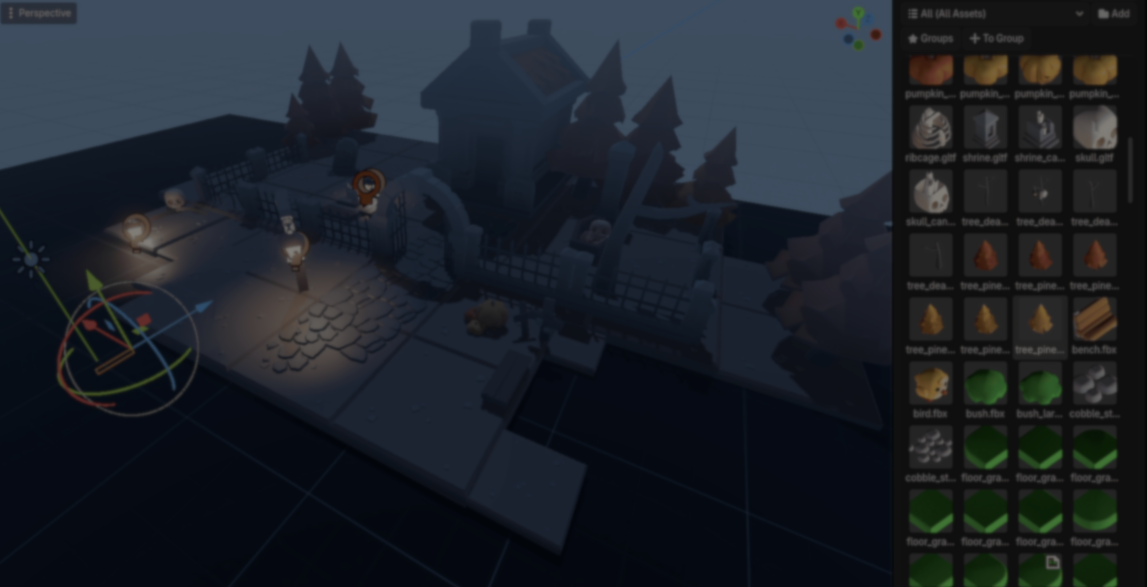
Developer Mingdosa gave us a closer look at OmniBuilder, a level design plugin for Godot that uses interactive building tools that allow for creating environments faster, and placing assets at a large scale.
According to Mingdosa, the main idea behind OmniBuilder was making level design feel more immediate and interactive, closer to game-like building systems such as Struckd.
I built a Level Design plugin that lets you build levels like a game: Omni Builder 1.3.0 is out!
by u/Armios-San in godot
One of the systems Mingdosa spent the most time on was large-scale placement optimization. In Godot, adding many nodes one by one can become expensive because the editor constantly updates the scene every time a new node gets added.
To avoid this, OmniBuilder does the following:
- Builds placement batches in memory
- Prepares all the object positions of each batch
- Adds each batch to the scene
# Simplified code shared by the developer

Node3D batchContainer = new Node3D();

foreach (Transform3D transform in transforms)
{
    Node3D placedNode = assetScene.Instantiate<Node3D>();

    placedNode.Transform = transform;

    batchContainer.AddChild(placedNode);
}

targetParent.AddChild(batchContainer);
Another important part was the preview renderer. While moving the brush around, OmniBuilder renders previews directly through RenderingServer using GPU instances.
Mingdosa explained that this helps keep the scene’s hierarchy cleaner and reduces extra editor overhead during placement.
# Simplified code shared by the developer

Rid multimesh = RenderingServer.MultiMeshCreate();

RenderingServer.MultiMeshSetMesh(multimesh, previewMesh.GetRid());

for (int i = 0; i < transforms.Count; i++)
{
    RenderingServer.MultiMeshInstanceSetTransform(multimesh, i, transforms[i]);
}
For larger scenes, Mingdosa also implemented a lightweight spatial hashing system which speeds up nearby object queries, and operations like erasing and brush interactions. Placed assets get organized into small spatial cells, keeping nearby searches fast.
# Simplified code shared by the developer

private Dictionary<Vector3I, List<Node3D>> _placedSpatialGrid;

private Vector3I GetSpatialCell(Vector3 position)
{
    return new Vector3I(
        Mathf.FloorToInt(position.X / 4.0f),
        Mathf.FloorToInt(position.Y / 4.0f),
        Mathf.FloorToInt(position.Z / 4.0f)
    );
}
Snapping behavior was also a big part of development. OmniBuilder has multiple placement systems like:
- Surface alignment
- Vertex snapping
- Grid snapping
- Relative snapping
- Socket-based snapping
Mingdosa explained that the goal was making placement feel more reliable on uneven surfaces, especially when building modular structures or snapping assets together.
OmniBuilder also lets assets carry extra metadata and shader behavior through its Smart Asset system. Mingdosa uses this for things like wind animation, snow buildup, wetness, and subtle color variation between placed assets.
More recently, the plugin has started moving closer to a more game-like “Level Builder” style inspired by interactive building systems.
If you want to learn more about OmniBuilder or the author, the links will be right below.
- YouTube: https://www.youtube.com/@Euphoriazre
- Website: https://omnibuilder.netlify.app/

Level up your Technical Art skills in Godot!
Wherever your starting point is, this book will help you understand and improve your shaders in Godot. 📘
Jettelly wishes you success in your professional career!
Did you find an error? No worries!
Write to us at [email protected], and we'll fix it!
Other posts that might interest you.
-
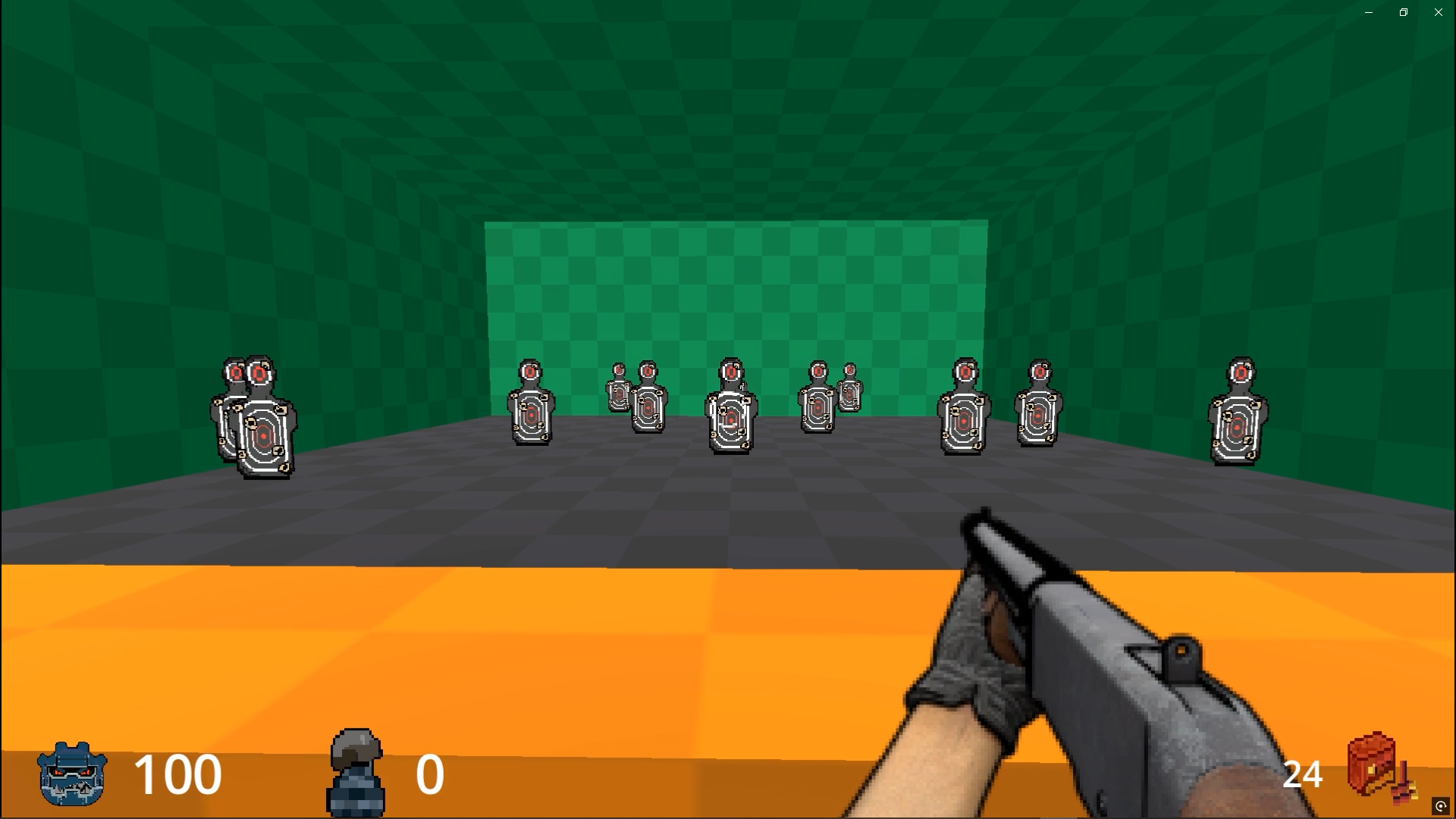 Check out FelixarStudio’s new retro FPS weapon system that uses Godot Custom Resources and a single Weapon Manager to create different weapons.
 -
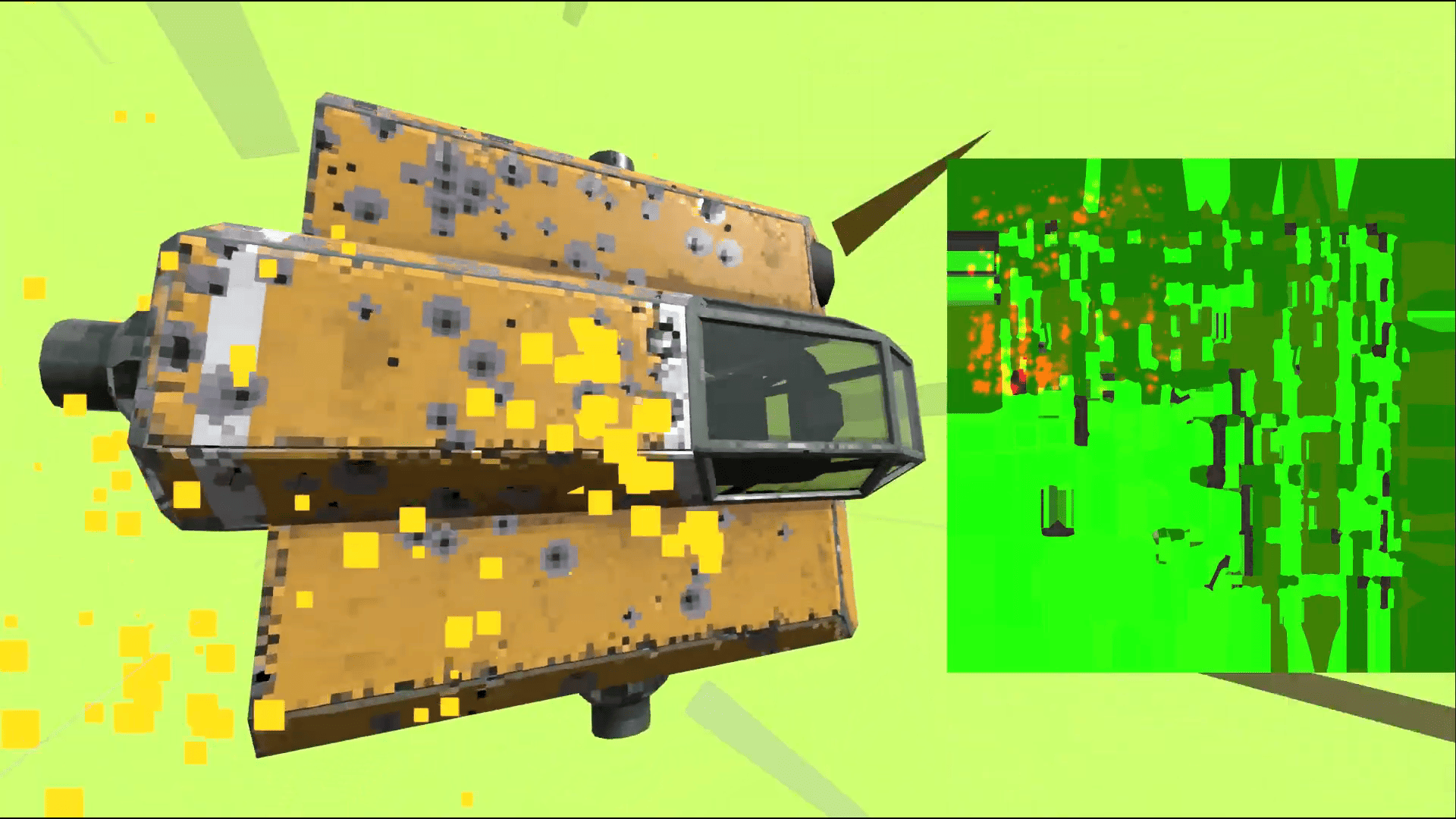 Take a look at how the indie game Steel Defiance uses a texture-based armor system where bullet impacts physically weaken armor over time.
 -
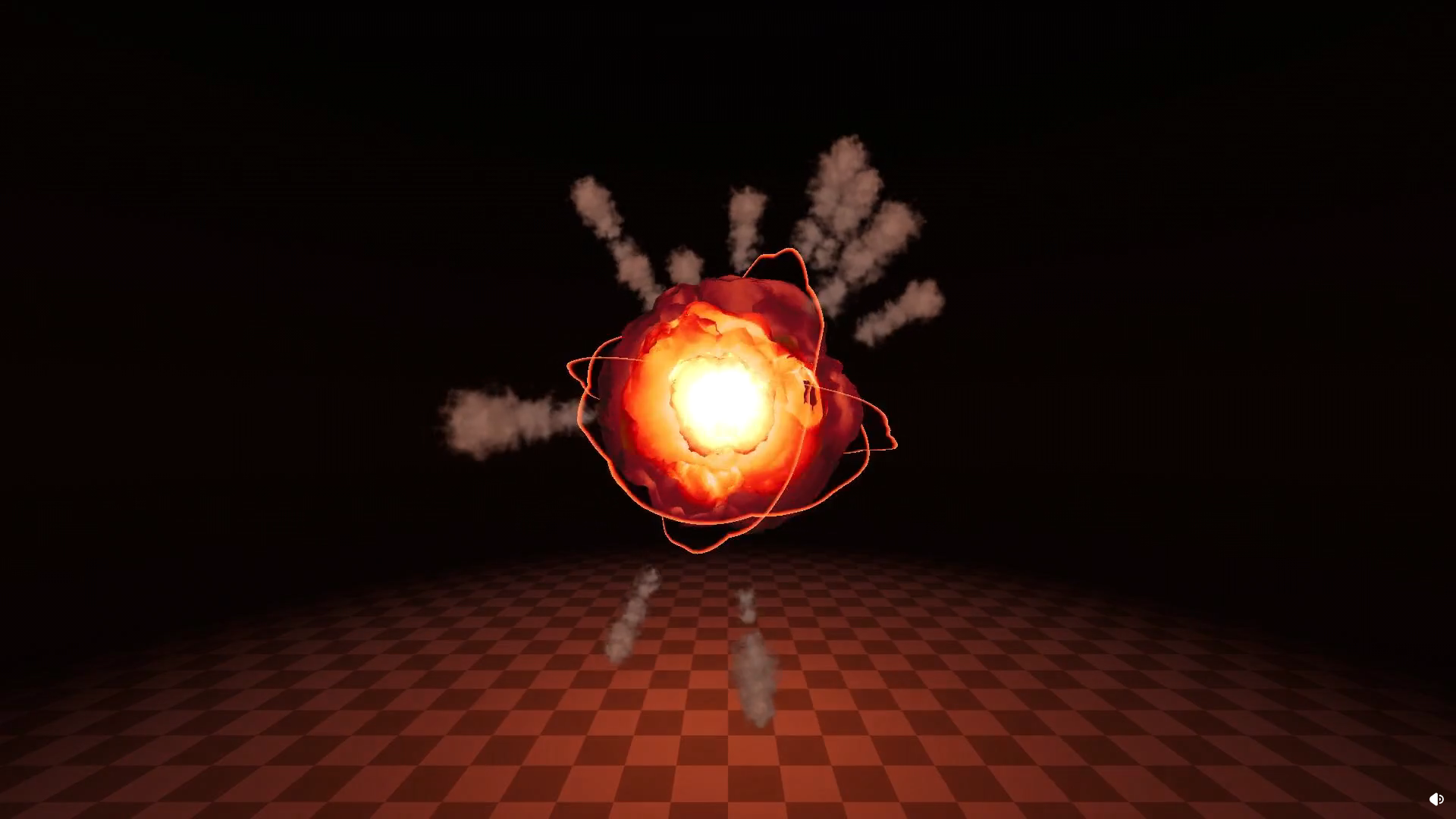 VFX artist and developer Nolkaloid walked us through one of the explosion effects from their Pyrotechnics VFX Pack in Godot.
