
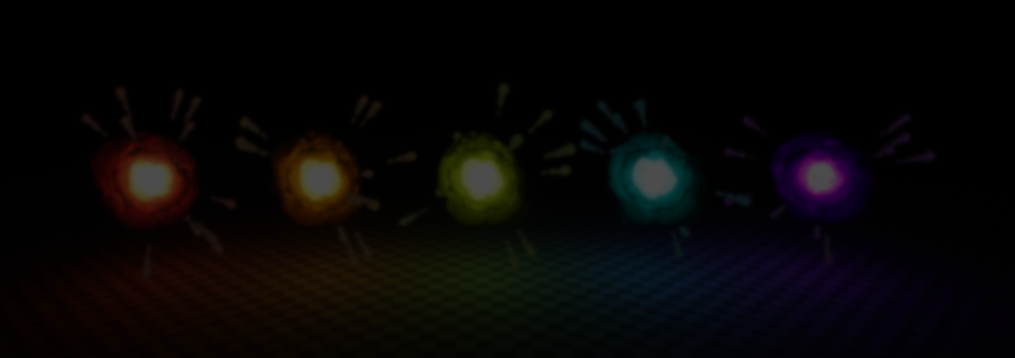
VFX artist and developer Nolkaloid broke down one of the explosion effects they made for their Pyrotechnics VFX Pack in Godot.
The effect uses animated noise, vertex displacement, gradient textures, and layered effects to create the explosion effects.
The effect uses animated noise, vertex displacement, gradient textures, and layered effects to create the explosion effects.
It starts with a blob-shaped mesh displaced through animated noise inside the vertex shader. And to help hide visible seams, the noise is sampled using two overlapping UV sets blended together across the mesh.
The animation comes from offsetting the noise sampling coordinates over time.
float noise_top = texture(
    noise_texture,
    UV + speed * vec2(
        time_direction * TIME + time_offset,
        time_direction * TIME + time_offset
    )
).x;

float noise_bottom = texture(
    noise_texture,
    UV2 - speed * vec2(
        time_direction * TIME + time_offset,
        time_direction * TIME + time_offset
    )
).x;

float noise = mix(
    noise_top,
    noise_bottom,
    smoothstep(
        noise_blending_range,
        noise_blending_range,
        VERTEX.y
    )
);

VERTEX += NORMAL * noise * noise_amplitude;
The same animated noise is later reused to sample gradient textures. This allows the explosion colors to shift across the surface.
To create the hotter glowing areas near the center, the shader computes a sphere projection mask using the fragment direction and view vector. That mask then pushes the gradient sampling toward the brighter parts of the texture.
The full explosion actually blends between three separate gradient textures depending on the current phase of the effect. Near the end, the same noise is also used to gradually break apart and dissolve the explosion.
ALBEDO = mix(
    mix(
        hot_color,
        cold_color,
        clamp(phase * 2.0, 0.0, 1.0)
    ),
    smoke_color,
    clamp((phase - 0.5) * 2.0, 0.0, 1.0)
);

ALPHA = smoothstep(
    dissolve - 0.1,
    dissolve + 0.1,
    heated_noise
);
Nolkaloid also mentioned that the final effect is built from several explosions layered together with slightly offset phases.
Using AnimationPlayer, some parameters are animated, and more effects are added to give the explosion more impact and variation, like shockwave rings and smoke.
Using AnimationPlayer, some parameters are animated, and more effects are added to give the explosion more impact and variation, like shockwave rings and smoke.
If you want to see more from Nolkaloid or check out the Pyrotechnics VFX Pack, the links will be right below.
- Itchio (VFX Pack): https://nolkaloid.itch.io/nolkas-pyro-vfx-godot
- YouTube: https://www.youtube.com/c/Nolkaloid
Want to learn more?
If you want to learn more about shaders in Godot, The Godot Shaders Bible covers topics like stylized shading, screen-space VFX, lighting, and vertex manipulation through step-by-step examples.
It is a good starting point for developers who want to better understand how shaders work and improve the visuals of their games. Not sure about it yet? Try the free sample.
It is a good starting point for developers who want to better understand how shaders work and improve the visuals of their games. Not sure about it yet? Try the free sample.
You could pay a lot for a Godot shaders course, or get the Godot Shaders Bible for just $29.99 ✨
— Shaders Bible Series (@ushadersbible) May 5, 2026
Looking to improve your game's graphics? This book might be exactly what you need ➡️ https://t.co/1kYkAqSE2L#godot #indiedevart #gamedev pic.twitter.com/aOjMGKP2f7
Jettelly wishes you success in your professional career!
Did you find an error? No worries!
Write to us at [email protected], and we'll fix it!
Level up your Technical Art skills in Godot!
We invite you to explore "The Godot Shaders Bible", a comprehensive book on the concepts and fundamentals seen in this post.
Other posts that might interest you.
-
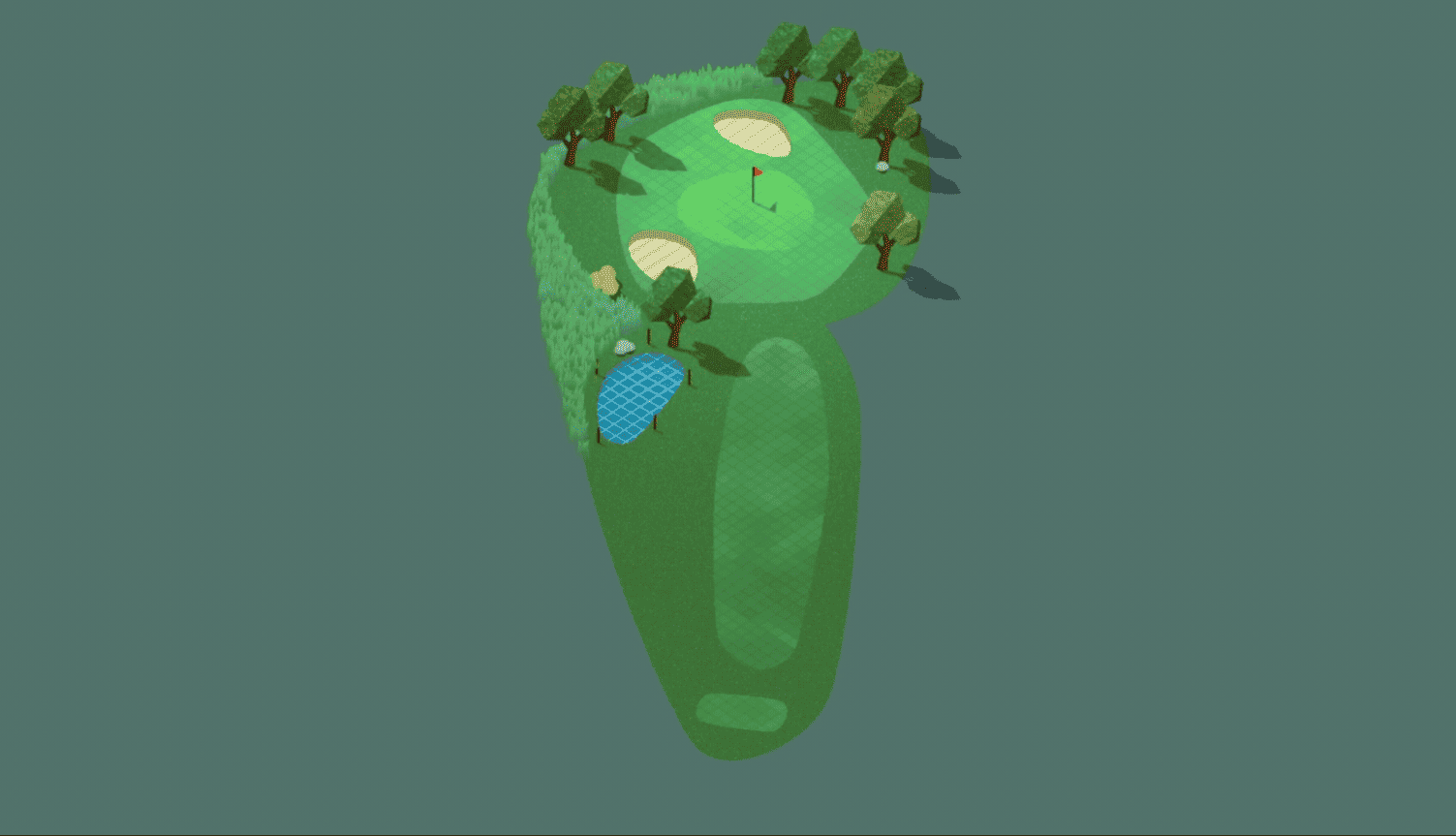 Indie developer GoodBugGames made a new hole loading transition for their game Super Auto Golf, and shared a bit of the process behind how the effect was built in Godot.
 -
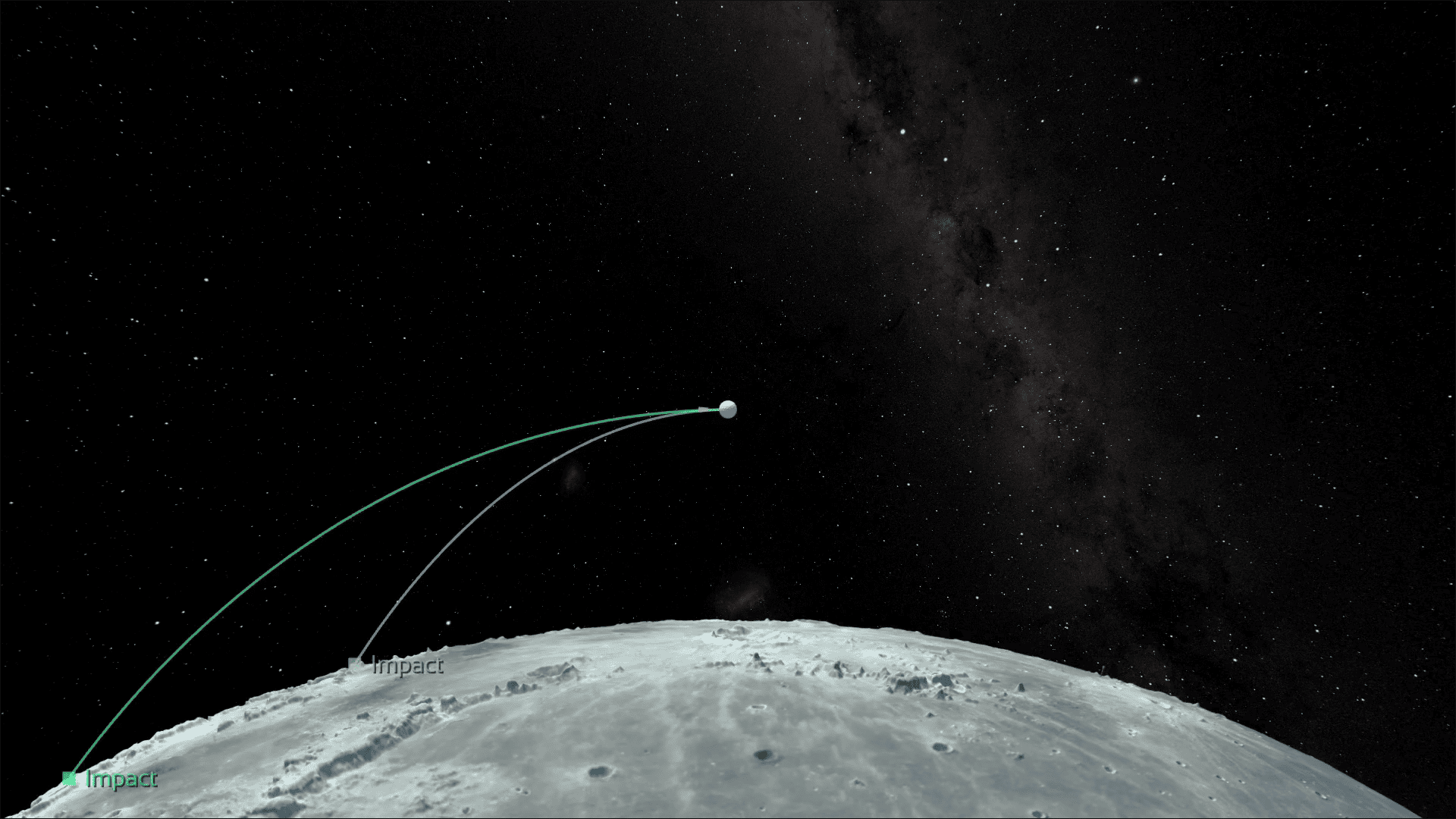 Celestial Golf’s developer Matt gave us a look at how the game simulates stable orbital mechanics in Godot using patched conics, rotating reference frames, and more.
 -
 CZDOOM developers showed us how they are building the large open areas in Verse Unknown by splitting the world into scene chunks that only process when the player gets close to them.
