

Setting up skies in Blender can take time, especially when working with clouds. Even small adjustments can mean going back to change a few parameters again.
Lazy Cloud by Meiu focuses on making sky setups easier. You can add cloud layers in one click and adjust them through a small set of controls. Those clouds are generated procedurally and come with animation.
Made a simple addon to generate clouds! ☁️
— Meiu🔸 (@MeiU800) March 11, 2026
One click and you're good to go. What do you think of the effect?
🔗 https://t.co/p8aitAwgOK#blender #b3d #addon #cloud #sky pic.twitter.com/tIyOWMa0iS
Cloud Types
The add-on includes different cloud styles, such as white and black clouds, which can be used depending on the lighting of the scene. You can mix them or tweak each layer on its own.
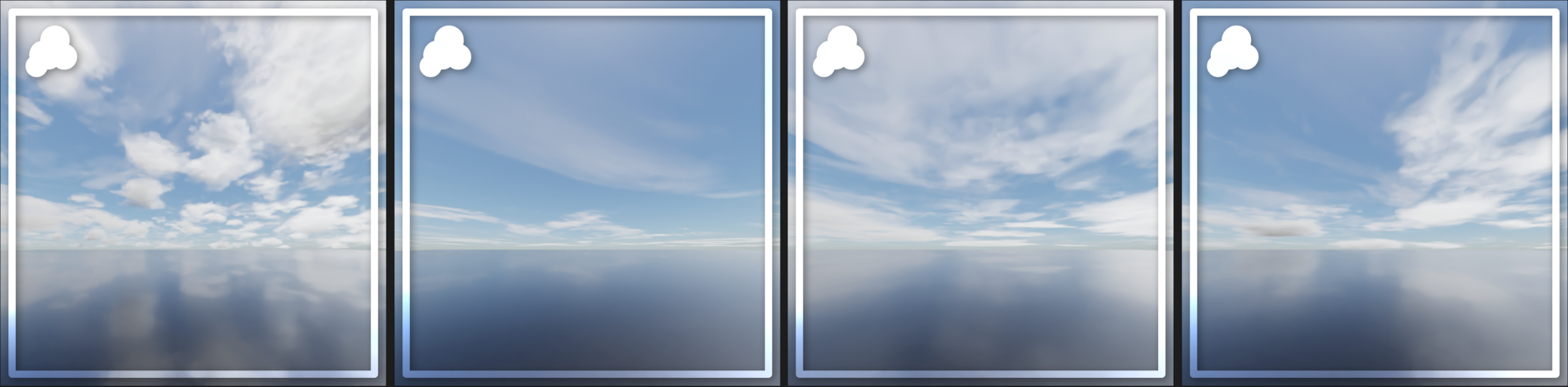
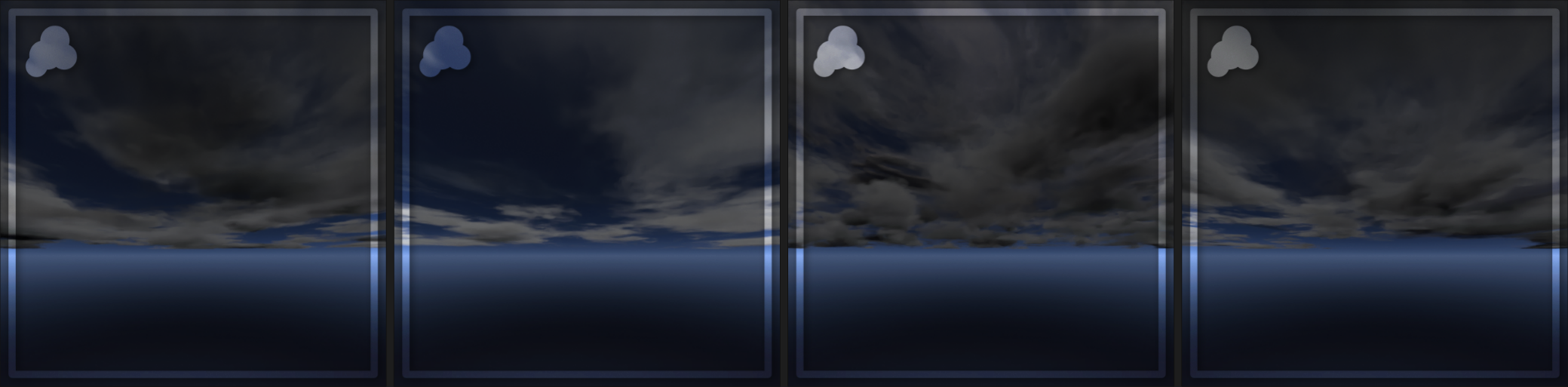
They are also set up to cover the full sky, so the result still holds up across different camera angles without extra work.
Setup and Adjustments
Cloud layers start from presets, so you can place them directly into the scene and begin adjusting them right away. Once added, you can adjust values like density, scale, and position to match your scene. You can also change the seed to get different variations quickly.
Rendering and Performance
Lazy Cloud includes an ‘Auto’ option that adjusts render settings to match the scene. From there, you can fine-tune the values manually if needed. It works with both Cycles and EEVEE.
Next Steps
If you’d like to see updates on Lazy Cloud or more work from Meiu, you can check out their pages below, where they share small geometry node studies and experiments from time to time.
- Lazy Cloud Add-on: https://superhivemarket.com/products/lazy-cloud/
- Meiu X: https://x.com/MeiU800
- Meiu YouTube: https://www.youtube.com/@MeiU800
Interested in learning more?
If you're interested in technical art, the Shaders Bible Collection brings together six books covering shader programming, game development math, and procedural visuals across Unity and Godot.
Available for a limited time, it includes titles like The Unity Shaders Bible and The Godot Shaders Bible, along with practical guides and downloadable resources.
Getting into technical art? The Shaders Bible Collection includes 6 books (Unity + Godot), for a limited time. 📘
— Jettelly Inc. (@jettelly) March 19, 2026
Available for the next 72 hours at 70% OFF 🎁 https://t.co/0vLC31d1gO#unity3d #GodotEngine #gamedev pic.twitter.com/HyCZzb0tDX
Jettelly wishes you success in your professional career!
Did you find an error? No worries!
Write to us at [email protected], and we'll fix it!

Level up your Technical Art skills! Grab our limited-time bundle and start learning today.
We invite you to explore "The Shaders Bible Collection", a comprehensive bundle on the concepts and fundamentals seen in this post.
Other posts that might interest you.
-
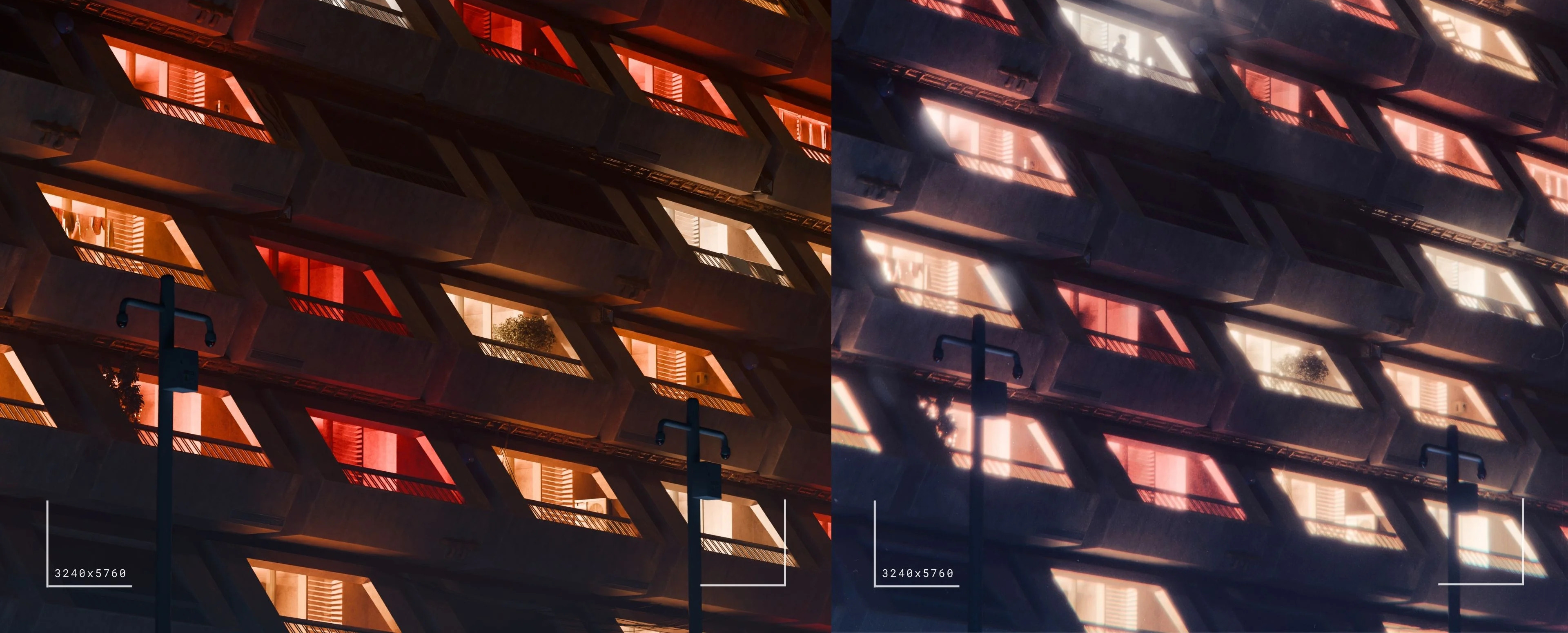 3D artist Aidan Mattheus shared a set of Blender compositor nodes designed to recreate lens and film effects in one single setup.
 -
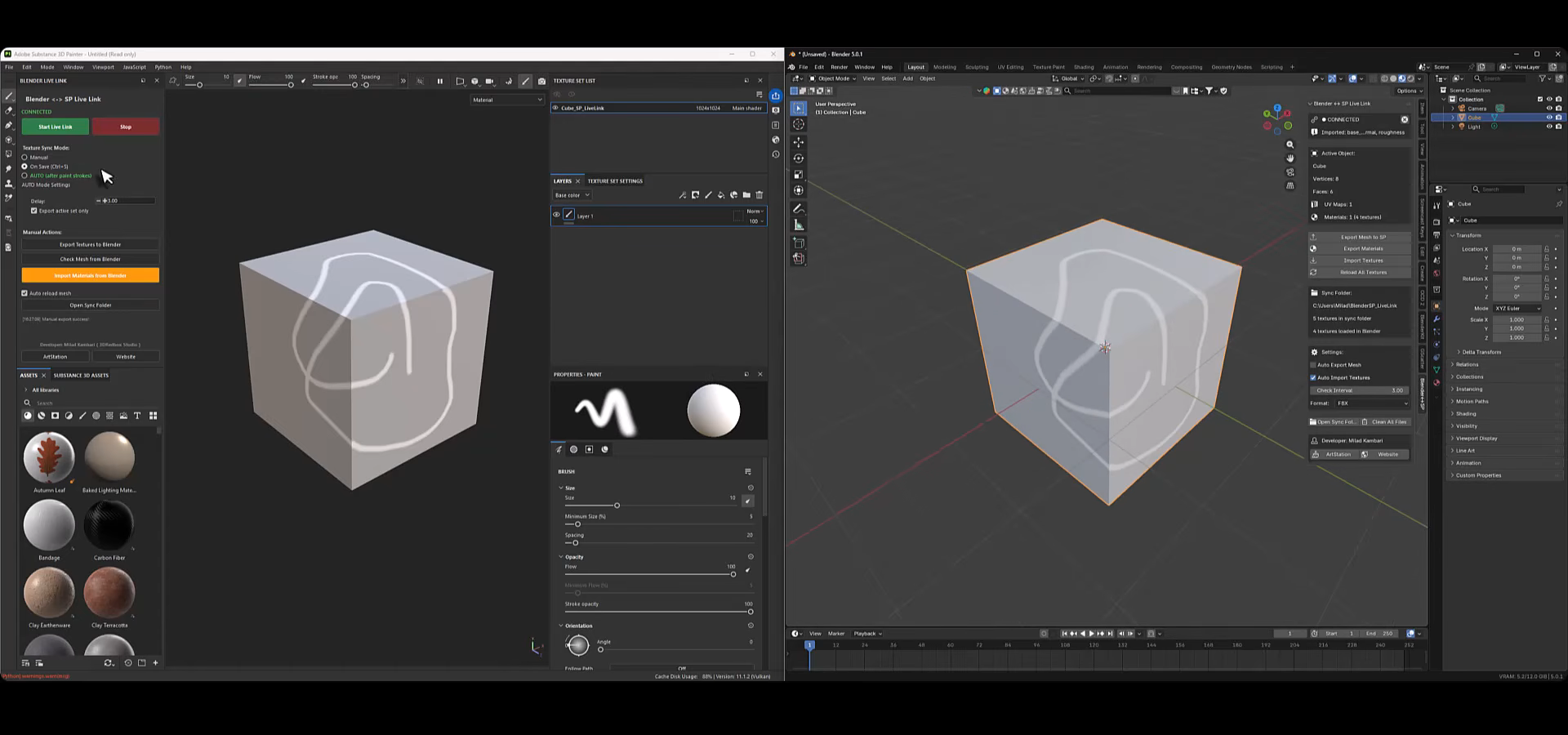 Can Blender and Substance Painter share updates in real time? Milad Kambari’s Live Link Plugin syncs geometry and materials between them.
 -
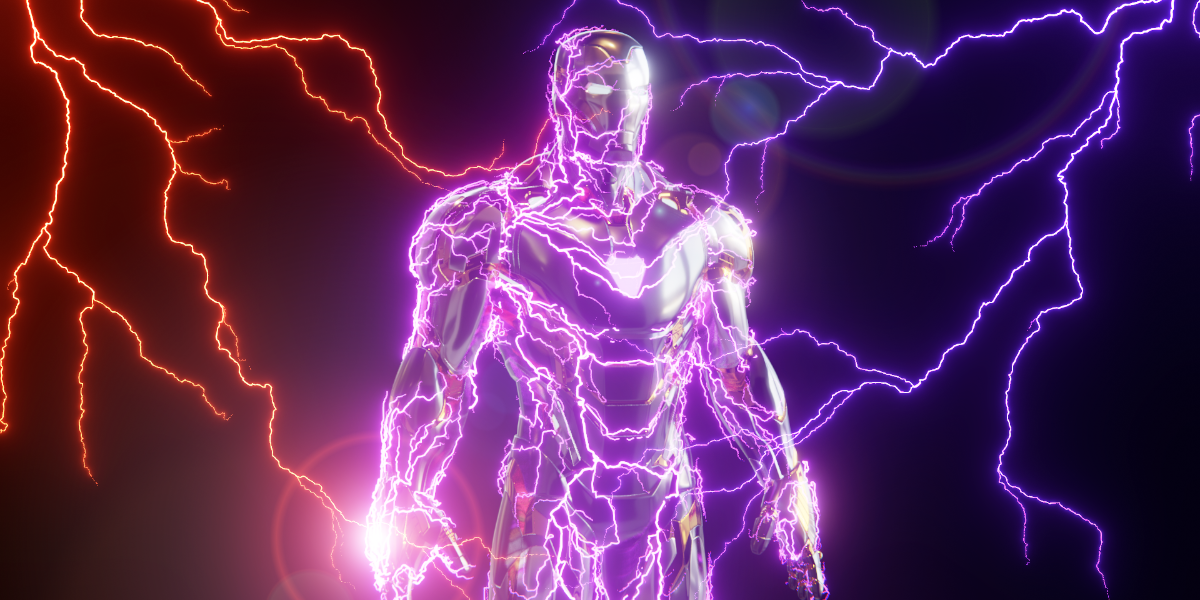 3DSinghVFX’s Draw Lightning Generators is a Geometry Nodes tool which allows you to procedurally create lightning inside of Blender.
