
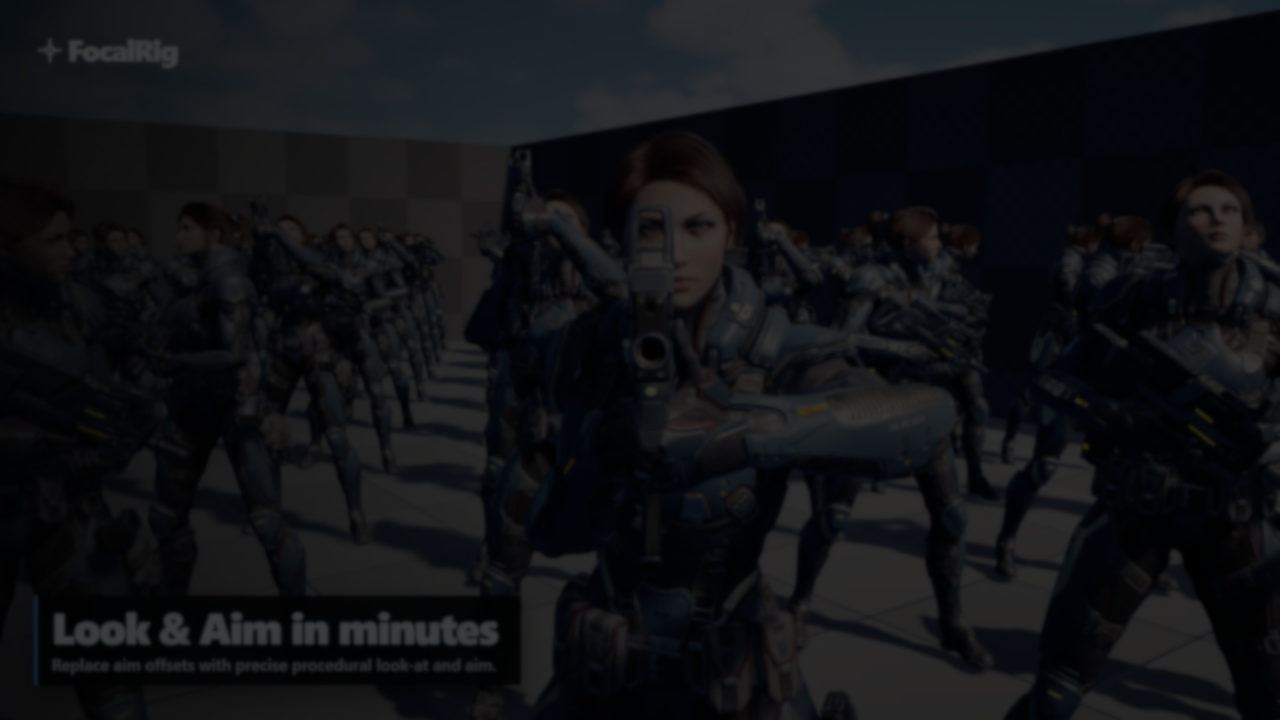
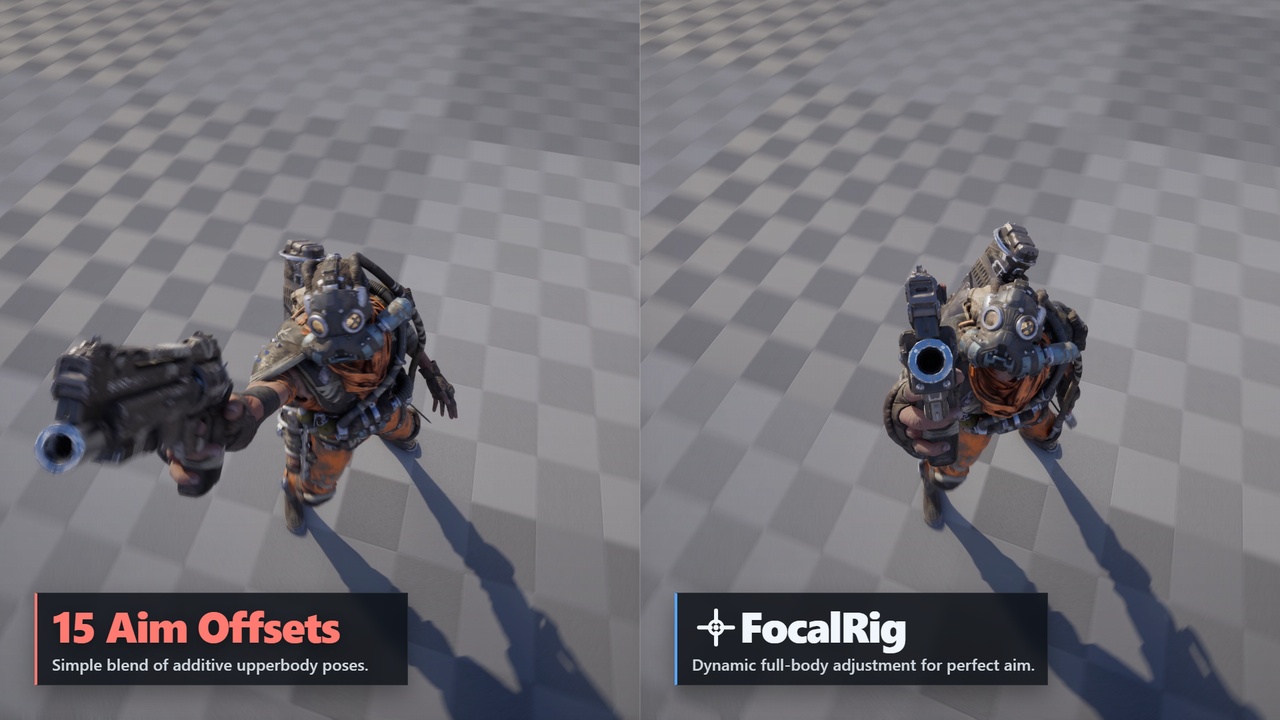
Aim offsets are widely used for character aiming in Unreal Engine projects, but they can become unreliable in different situations. Targets that are too close, positioned at different heights, or with large differences in base poses can lead to visible errors, like weapons pointing away from the target or unnatural spine deformation.
FocalRig, developed by Maks Maisak, handles aiming procedurally, orienting bones directly toward a target. After a brief exchange, he shared some details on how the system came together.
From Aim Offsets to Procedural Solving
While working on enemy AI and animation systems, Maks Maisak ran into repeated issues with aim offsets. In some cases, characters would fire at noticeable angles away from their target, or twist unnaturally when changing direction.
He described spending weeks dealing with edge cases and inconsistencies that came from how aim offsets behave in practice.
"Aim offsets are additive and assume a base pose… they give no hard guarantees that the muzzle or head will actually point anywhere near the target.”
These issues come from how aim offsets work. They rely on blending pre-authored poses, which only approximate the intended direction.
FocalRig works by defining a target and adjusting the relevant bone chains so elements like the head or weapon stay aligned with it. Because this happens at the rig level, the result stays consistent even as the base pose changes.
FocalRig works by defining a target and adjusting the relevant bone chains so elements like the head or weapon stay aligned with it. Because this happens at the rig level, the result stays consistent even as the base pose changes.
Quick Setup and Rig Construction
One of the main design goals was reducing setup time.
Quick Setups scan the skeleton when a node is added and generate presets for the rig. They detect common structures such as the spine, head, limbs, and weapon chains, and fill in the initial configuration.
This makes it possible to get a working setup quickly without manually assigning every bone. When multiple valid configurations exist, they appear as selectable options.
In practice, this means the same system can adapt to different characters without rebuilding the rig each time.
Extending Beyond Basic Aiming
Once the core aiming system was in place, more features started to grow from it. The same procedural logic is used for:
- Weapon handling, including recoil, sway, and aim-down-sights
- Eye aiming, with small movements that simulate natural eye motion
- Spray patterns, applied to camera recoil or aim targets
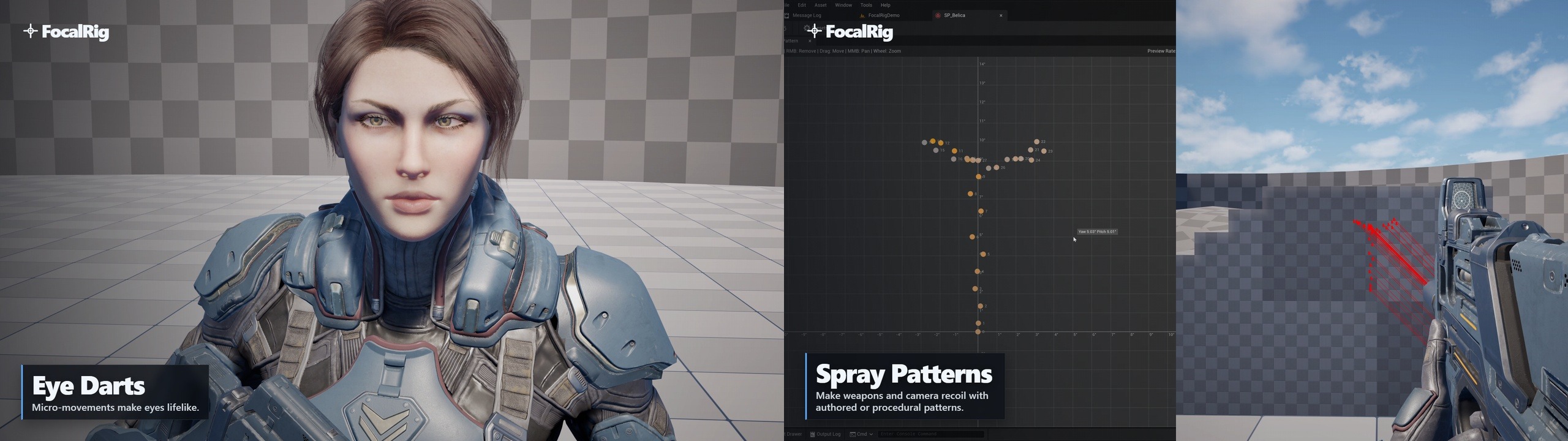
Maisak noted that these features came naturally from the same foundation.
“The tech built for basic aiming made it possible to offer much more functionality as part of the same system.”
Since everything runs on the same logic, these elements stay in sync with the character’s pose.
Supporting First-Person and Full-Body Setups
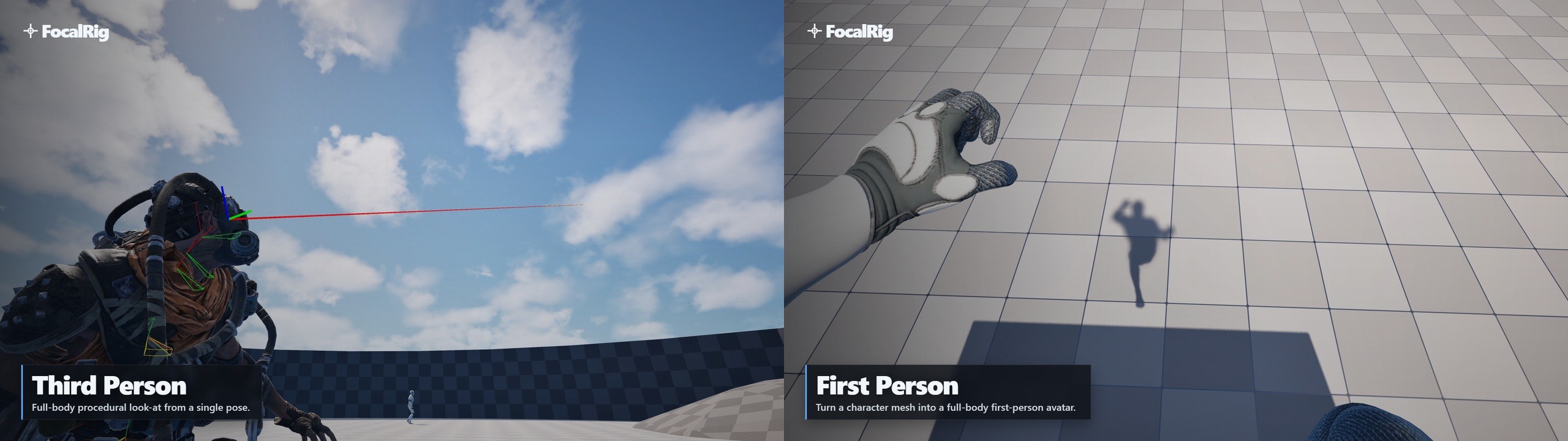
The system supports both third-person characters and full-body first-person rigs.
For first-person setups, it includes nodes for camera control, view alignment, and weapon handling. These allow the character's body to stay aligned with the camera while still reacting to animation and movement.
The same system is used to keep hands and feet in place when needed, reusing the same constraints applied in aiming.
The same system is used to keep hands and feet in place when needed, reusing the same constraints applied in aiming.
A Side Effect: Simplifying IK
During development, this same logic was reused to keep limbs in place, like maintaining hand placement on a weapon or keeping feet grounded.
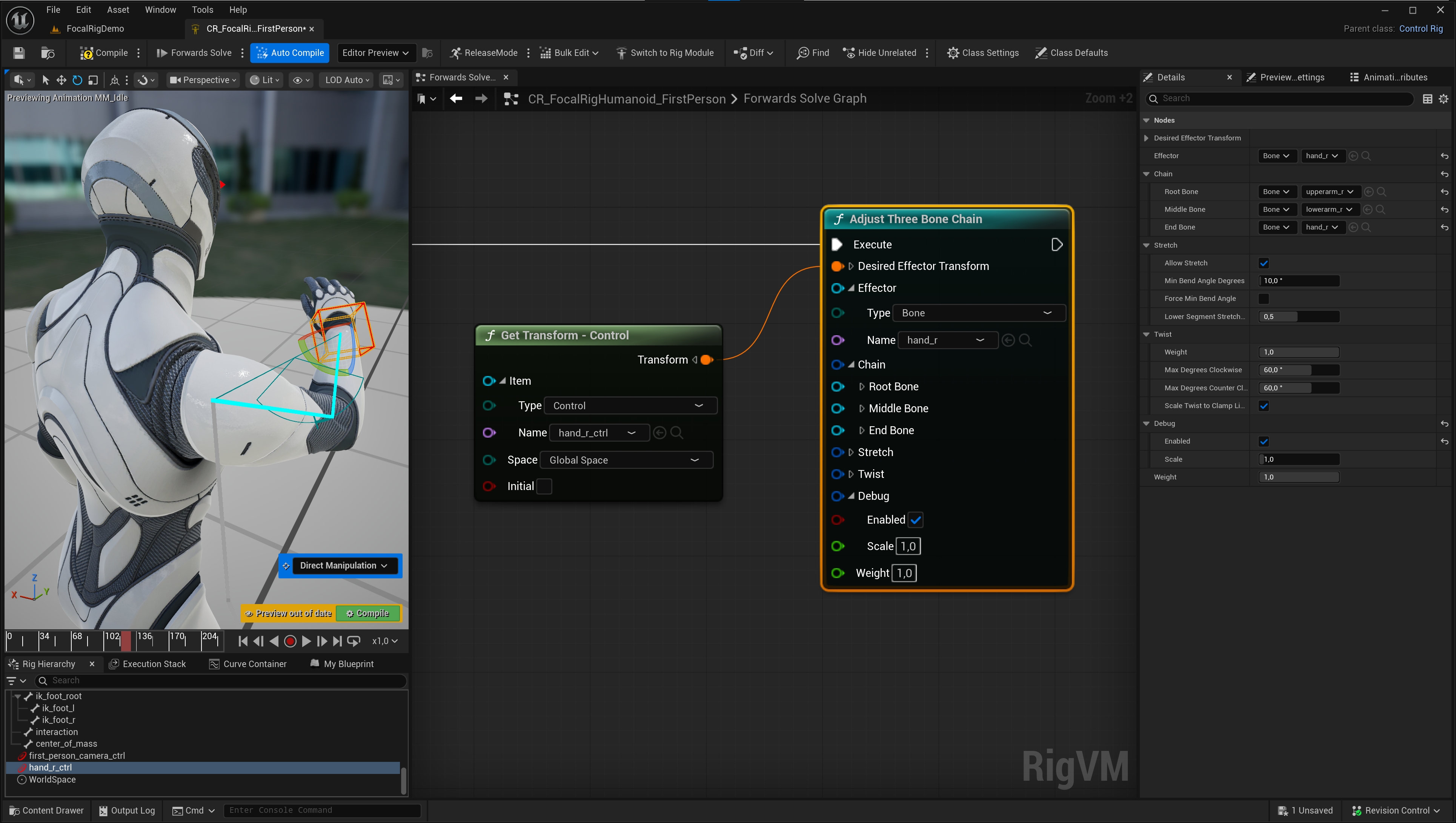
That led to a separate node called Adjust Three Bone Chain, which can be used on its own. It works similarly to IK, but preserves the original animation style and doesn’t require extra setup.
Performance and Implementation
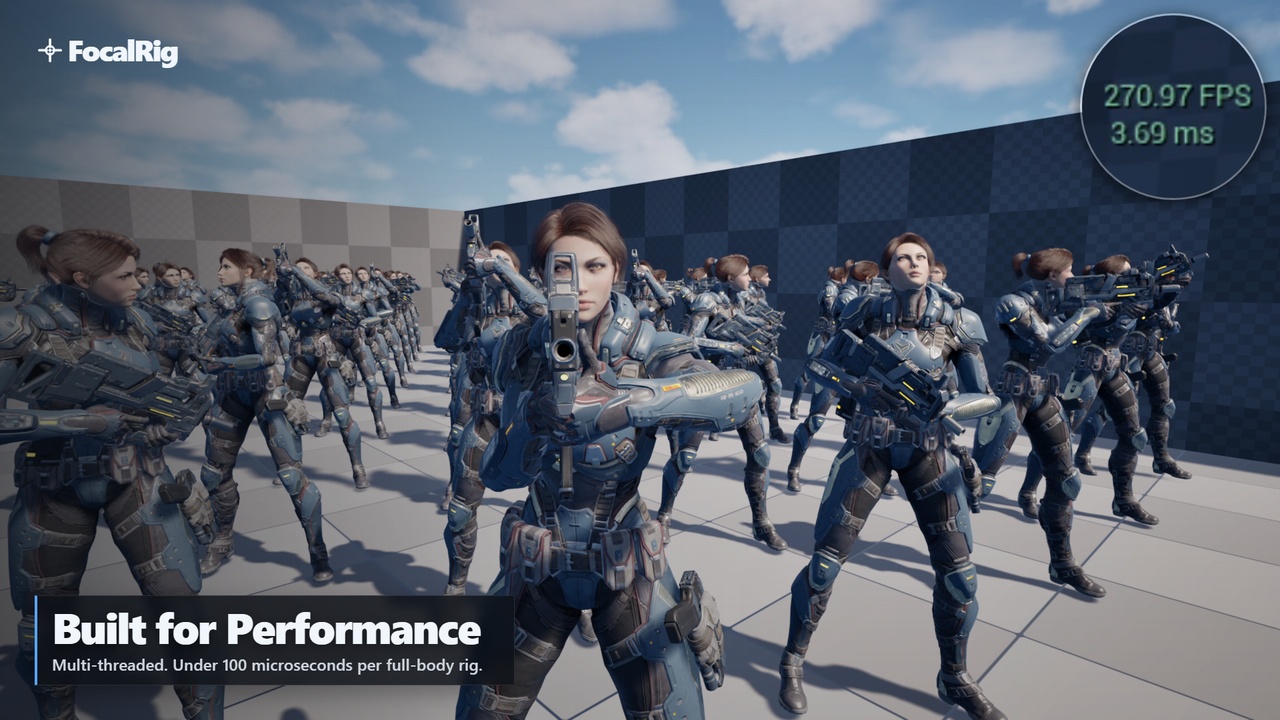
FocalRig runs as a C++ plugin, which makes the solvers run faster than earlier Control Rig prototypes.
Maisak mentioned that moving from a Control Rig-only version to C++ reduced solver times from around 0.1 ms to about 0.02 ms, while also making debugging easier.
It works directly inside Control Rig and Animation Blueprints. A separate demo project is available, while the plugin itself is meant to be added into existing character setups.
Next Steps
Maisak said that FocalRig will continue to expand, with support for more skeletons, additional setup options, and tutorials covering specific use cases.
If you’d like to follow future updates or see more work from Maks Maisak, you can check out his pages below:
If you’d like to follow future updates or see more work from Maks Maisak, you can check out his pages below:
- LinkedIn: https://www.linkedin.com/in/maksmaisak/
- GitHub: https://github.com/maksmaisak
- FocalRig (Fab): https://www.fab.com/listings/a85b45c1-b29e-46e2-955f-c49d464874a3
- FocalRig (Docs): https://focalrig.com/
Interested in learning more?
If you're interested in technical art, the Shaders Bible Collection brings together six books covering shader programming, game development math, and procedural visuals across Unity and Godot.
Available for a limited time, it includes titles like The Unity Shaders Bible and The Godot Shaders Bible, along with practical guides and downloadable resources.
Getting into technical art? The Shaders Bible Collection includes 6 books (Unity + Godot), for a limited time. 📘
— Jettelly Inc. (@jettelly) March 19, 2026
Available for the next 72 hours at 70% OFF 🎁 https://t.co/0vLC31d1gO#unity3d #GodotEngine #gamedev pic.twitter.com/HyCZzb0tDX
Jettelly wishes you success in your professional career!
Did you find an error? No worries!
Write to us at [email protected], and we'll fix it!

Level up your Technical Art skills! Grab our bundle and start learning today.
We invite you to explore "The Shaders Bible Collection", a comprehensive bundle on the concepts and fundamentals seen in this post.
Other posts that might interest you.
-
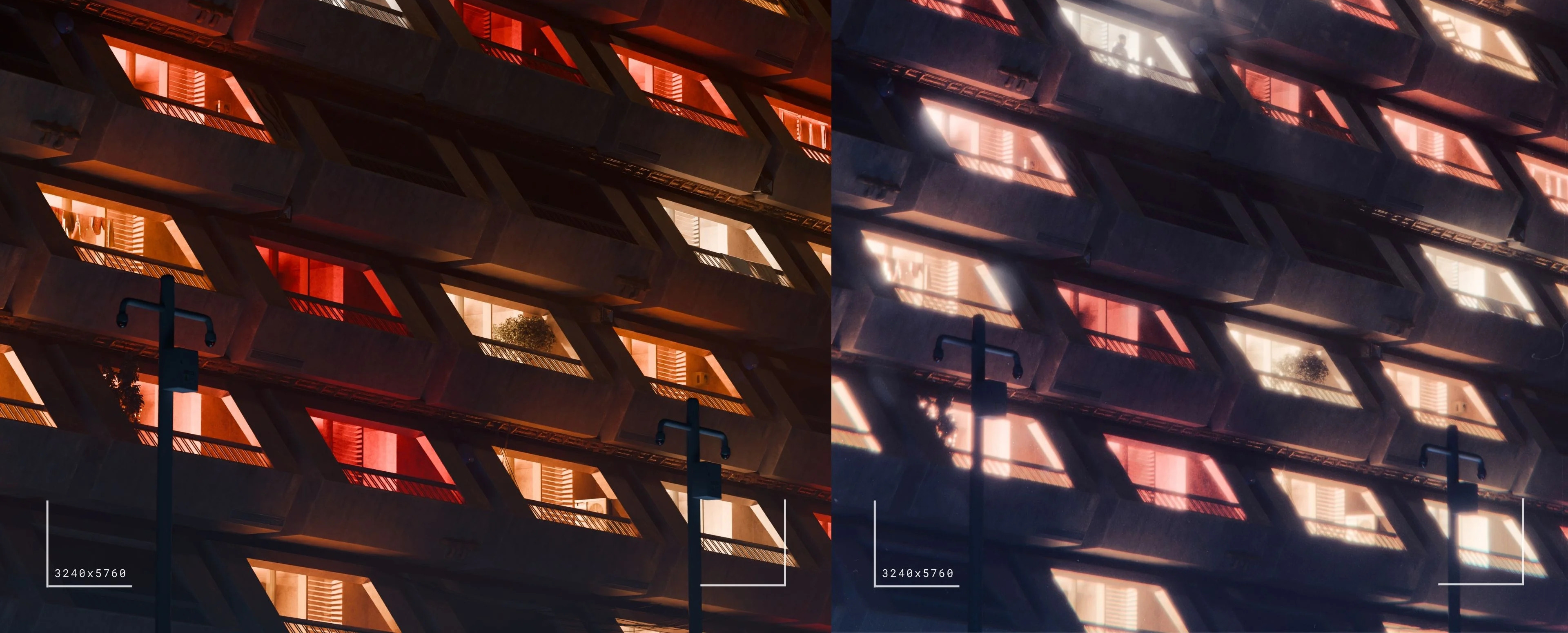 3D artist Aidan Mattheus shared a set of Blender compositor nodes designed to recreate lens and film effects in one single setup.
 -
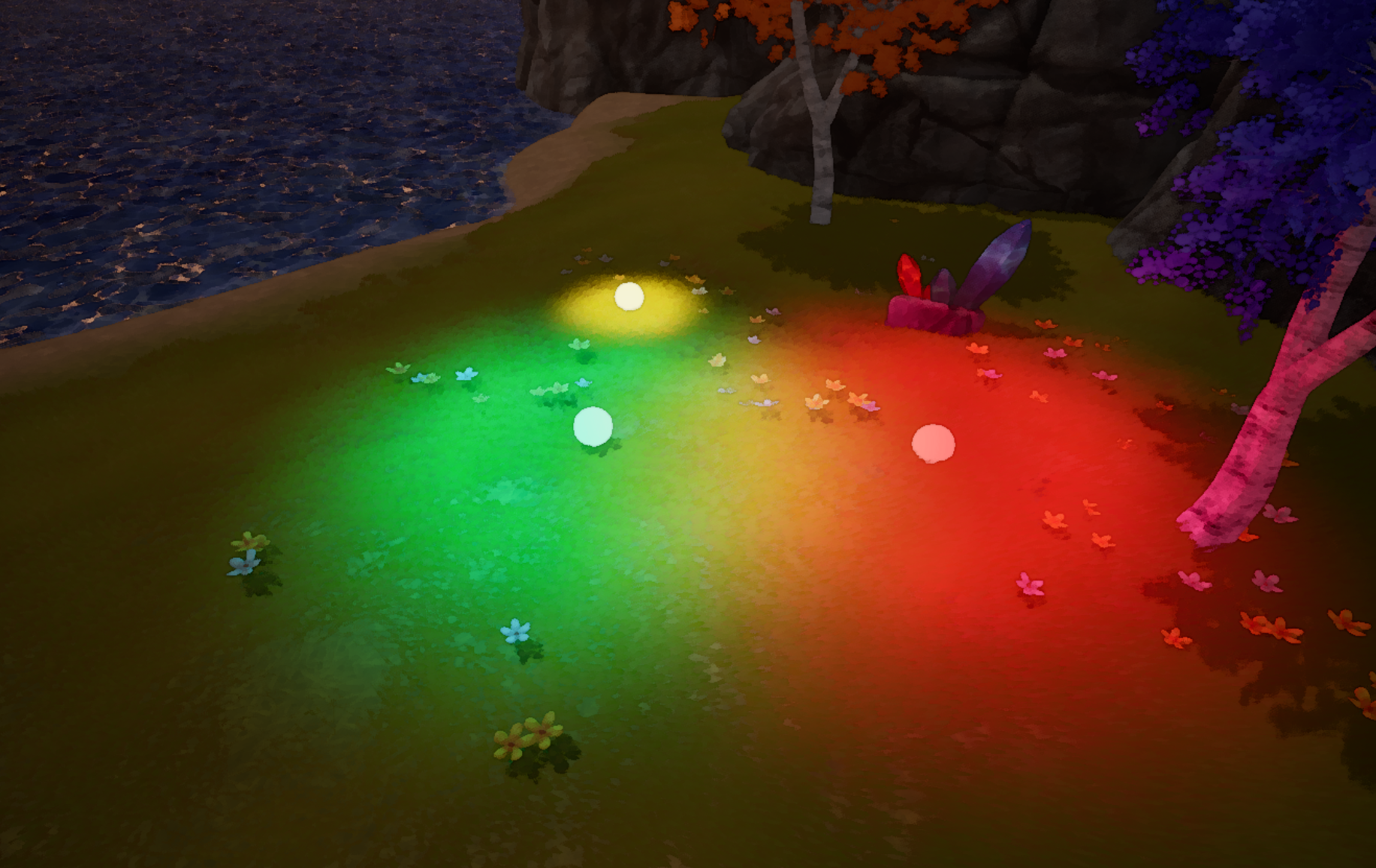 How can lighting become part of gameplay? Jean-Baptiste Louis shared a UE5 prototype that generates light through a post-process pipeline.
 -
 After a short talk with LMHPOLY, we took a closer look at their Stylized Poly Nature Environment pack, designed for building stylized landscapes in Unity and UE.
