
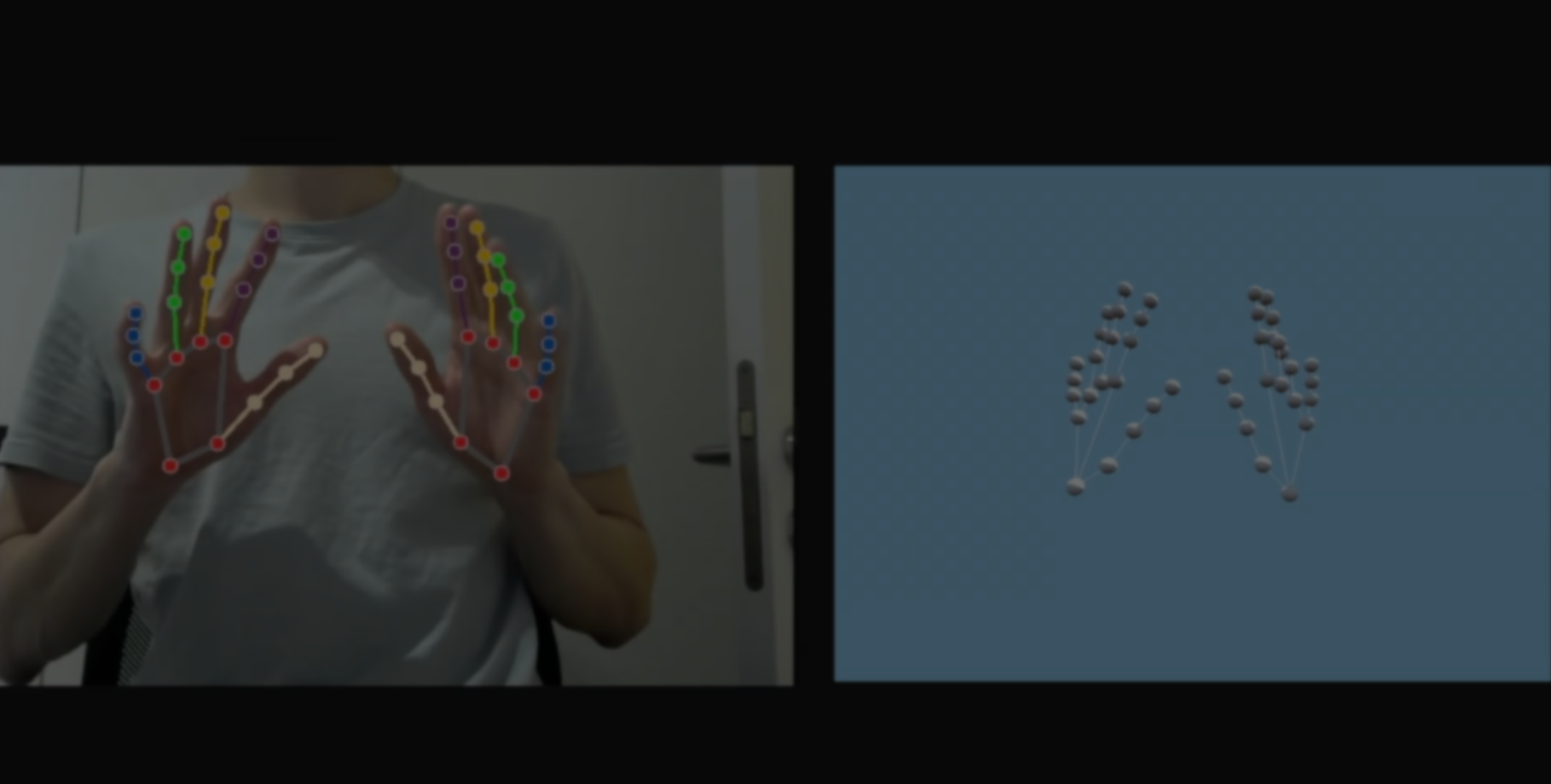
ML Engineer and Game Developer Florian Trautweiler recently showed a project where his hands get recreated inside Godot as interactive 3D clones, made using their webcam, Python, and MediaPipe.
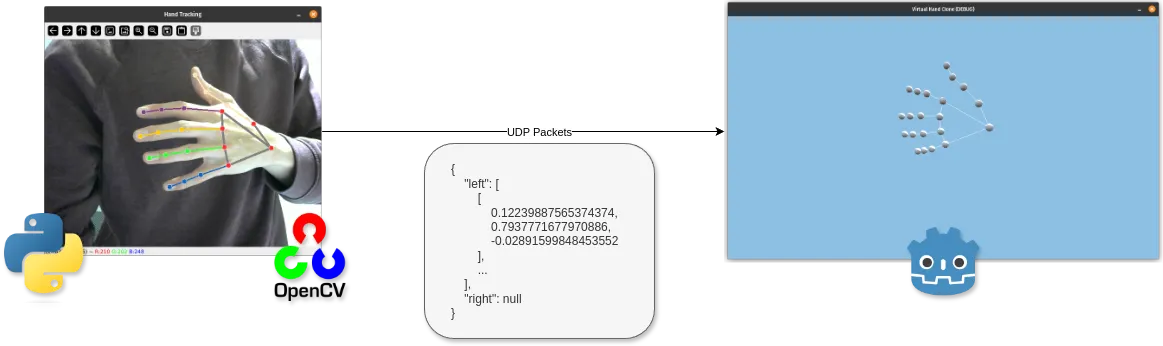
This project uses Python with the OpenCV library, and captures the webcam while MediaPipe tracks 21 points across each hand to identify the fingers and joints.
Those points are then packaged into JSON data and sent to Godot through UDP. Florian used this approach because, at that time, Godot 4.2 had limited webcam support on some platforms, while Python did not.
Once the data arrives in Godot, the project rebuilds the hands in real time.
Once the data arrives in Godot, the project rebuilds the hands in real time.
# Original code shared by creator

frame_rgb = cv2.cvtColor(frame, cv2.COLOR_BGR2RGB)
results = hands.process(frame_rgb)

hand_coords = extract_left_right_hand_coords(
    results.multi_hand_landmarks,
    results.multi_handedness,
)

encoded_coords = json.dumps(hand_coords)
client_socket.sendto(encoded_coords.encode(), (server_ip, server_port))
Inside Godot, every tracked finger and joint point becomes a small 3D sphere. Florian then draws lines between those spheres to rebuild the hand structure in 3D space.
const HAND_LINES_MAPPING = [
 [0, 1], [1, 2], [2, 3], [3, 4], # Thumb
 [0, 5], [5, 6], [6, 7], [7, 8], # Index Finger
 [5, 9], [9, 10], [10, 11], [11, 12], # Middle Finger
 [9, 13], [13, 14], [14, 15], [15, 16], # Ring Finger
 [0, 17], [13, 17], [17, 18], [18, 19], [19, 20], # Pinky
]
One of the more important parts of the project was converting the webcam coordinates into Godot’s 3D world space.
The tracked points first arrive in webcam coordinates, so Florian does the following before placing the hands into the scene:
- Moves the points into Godot’s 3D space
- Flips the axes for a mirror-like effect
- Scales the hands into the scene
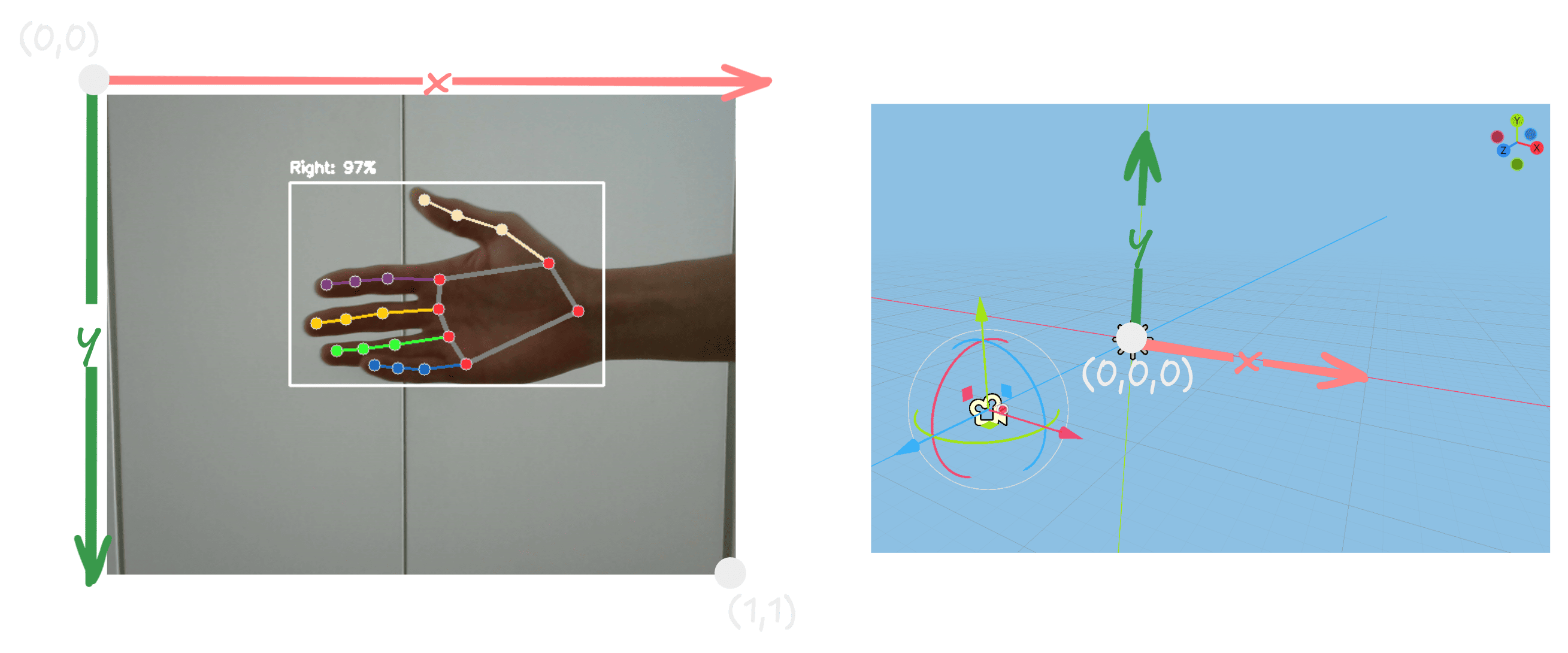
According to Florian, this helps the virtual hands feel much more natural while they move in front of the camera.
To make the movement less jittery, Florian uses lerp() so each point smoothly moves toward its new position over time.
To make the movement less jittery, Florian uses lerp() so each point smoothly moves toward its new position over time.
func _physics_process(_delta: float) -> void:
 global_position = lerp(global_position, target, 0.3)
Florian mentioned that one of the reasons he enjoys projects like this is the connection between programming and real-world movement, something that originally started with LEGO robotics kits during his childhood.
If you want to learn more about the project, he also released a full YouTube tutorial covering the complete process behind the hand tracking system.
Interested in learning more?
If you want to learn more about shaders in Godot, The Godot Shaders Bible covers topics like stylized shading, screen-space VFX, lighting, and vertex manipulation through step-by-step examples.
You could pay a lot for a Godot shaders course, or get the Godot Shaders Bible for just $29.99 ✨
— Shaders Bible Series (@ushadersbible) May 5, 2026
Looking to improve your game's graphics? This book might be exactly what you need ➡️ https://t.co/1kYkAqSE2L#godot #indiedevart #gamedev pic.twitter.com/aOjMGKP2f7
Jettelly wishes you success in your professional career!
Did you find an error? No worries!
Write to us at [email protected], and we'll fix it!
Start your VFX journey in Godot!
We invite you to explore "The Godot Shaders Bible", a comprehensive book on the concepts and fundamentals seen in this post.
Other posts that might interest you.
-
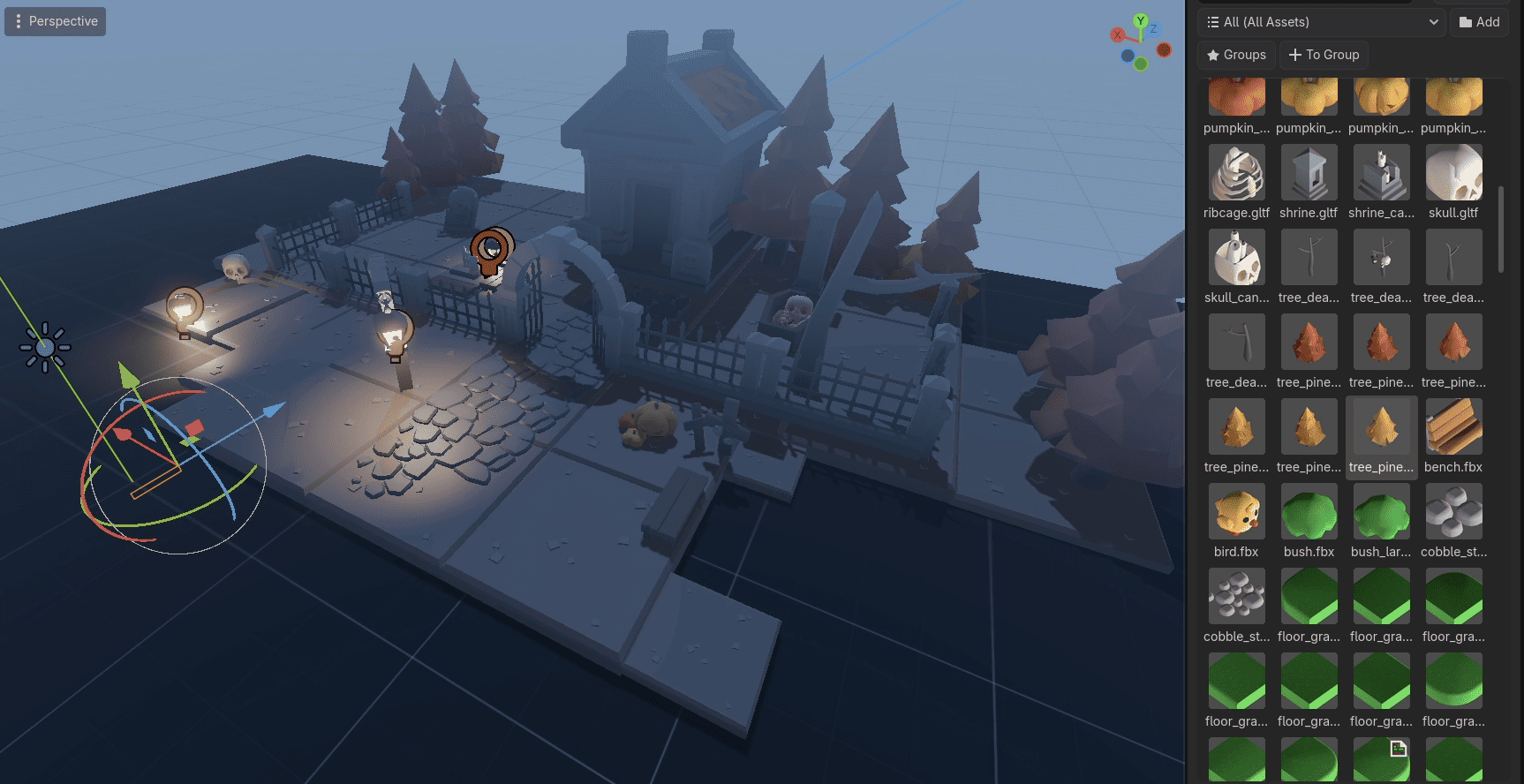 Mingdosa shared some technical details behind OmniBuilder, a Godot plugin focused on making level design feel more interactive and game-like
 -
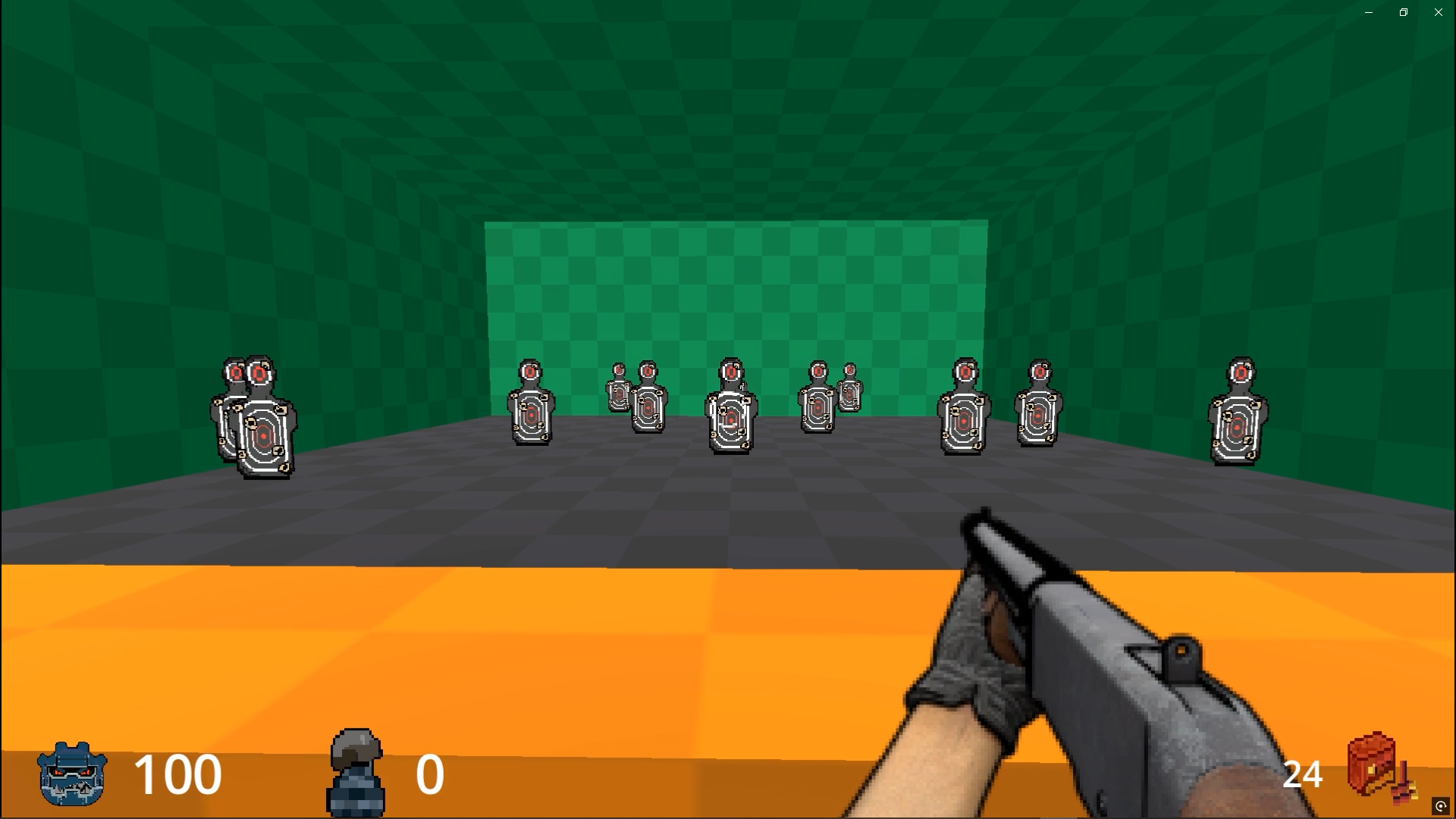 Check out FelixarStudio’s new retro FPS weapon system that uses Godot Custom Resources and a single Weapon Manager to create different weapons.
 -
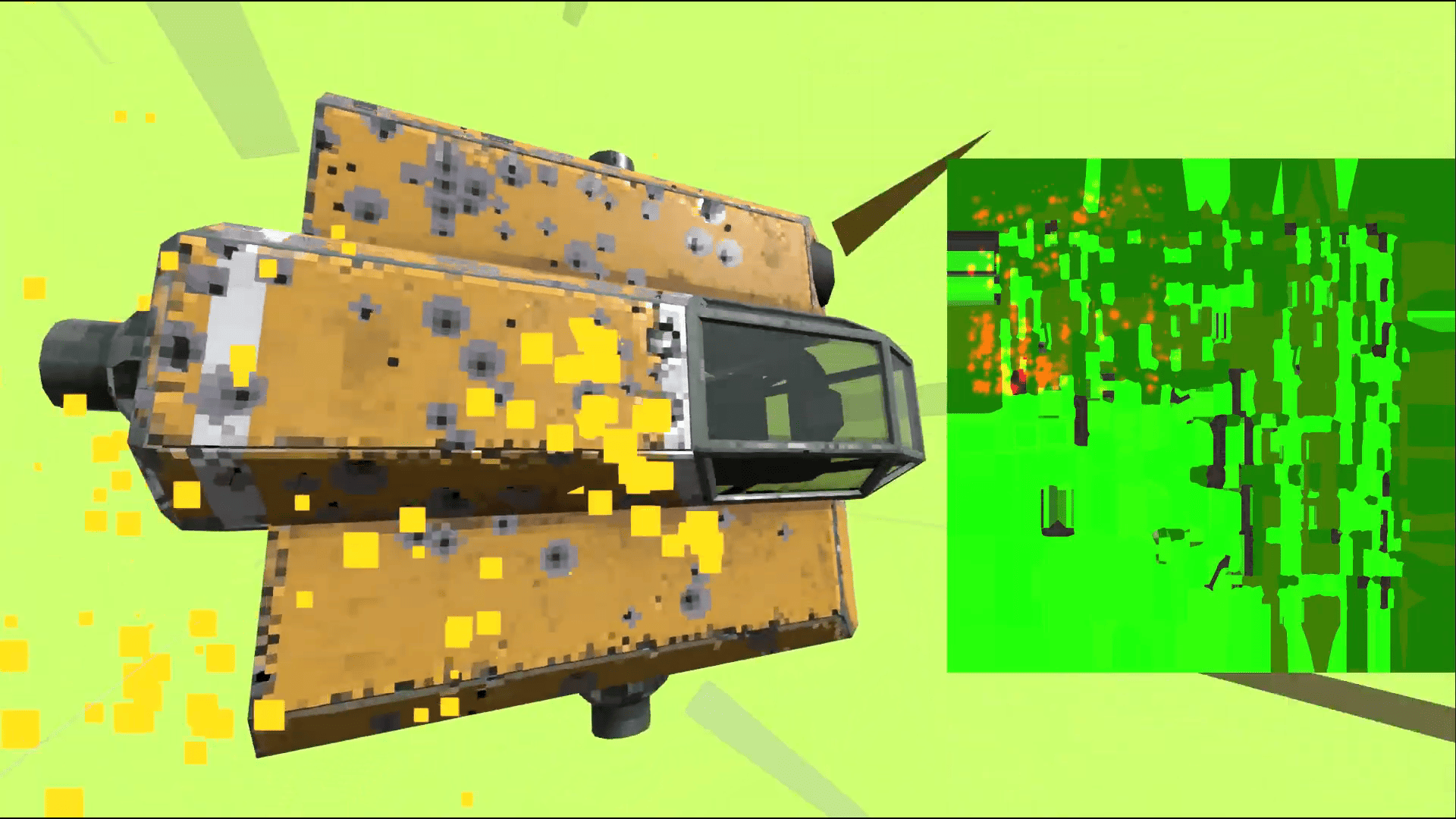 Take a look at how the indie game Steel Defiance uses a texture-based armor system where bullet impacts physically weaken armor over time.
