
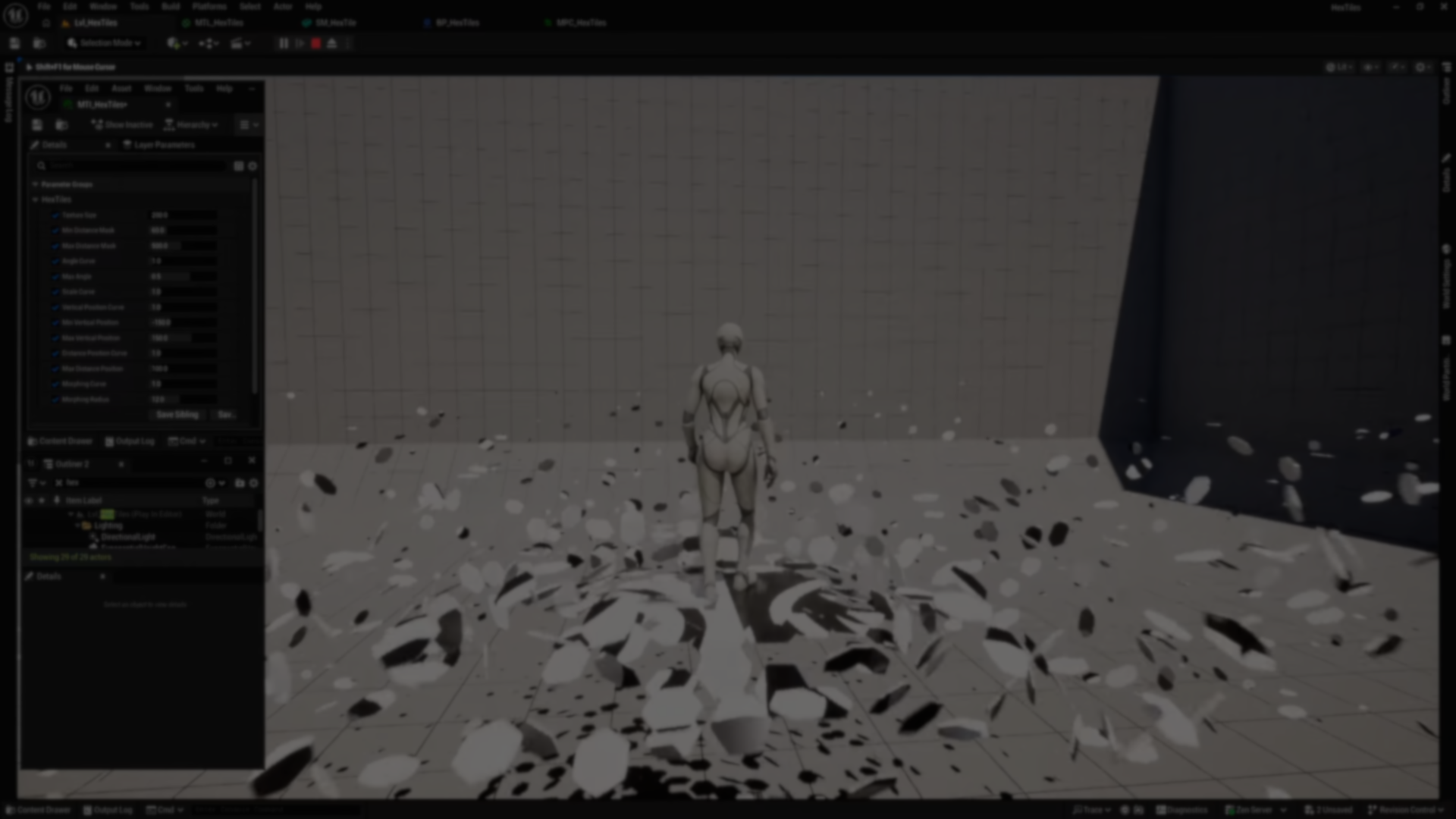
Technical artist Oleksandr M. showed off his new system built in Unreal Engine, using a vertex shader, with thousands of instances reacting to the player in real time, all running almost entirely on the GPU.
The system doesn’t use physics or Blueprints for interaction, it uses World Position Offset in the vertex shader to move, rotate, and scale each element based on how close it is to the player.
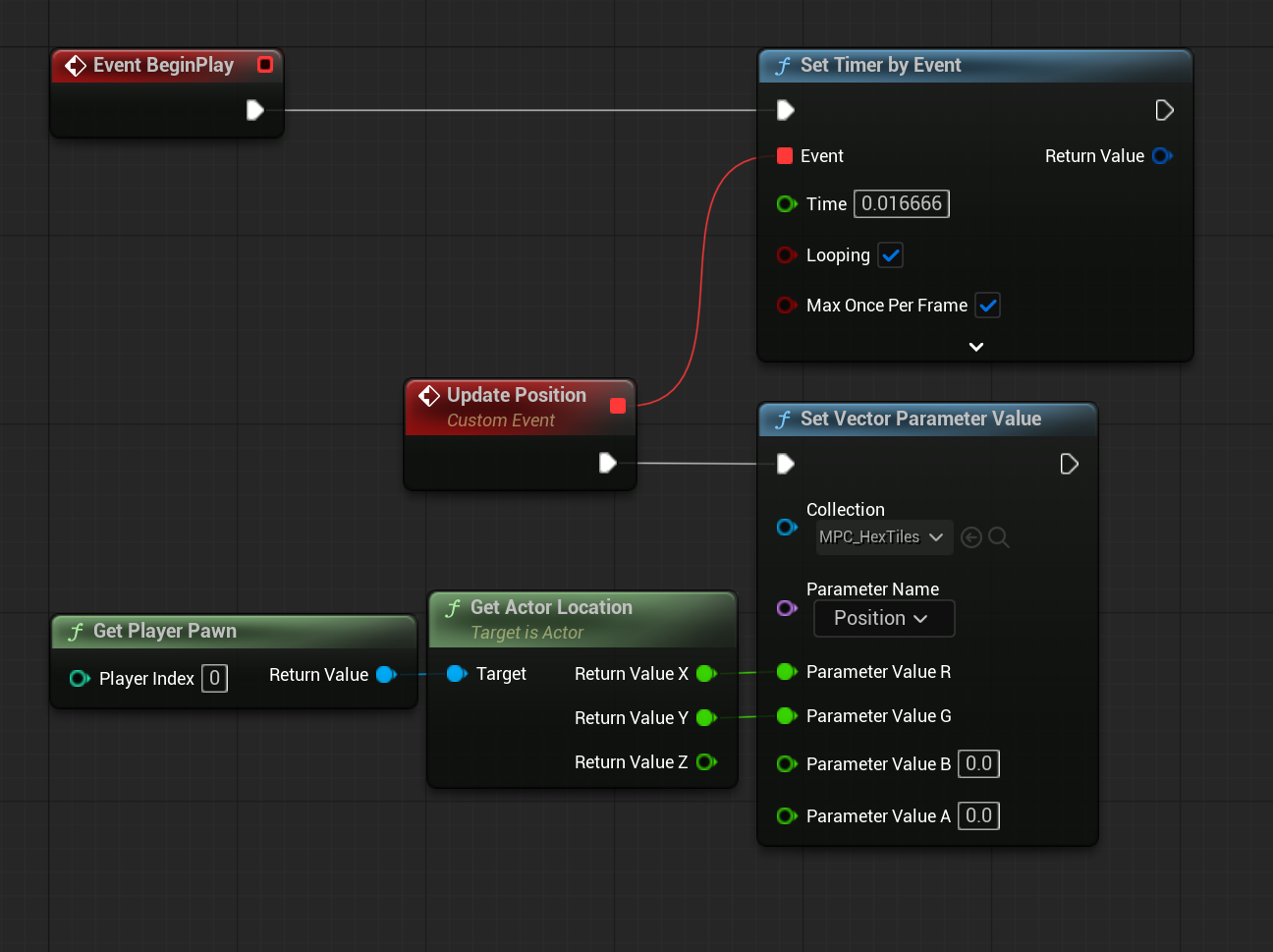
The CPU only sends the player position (XY), and everything else happens in the material.
The CPU only sends the player position (XY), and everything else happens in the material.
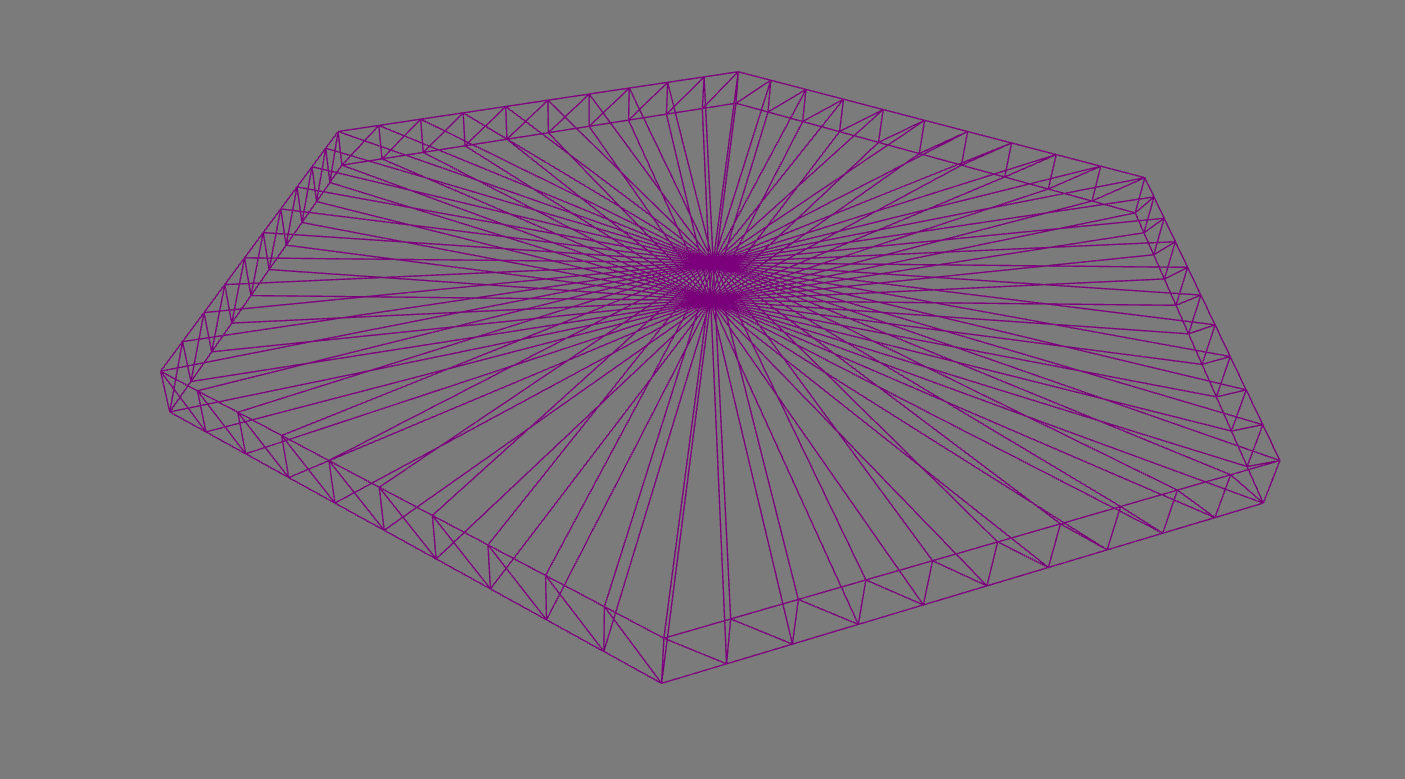
Starting off, Oleksandr uses a hexagonal mesh, with extra cuts on the sides so it can bend properly when it deforms. Without those extra vertices, the shape wouldn’t be able to smooth out into a cylinder.
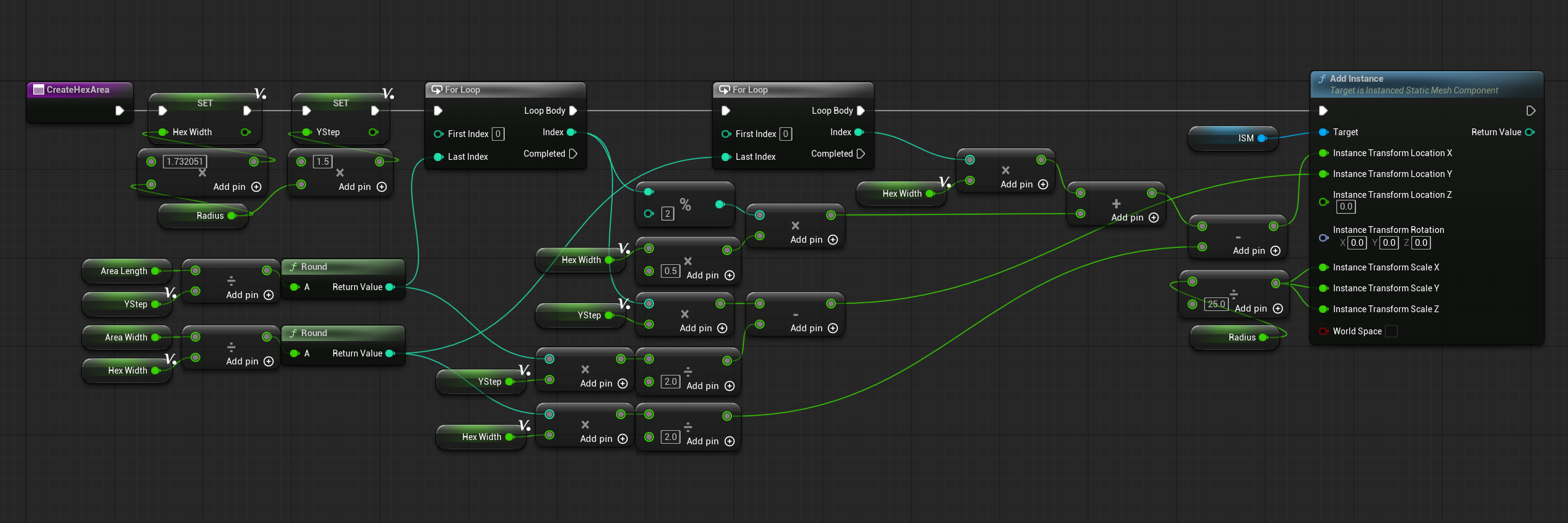
To keep things light, collisions are turned off, and a single blocking volume is used to cover the whole interaction area. The grid itself is generated with a simple function in the Construction Script, which calculates the offsets needed so the hexagons line up correctly based on their size.
The layout itself is generated using a simple function in the Construction Script, calculating the offsets so the hexagons line up correctly based on their size.
To make the system react, the shader needs to know where the player is. For that, Oleksandr uses a Material Parameter Collection. This allows us to update it around 60 times per second.
At this point, each column needs to behave like its own object. To make that work, Oleksandr reads the pivot position directly from the instance data using a custom node, since the usual nodes don’t work as well for this.
From there, each vertex is converted into local space using matrix math, so all the transformations happen relative to the instance itself.
FLWCMatrix M = GetInstanceToWorld(Parameters);
float3 X = M.M[0].xyz;
float3 Y = M.M[1].xyz;
float3 Z = M.M[2].xyz;

float3 P = LWCToFloat(LWCSubtract(WorldPos, LWCGetOrigin(M)));
return float3(
    dot(P, X) * rsqrt(dot(X, X)),
    dot(P, Y) * rsqrt(dot(Y, Y)),
    dot(P, Z) * rsqrt(dot(Z, Z))
);
With that in place, the next step is to compare the player position with each instance and get a distance value from 0 to 1. That value is then used for all the effects.
From here, the interaction starts. The columns can morph from hexagons into cylinders, rotate depending on where the player is, and even move away as the player walks through them.
They also scale down as they get farther away, which makes distant columns slowly disappear.
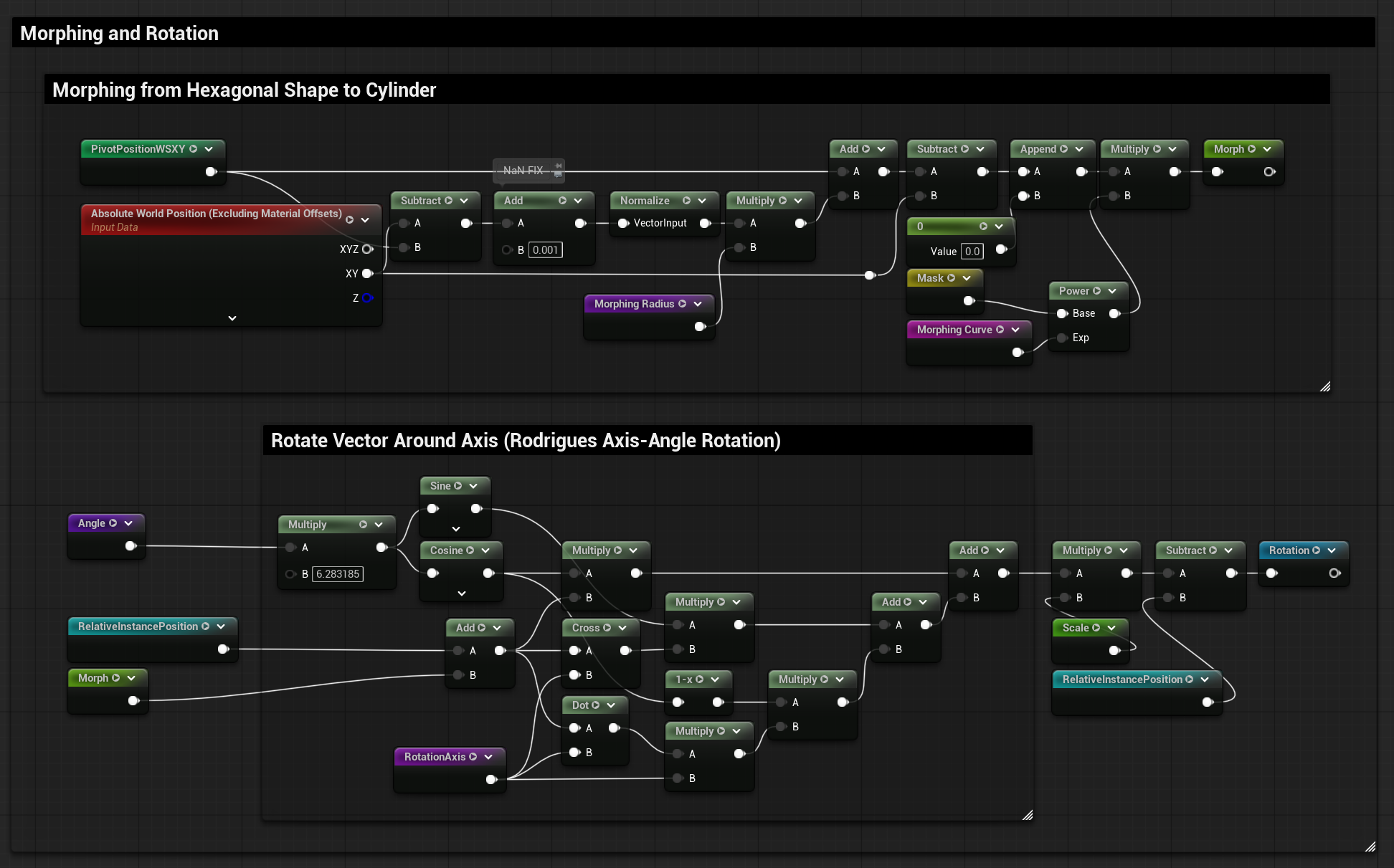
To add more movement, Oleksandr offsets the columns vertically using a sine wave, so instead of all of them moving the same way, each column uses a slightly different value based on its position, making the motion feel more uneven and natural.
For color, he skipped UVs completely and worked in world space. The checker pattern comes from math using the XY coordinates, and then it’s masked so it only shows on the top faces.
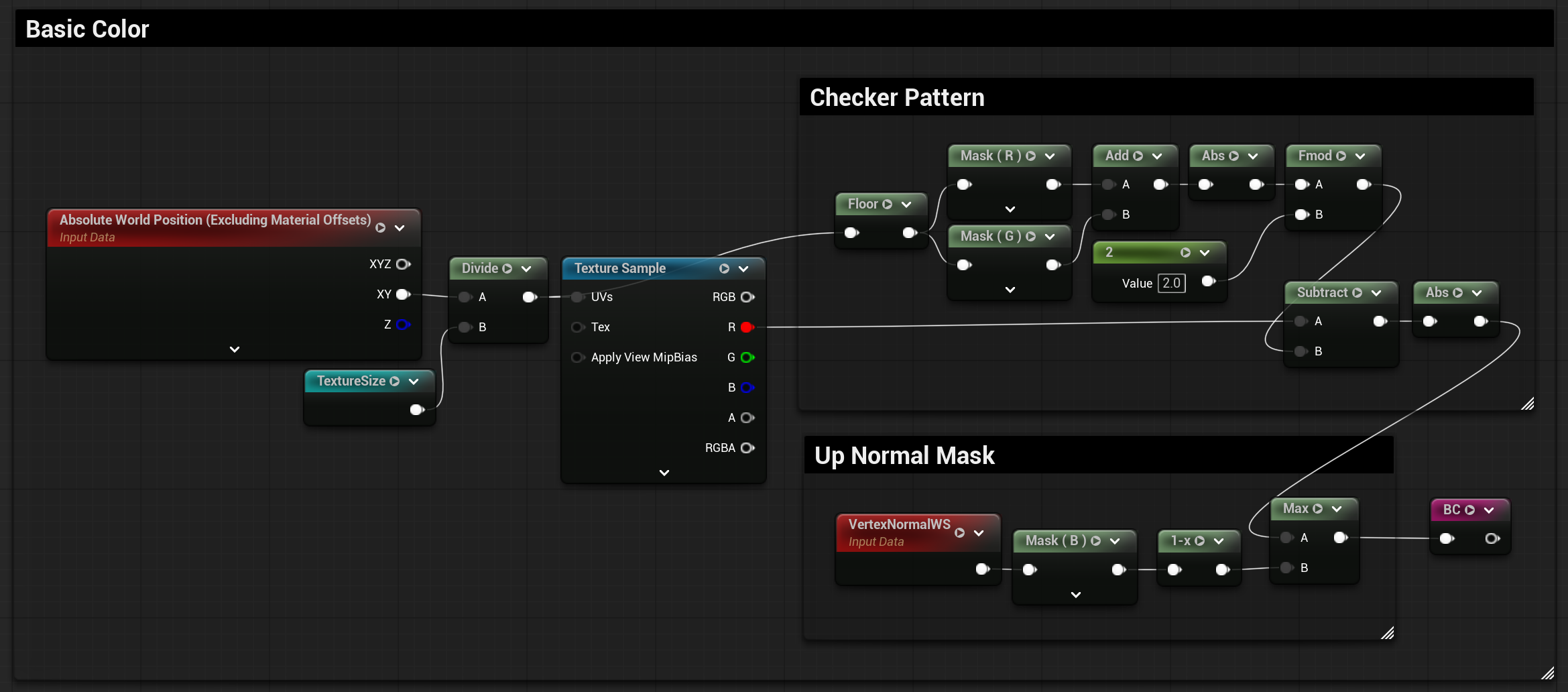
Since moving vertices does not update normals, lighting would break here. To fix that, the normals are recalculated inside the shader using derivatives. This gives the columns a clean flat shading.
If you want to see more from Oleksandr and his work, you can find his links right below.
- LinkedIn: https://www.linkedin.com/in/egoleos/
- YouTube: https://www.youtube.com/@egoleos
Interested in learning more?
If you’re working with Godot and Blender, the Godot Shaders & Blender Tools Bundle brings together two books covering tool development in Blender and shader creation in Godot.
This is for developers and technical artists who want to build their own tools and create more advanced visuals for their projects.
This is for developers and technical artists who want to build their own tools and create more advanced visuals for their projects.
Godot Shaders + Blender Tool Development! Check out this indie bundle 🔥 https://t.co/zSlHDCuGVC#b3d #GODOT #indiedev pic.twitter.com/DbX1ZDLiSd
— Shaders Bible Series (@ushadersbible) March 9, 2026
Jettelly wishes you success in your professional career!
Did you find an error? No worries!
Write to us at [email protected], and we'll fix it!
Other posts that might interest you.
-
.png) Adrian Caminero Navarro shared a water shader study in Unreal Engine, exploring shoreline interaction, contact foam, and refraction using Single Layer Water.
Adrian Caminero Navarro shared a water shader study in Unreal Engine, exploring shoreline interaction, contact foam, and refraction using Single Layer Water. -
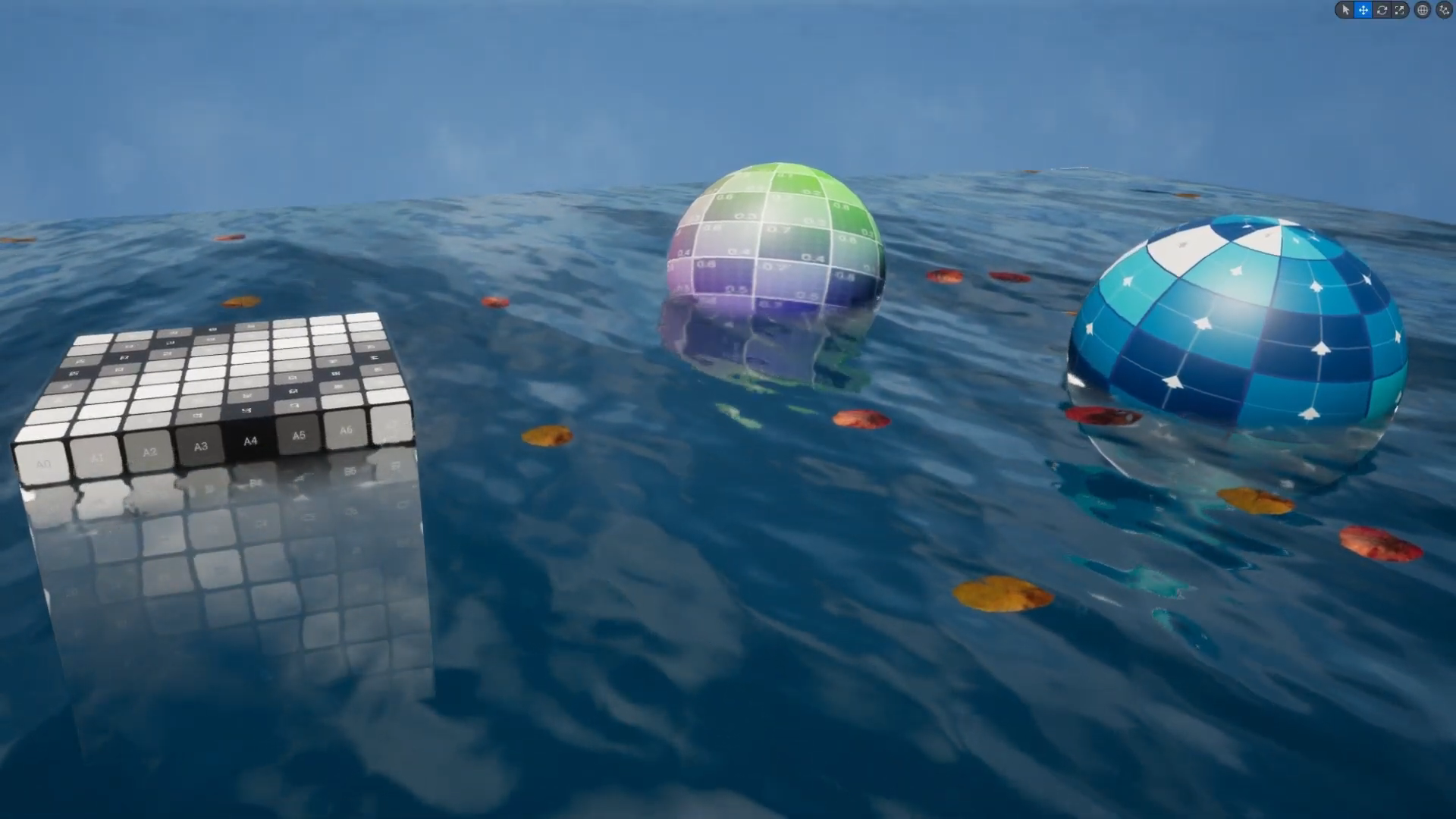 Kseniia Kotliarova made this custom water system from scratch in Unreal Engine, featuring interactive waves, caustics, and buoyancy without using plugins.
 -
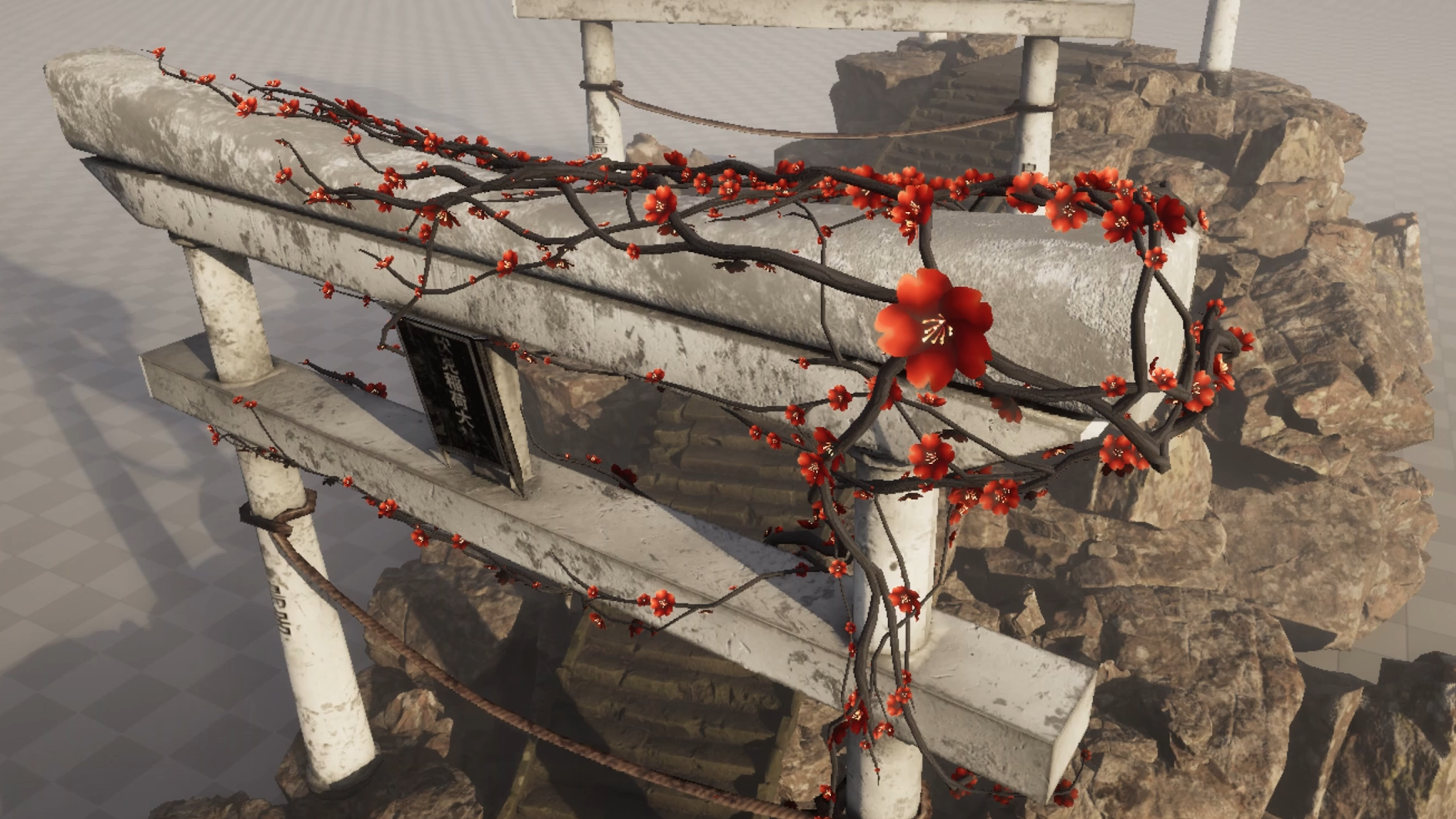 Furkan Doğan shared a real-time ivy simulation built in Unreal Engine using Niagara, running entirely on the GPU with branching, growth, and procedural animation.
