
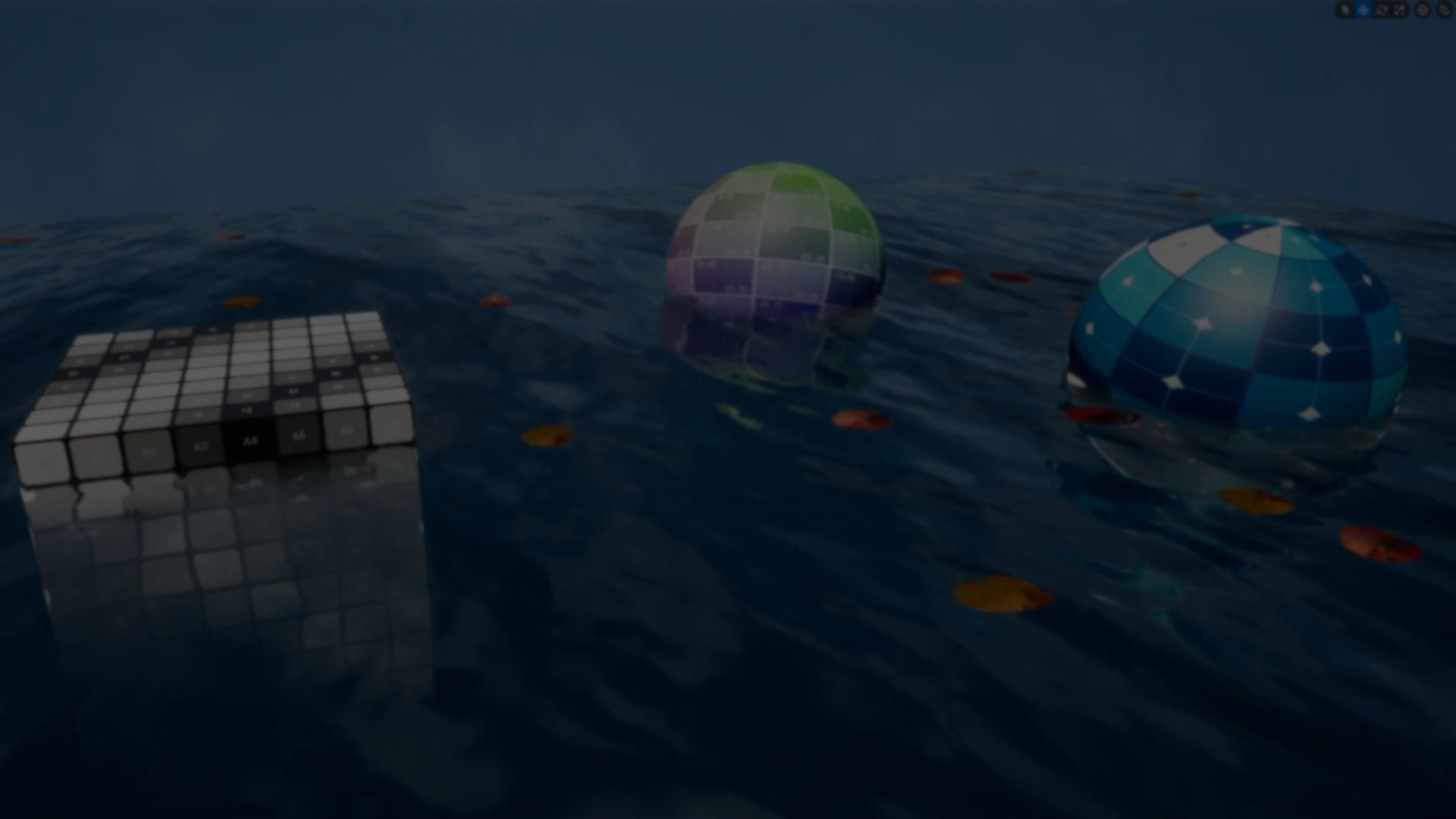
How do you build a realistic water system in Unreal Engine without using plugins or built-in solutions?
Kseniia Kotliarova shared a water system built from scratch, focusing on realism while keeping it usable in real time.
After reaching out, she shared a look at how the system was built, covering everything from the material to interaction and buoyancy.
Kseniia structured the system in a few main parts, starting with the material.
The first step is the base waves, which control the main surface movement of the water. These define how the surface shifts over time and give it that constant motion.
Once this is in place, transparency and depth are added so the water does not feel flat.
After that come reflections and refractions. This is what makes the surface react to the environment and distort what’s underneath.
To avoid a flat shading look, Pixel Normal Offset helps break up how light interacts with the surface.
And just to push the motion further, larger waves are added using Gerstner logic, giving the water a more natural variation.
Vertex painting lets you paint directly on the water surface using different channels, so you can add and adjust details right on the mesh.
To keep things efficient, textures are packed into atlases, and there’s also a lighter setup with smaller textures and simple variation to reduce repetition.
Since most of these features add some cost, they can be turned on or off depending on performance you get.
The next step is interaction. The system uses a render target to track the player’s position in real time.
That data is then used to create ripples on the surface, so the water reacts only where needed instead of checking everything in the scene.
As the player moves, their position is recorded in that texture, and the material reads from it to apply the ripple effect locally on the surface.
The whole setup is built around an Actor and a Component, which control things like caustics, wetness around the edges, and extra effects like bubbles and steam.
Bubbles are done either with multiple Niagara systems using PCG, or with a single system that spreads them across the surface.
The final step of the system is adding buoyancy. Objects float using an invisible plane that defines the water level. There are a few parameters to control how they behave, like height and movement.
The final step of the system is adding buoyancy. Objects float using an invisible plane that defines the water level. There are a few parameters to control how they behave, like height and movement.
If you want to see more of Kseniia’s work and follow her updates, you can check out the links below.
- LinkedIn: https://www.linkedin.com/in/alfberht/
- ArtStation: https://www.artstation.com/alfberht
Interested in learning more?
If you’re interested in the technical side of game development, The Unity Dev Bundle brings together six books covering shaders, math, procedural shapes, editor tools, and character customization in Unity.
It includes titles like The Unity Shaders Bible and Mastering Compute Shaders in Unity 6, and is aimed at developers and technical artists looking to build a stronger foundation and expand into more advanced graphics and systems.
Getting into the technical side in Unity? 👀 Our six-book bundle covering shaders, math, animation, and tools is back for a limited time! ✨
— Jettelly Inc. (@jettelly) April 2, 2026
Check it out: https://t.co/hXakjJfm72#unity3d #gamedev #indiedev pic.twitter.com/zGQYT5da5M
Jettelly wishes you success in your professional career!
Did you find an error? No worries!
Write to us at [email protected], and we'll fix it!

Level up your Unity skills with our new bundle!
We invite you to explore "The Unity Dev Bundle", a comprehensive bundle on the concepts and fundamentals seen in this post.
Other posts that might interest you.
-
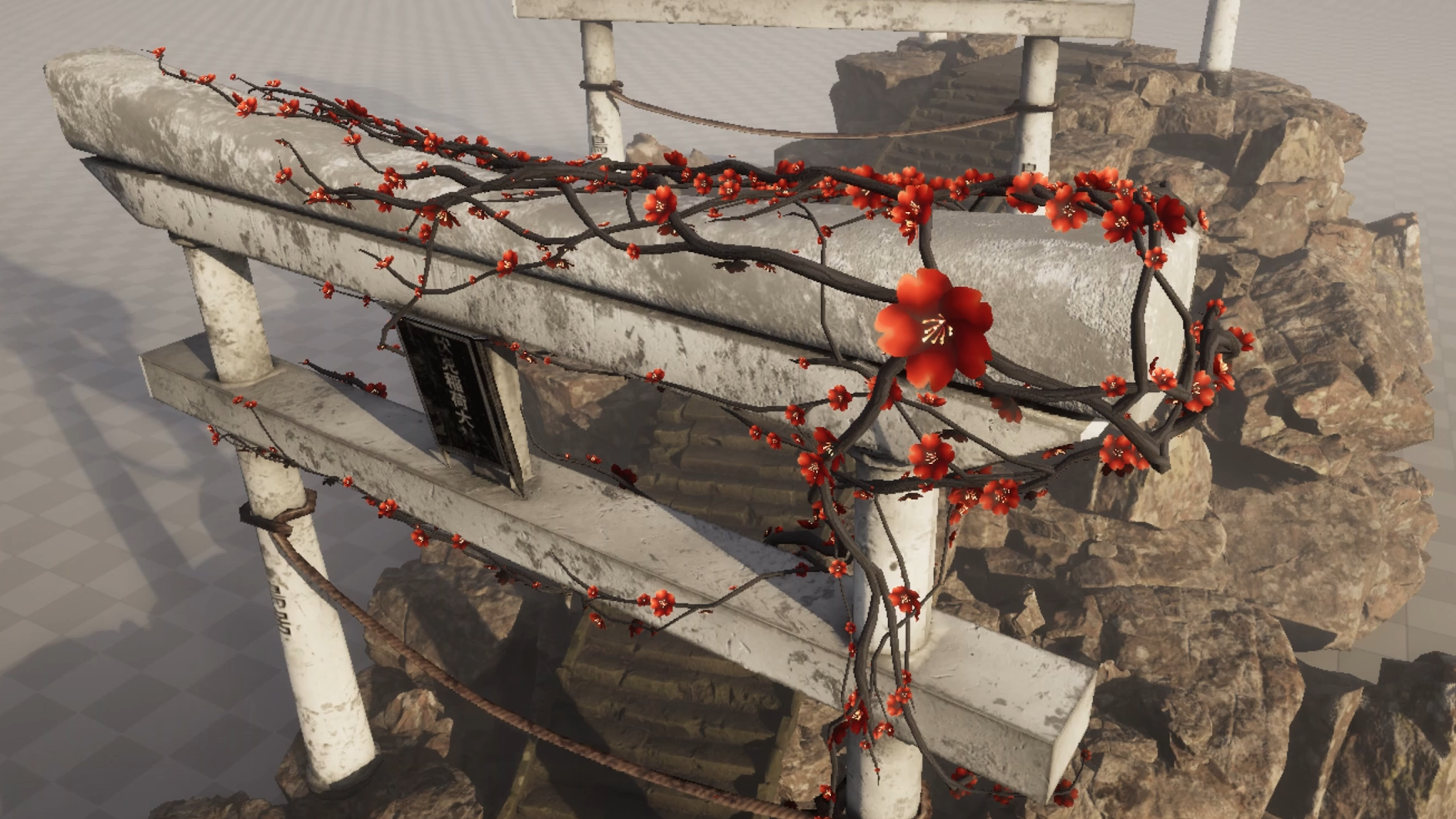 Furkan Doğan shared a real-time ivy simulation built in Unreal Engine using Niagara, running entirely on the GPU with branching, growth, and procedural animation.
 -
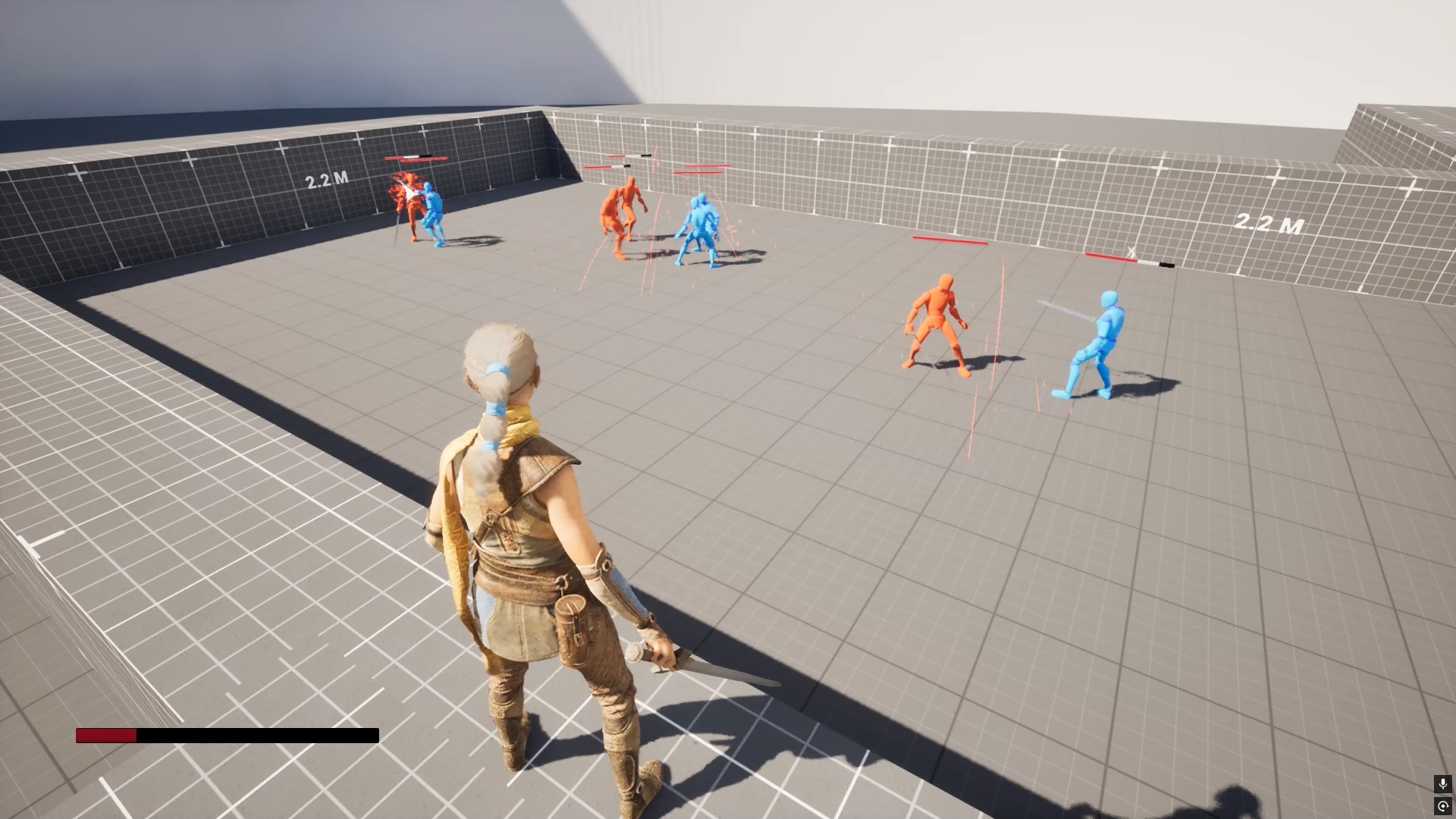 Check out this Unreal system with combos, abilities, AI, and inventory all in one place, created by Artem Chaika.
 -
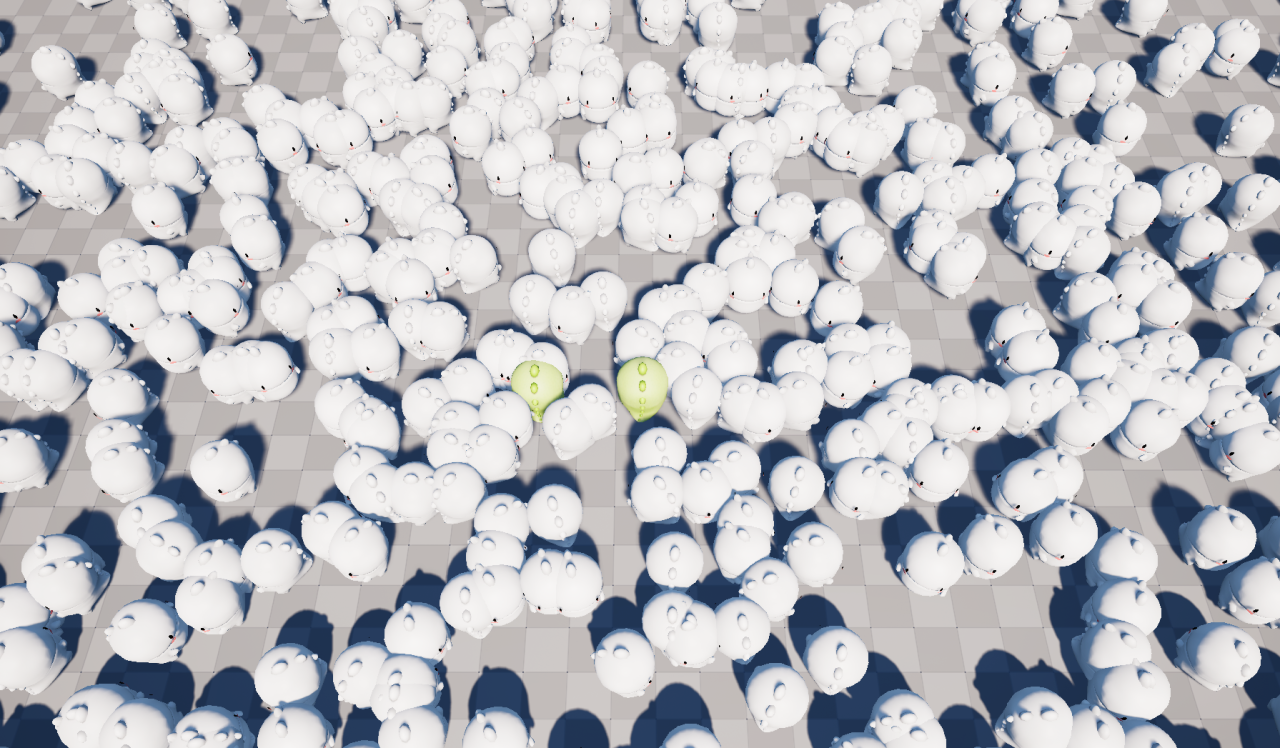 Senior Unreal Engine developer Vladimir Khanin experimented with a replication system based on movement segments, managing to handle more than 1000 NPCs without connection issues.
