
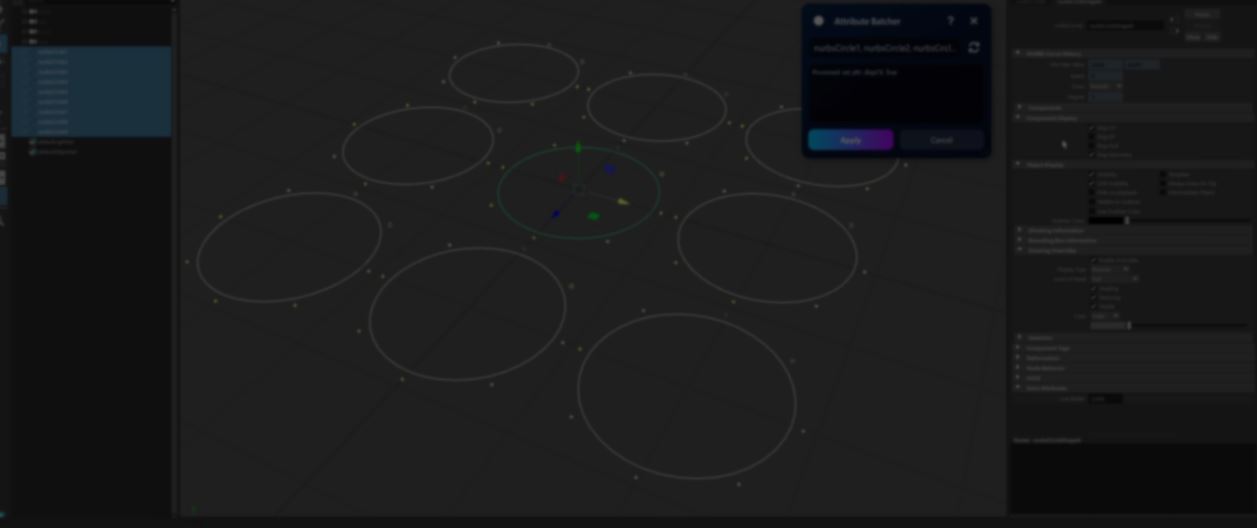
Attribute Batcher: Automating Maya Rigging tasks without writing Scripts.
by Vicente C.
Published |
138
Anyone who spends enough time rigging in Maya eventually runs into the same problem.
Many attribute operations only affect a single object, even when you have multiple selected. Setting values, renaming attributes, or creating connections often means repeating the same action over and over again.
Simple batch operations only take a few lines of Python, but over time those scripts begin to pile up. Eventually, you end up with a shelf full of custom tools, and it becomes easier to write a new script than find an old one.
Attribute Batcher came out of that problem.
The idea is simple.
Select the objects, start the tool, make a change in Maya, and press Apply. Attribute Batcher records what happened and repeats the same operation across multiple objects.
While building the tool, Borovik ran into limitations with Maya's Script Editor when trying to track attribute changes. Some actions were not displayed at all, while others triggered several commands at once.
To solve this, Borovik used Maya's callback system to detect attribute changes and recreate the same operation across multiple objects.
The tool then converts the result into standard maya.cmds commands and prints them to a Python log.
objects = ["node1", "node2", "node3"]

for obj in objects:
    cmds.setAttr(obj + ".attributeName", attribute_value)
According to Borovik, the Python log can also help artists learn Python for Maya, since users can inspect the resulting commands and see exactly what the tool executed.
The tool supports operations such as:
- setting attribute values
- creating or removing connections
- editing limits and enum values
- adding, removing, or renaming attributes
- locking or unlocking attributes
- changing keyable states
Borovik notes that the tool can often be useful beyond rigging, since many Maya operations involve attributes.
It also understands the difference between transforms and shapes. Users can select multiple transforms, edit a shape attribute once, and apply the same change to their corresponding shapes.
The Pro version expands the idea further. It can record node creation and recreate connection setups between groups of objects. It also includes additional tools for managing attributes and connections.
According to Borovik, this is especially useful when modifying existing rigs.
According to Borovik, this is especially useful when modifying existing rigs.
If you want to learn more or try the tool, the links will be right below.
- Attribute Batcher: https://borovikmotion.gumroad.com/l/attribute_batcher
- LinkedIn: https://www.linkedin.com/in/slava-baravik-29422a102/
- YouTube: https://www.youtube.com/@borovikmotion
Interested in creating your own tools in Maya? 📘
We just released The Technical Artist's Guide to Python in Maya, a beginner-friendly introduction to scripting and automation in Maya. Check it out!
The Technical Artist’s Guide to Python in Maya Early Access is now available ✨ Interested in developing tools with Maya? 🔗 https://t.co/wuWYHEhSAd#maya3d pic.twitter.com/HPpjLS0gqX
— Shaders Bible Series (@ushadersbible) June 17, 2026
Jettelly wishes you success in your professional career!
Did you find an error? No worries!
Write to us at [email protected], and we'll fix it!
Learn to make your own Blender custom tools!
We invite you to explore "Blender Tool Development Fundamentals", a comprehensive book on the concepts and fundamentals seen in this post.
Other posts that might interest you.
-
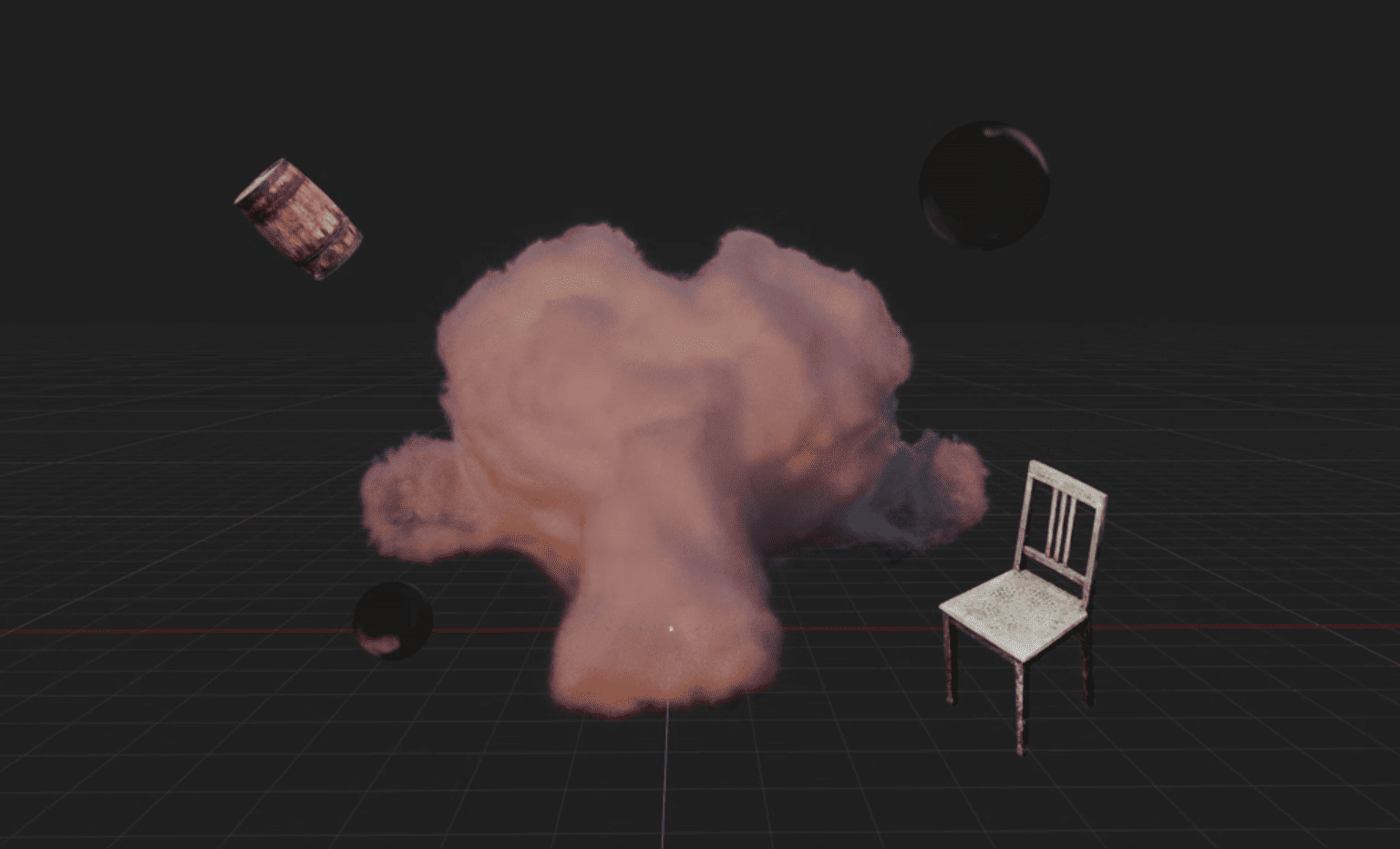 Blender artist Sören Schmidt-Clausen released BlendSplat, a node library that brings Gaussian Splats into Blender and makes them editable through Geometry Nodes.
 -
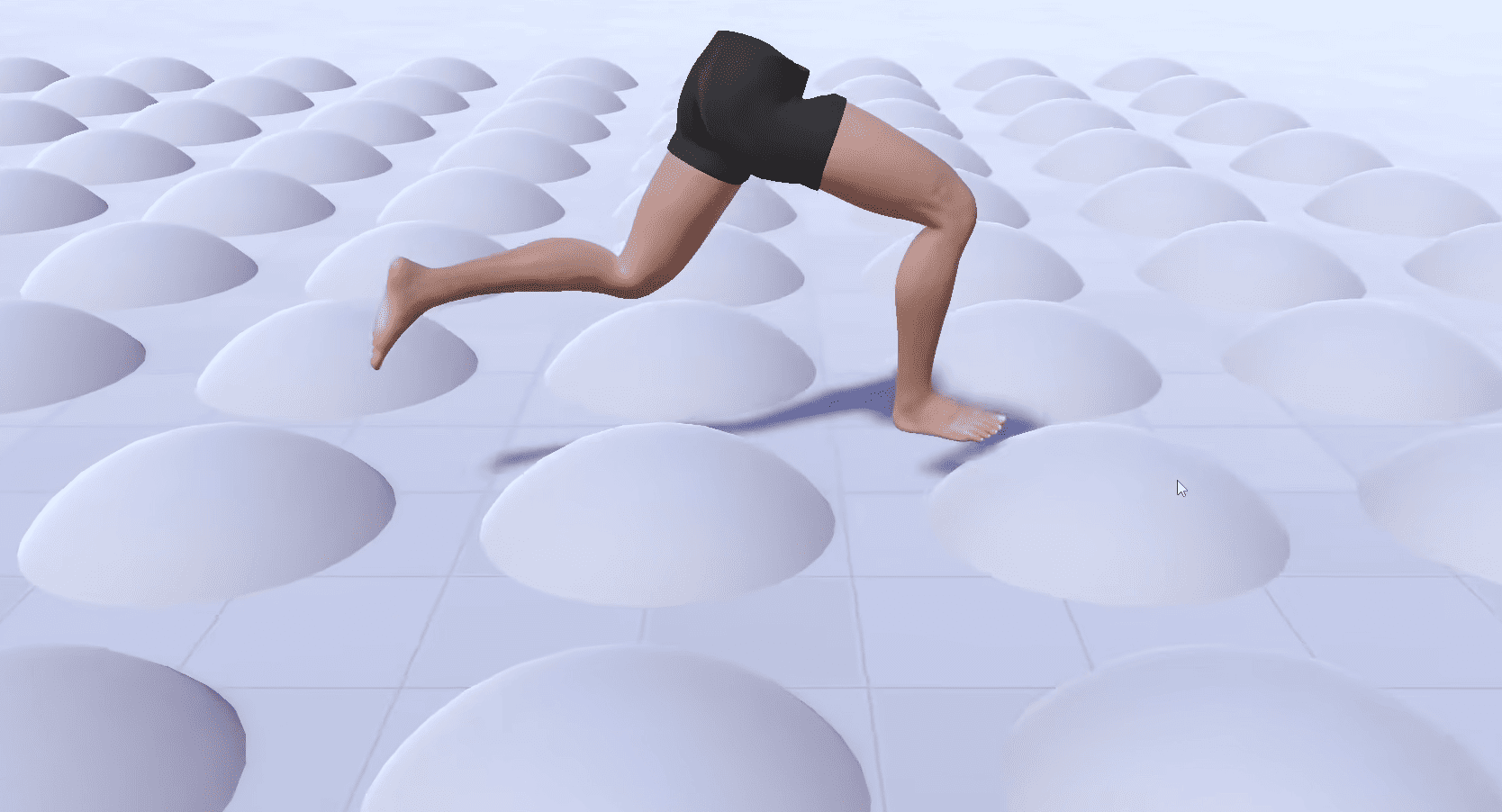 Check out the details of Footwerk, a free foot placement plugin that helps characters stay grounded while keeping existing animations intact.
 -
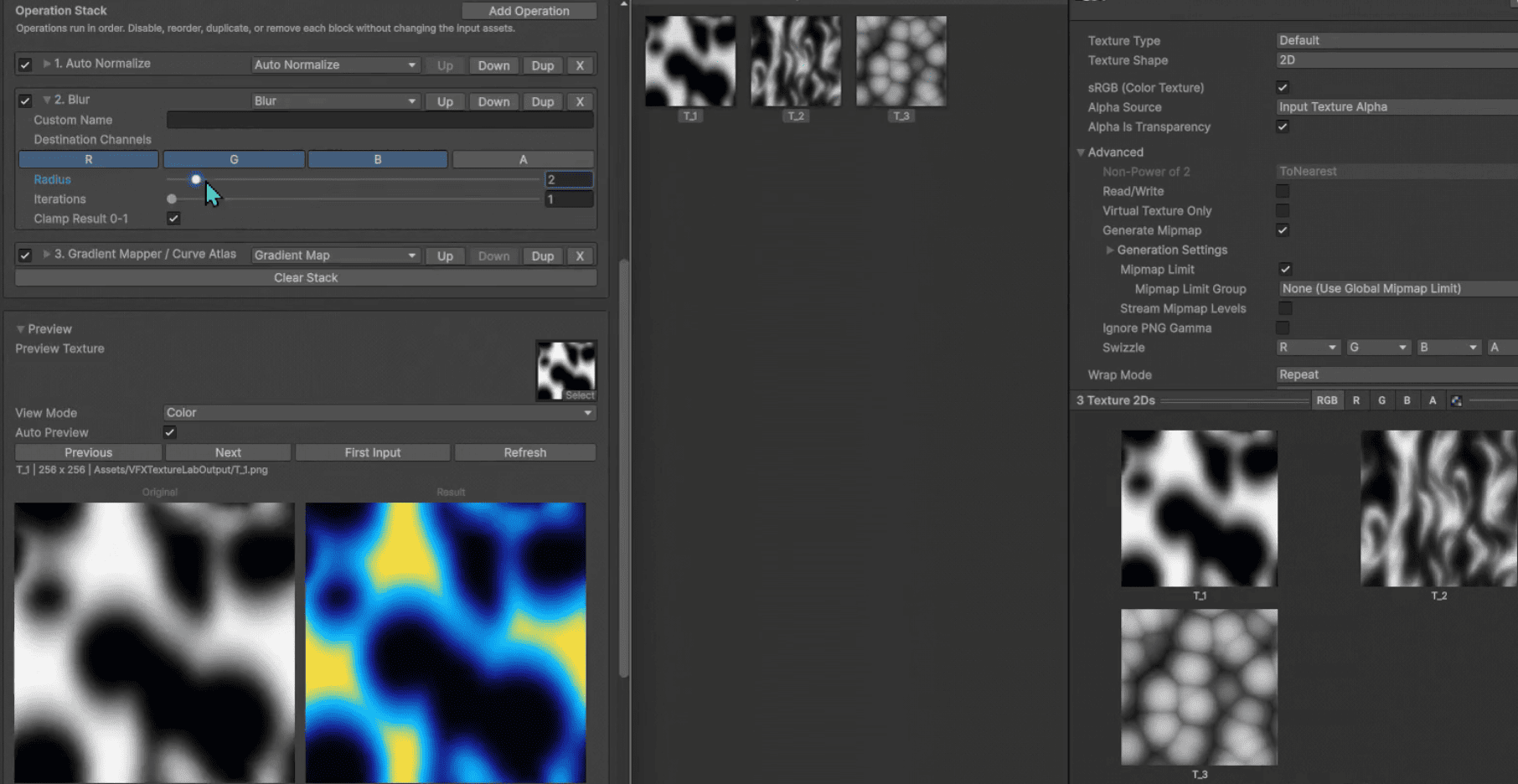 VFX Texture Lab is a free and open-source Unity tool that lets VFX artists edit textures directly inside the editor.
