
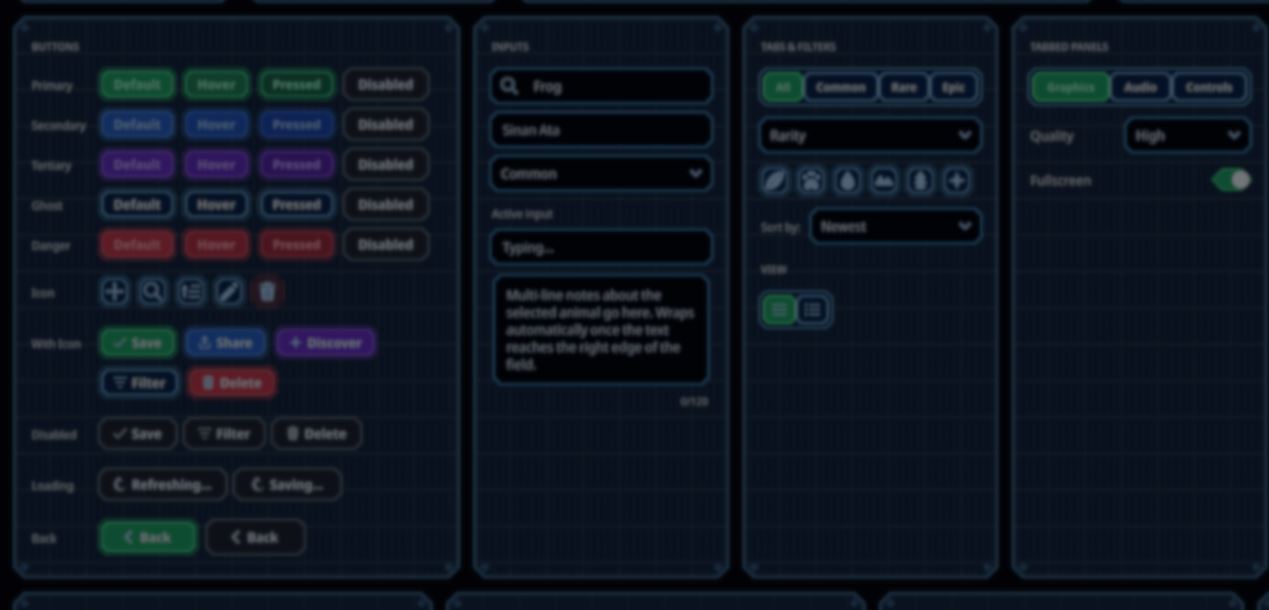
In May, we covered Sinan Ata's open-source UI Toolkit design system, which lets developers reuse components and themes across Unity 6 projects.
Recent releases added world-space support, a material FX pipeline, and a new font importer.
Solo developer Sinan Ata released an open-source UI system for Unity 6 with reusable components, themes, responsive layouts, and runtime UI effects. 🧩
— Jettelly Inc. (@jettelly) May 8, 2026
See the details: https://t.co/bWi0qxZkZF#unity3d #gamedev #indiedev pic.twitter.com/Xc4mWqvmVb
A Unity update made world-space support possible. Each section uses a PanelRenderer and world-space PanelSettings to place a panel on a 3D surface, while keeping the same UXML and USS files as the screen-space UI.
The live demo presents this as a walkable gallery, with the panels hanging on the corridor walls. Users can interact with the buttons, text fields, dropdowns, drag-and-drop demos, and theme controls.
Version 1.5.0 added a material FX pipeline for UI Toolkit elements. The pipeline uses style.unityMaterial to apply a custom material to the element's background, borders, and text glyphs.
The shader runs on the original element, so button labels can still change at runtime. The layout, hit testing, focus, and accessibility continue to work.
The included Blueprint family makes the interface look like a drafting sheet, with linework and engraved lettering. Developers can use it as a reference to create materials such as wood, metal, or glass.
When the material is applied to a full interface, the role mapper treats panels as surfaces, raises the buttons and tabs, and recesses the inputs and slider tracks.
The body text stays solid, while the headings can be engraved.
The hover, press, and entrance animations share a single global clock. Each event stores its start time and duration, then the shader calculates the motion without a separate update loop for every element.
Each skinned element adds one draw call, so materials are meant for selected surfaces, not the entire interface.
In WebGL, Unity's native world-panel path ignores per-element materials. The demo renders each panel to a RenderTexture on a quad, while the Editor and native builds use PanelRenderer directly.
The Google Fonts importer searches the catalog, creates FontAssets for the selected weights and a stylesheet, and also accepts local .ttf and .otf files.
For variable fonts, it reads named weight instances that Unity's Font Asset Creator may not expose. It also handles fallback chains and text shaping for scripts that require it.
Sinan originally created the design system for Leap of Legends. The game is now available for free on PC, Mac, and mobile, with cross-play across all platforms. Its menus, HUD, lobby, and store screens all use the open-source toolkit.

You can try the updated design system or follow Sinan's work through the links below:
- GitHub: Unity UI Toolkit Design System
- Live demo: Screen-space and world-space gallery
- Steam: Leap of Legends
- X: Sinan Ata
Learn more ⬇️
If you’re interested in the technical side of Unity? The Unity Dev Bundle brings together six books covering shaders, math, procedural shapes, editor tools, and character customization.
This is for developers and technical artists who want to build a stronger foundation and work with more advanced graphics and systems in their projects.
Anyone interested in shaders, compute shaders, tools, and math for graphics in Unity? This Bundle might be what you need 🔗 https://t.co/1eA8907m5M#gamedev pic.twitter.com/Oyk7XFNDWf
— Shaders Bible Series (@ushadersbible) August 25, 2026
Jettelly wishes you success in your professional career!
Did you find an error? No worries!
Write to us at [email protected], and we'll fix it!
Level up your Unity skills! Grab our bundle and start learning today.
We invite you to explore "The Unity Dev Bundle", a comprehensive bundle on the concepts and fundamentals seen in this post.
Other posts that might interest you.
-
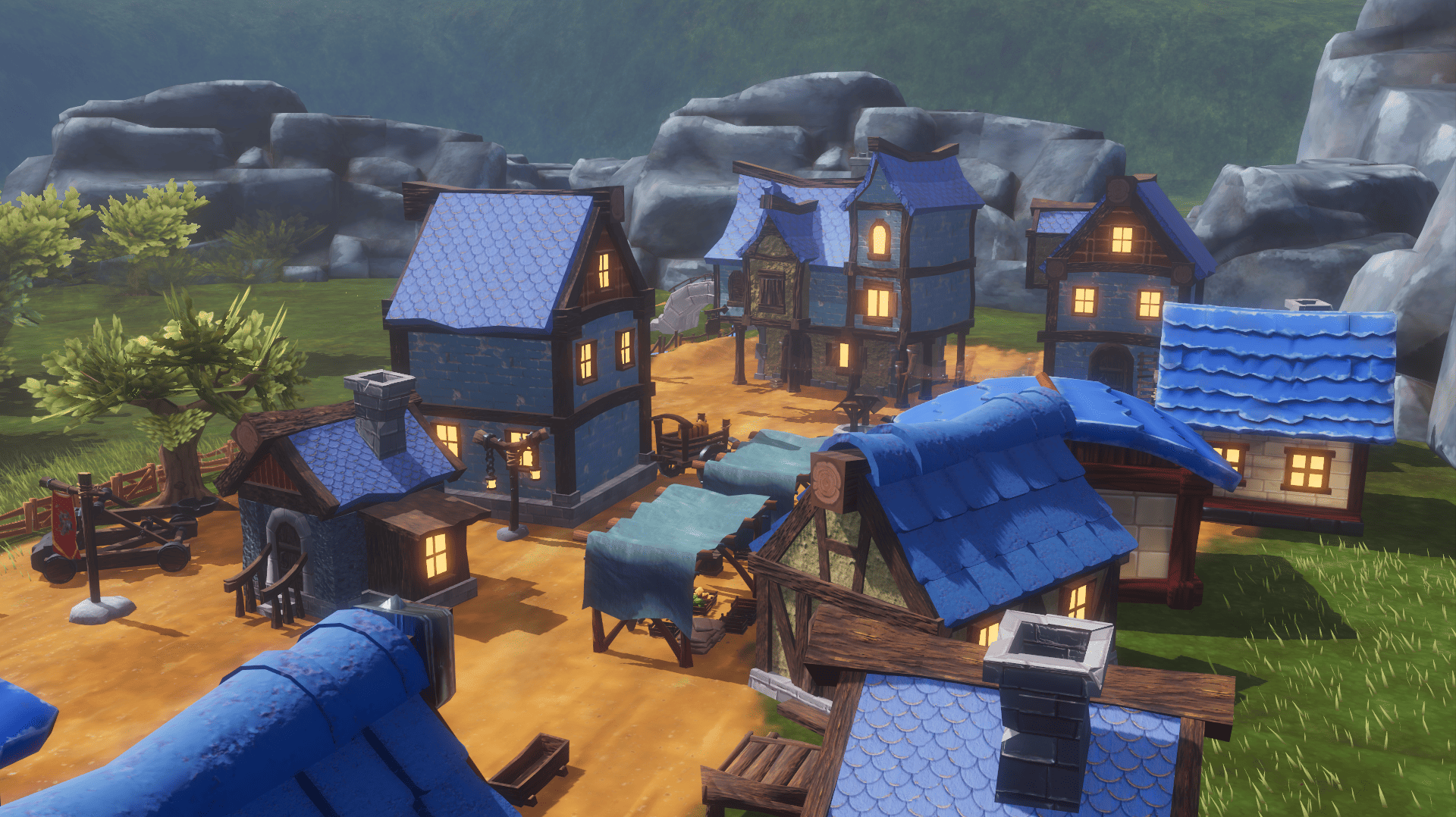 What began as a Blender challenge grew into 40 free models and a playable Godot scene showing how they work together.
 -
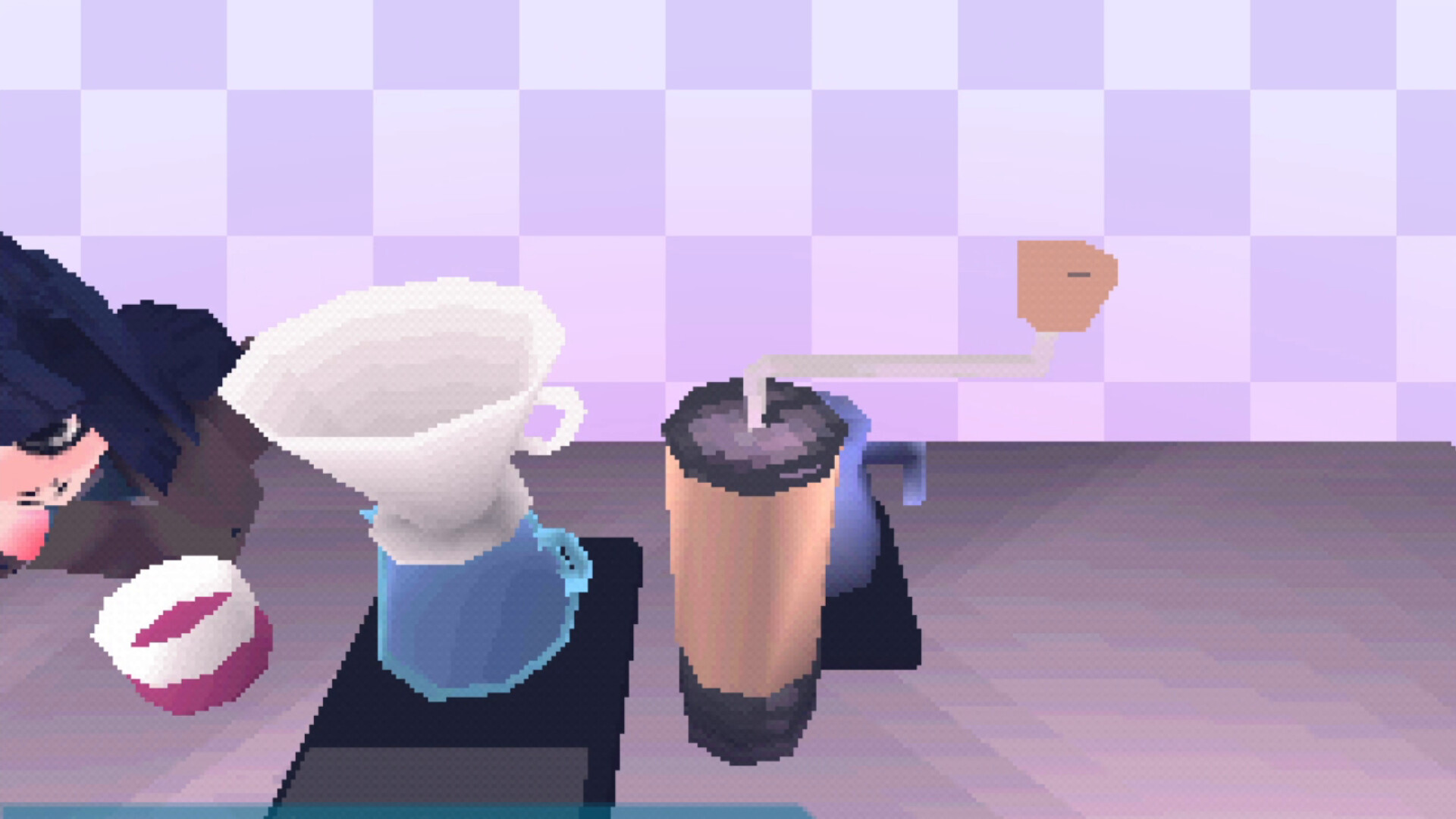 Calin P. turned lessons from building a PS1 emulator into a Godot 4 addon that follows the original console's rendering behavior.
 -
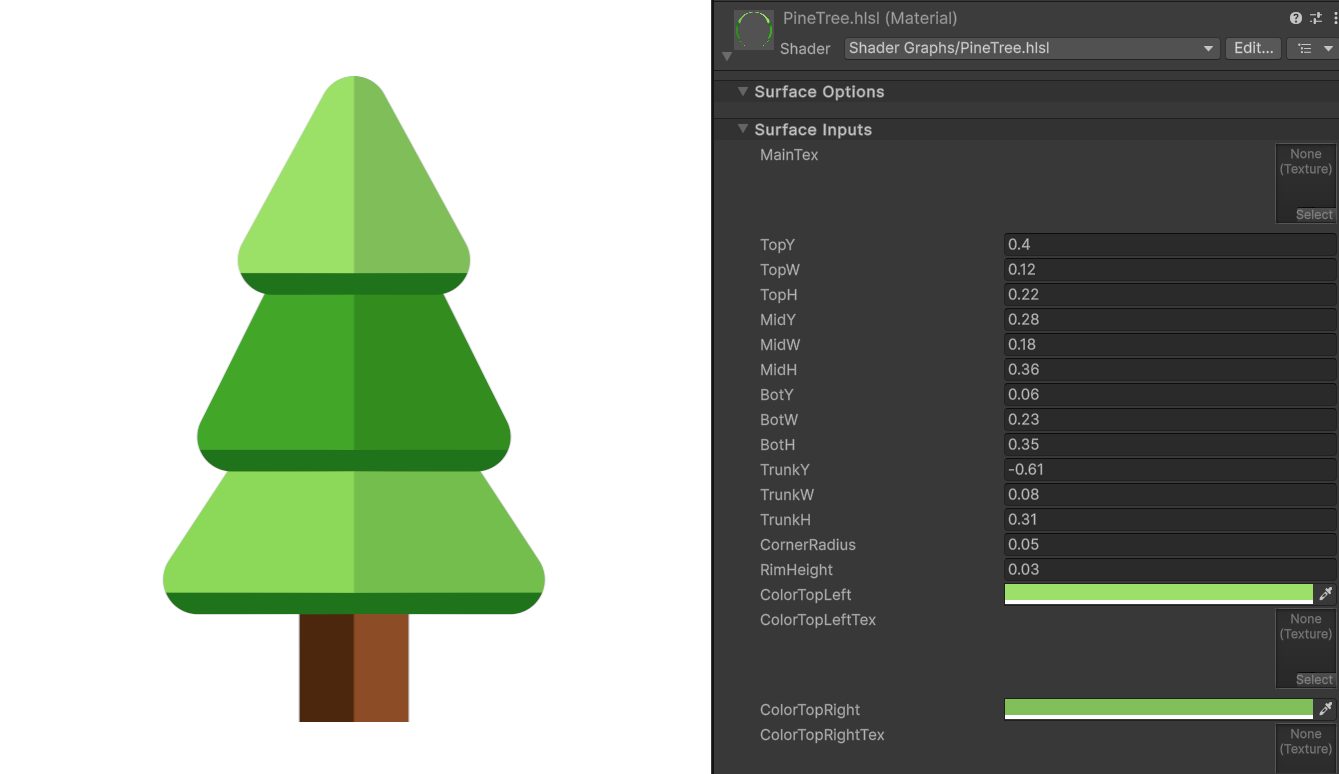 Shader Expert makes editable 2D shaders inside Unity, then renders each result so a second model can compare it with the user’s request.
