
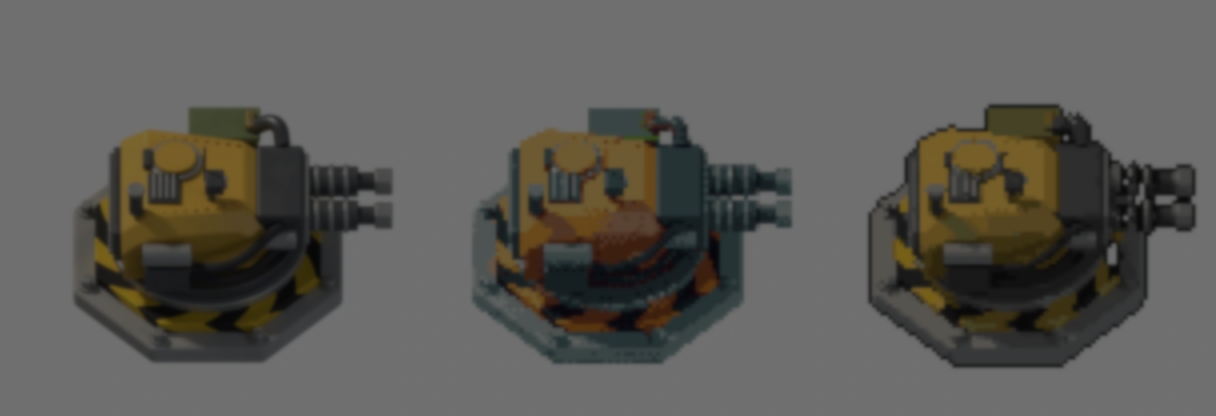
Winterveil first made Ditherdragon to create sprites for their own games. They were mixing paintings and images from different sources, and wanted a way to give them a consistent pixelated look.
The original tool scaled images down, mapped them to a palette and optionally added dithering. A live preview let them see each adjustment straight away.
Over the years, Winterveil’s workflow changed, and they started using Ditherdragon less. Its downscaling could lose thin lines and small details, while animations flickered because each frame used a different palette. They decided to rebuild the tool from scratch.
I made 3D models into pixel art with my OG pixelation tool, rebuilt from scratch
by u/Gleb_T in IndieDev
The first version mostly used nearest-neighbor scaling, which picks one source pixel for each block in the smaller image. If that pixel misses a narrow detail, the detail is lost.
Version 2 offers several ways to shrink an image. One groups colors within each block and picks the dominant one; another uses contrast to help keep details visible. Winterveil also added controls for thin lines and stray pixels.
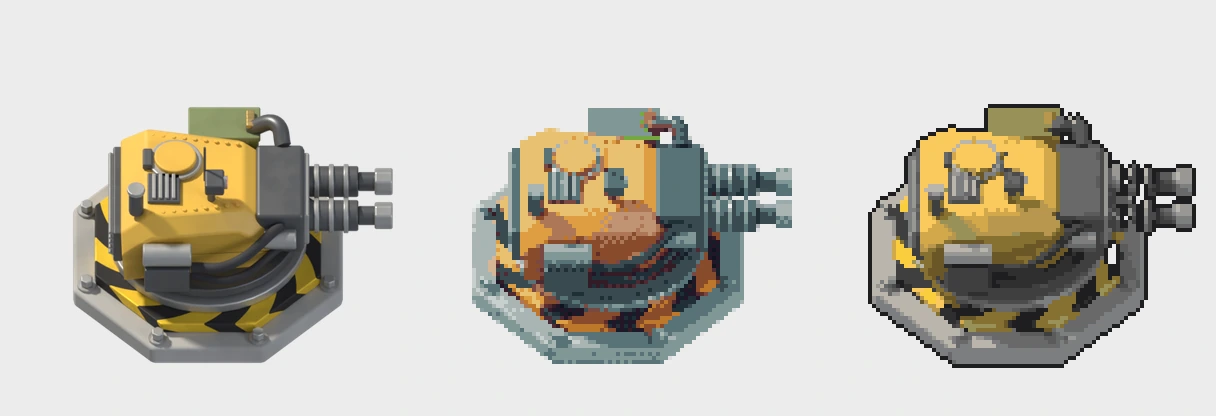
Speed still mattered. Ditherdragon remains a standalone app built in Godot, but its processing core is now written in Rust. Winterveil says changes that previously took seconds can now appear in milliseconds.
For the 3D turret in the post, the model was rendered from 16 directions before its frames went into Ditherdragon. The tool processed all 80 frames in one batch, using one shared palette so the colors stay consistent as the turret turns and recoils. It can also load GIFs and sprite sheets directly.
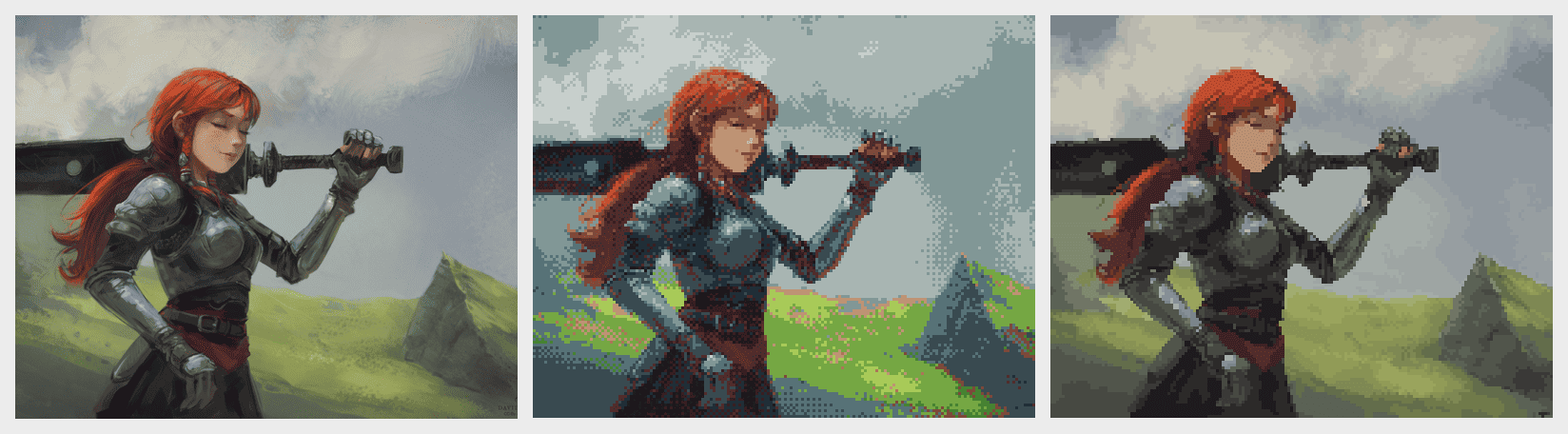
The rebuild adds background removal, outlines, saved presets and a command-line mode for scripted workflows. Winterveil kept the older processing options too, since that look may still suit some projects.
Ditherdragon does not use generative AI. Winterveil still treats its output as a starting point, touching up details such as eyes, outlines and pixel clusters by hand.
- Tool: Ditherdragon on itch.io
- Original post: Winterveil’s 3D sprite showcase
- Creator: Winterveil on itch.io
Working on your game’s visual style?
Jettelly wishes you success in your professional career!
Did you find an error? No worries!
Write to us at [email protected], and we'll fix it!
Other posts that might interest you.
-
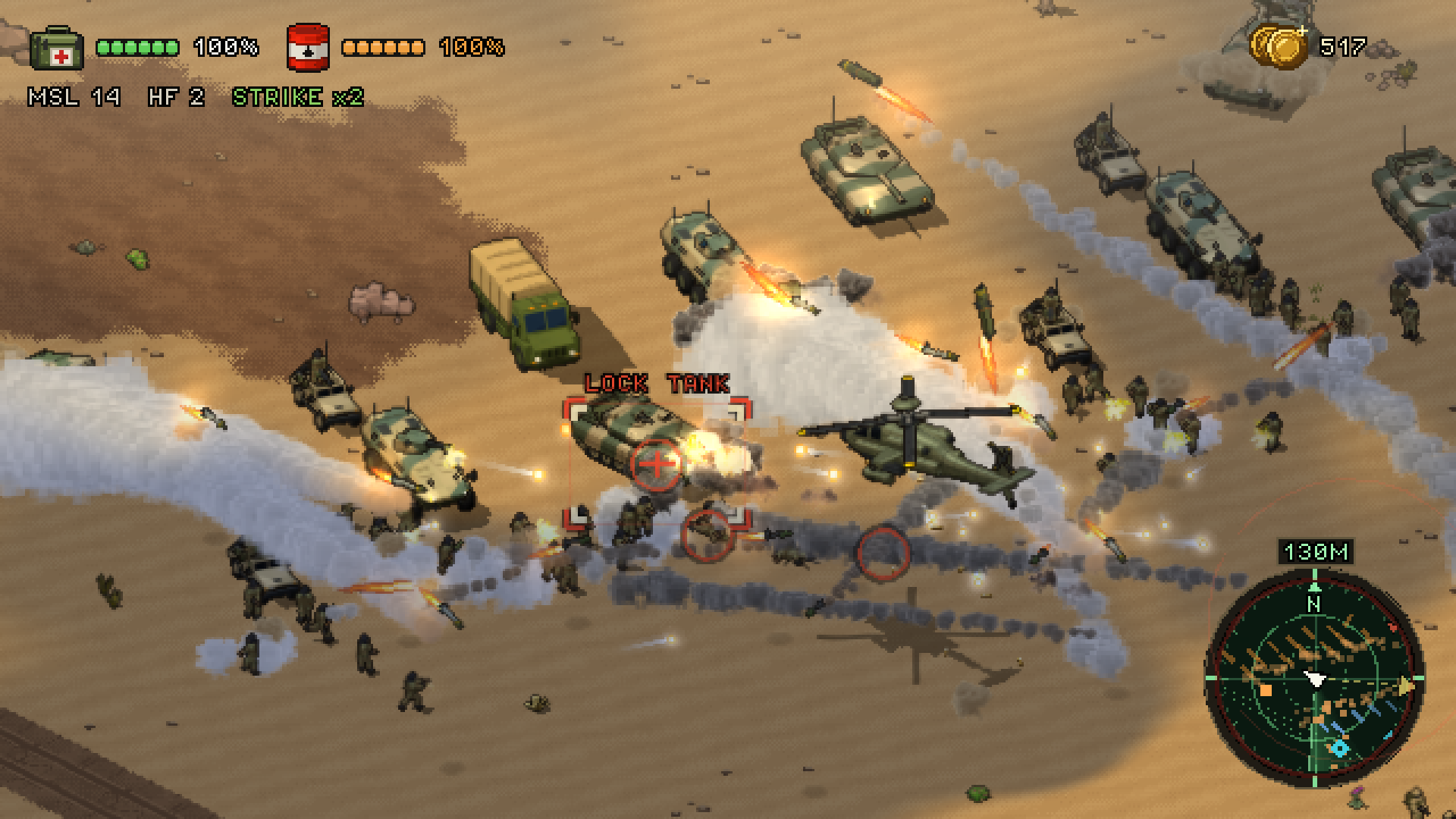 Sand Hawk puts hundreds of soldiers into a battle that keeps going beyond the player’s helicopter. Creator Ivan Belačić shares how he runs it in Godot.
 -
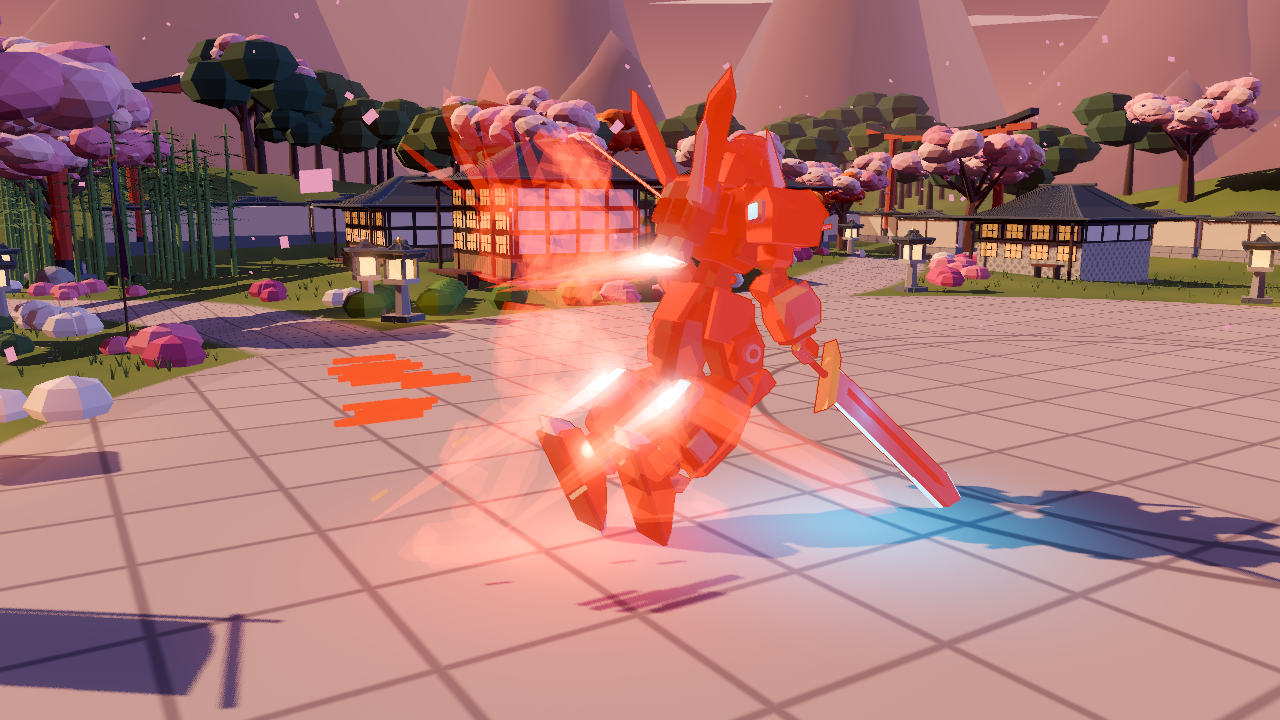 The mech in Mecha Striker can dash, slide and bunny hop across the arena. Tory Nguyen shares how he tuned the movement and made each action easy to read.
 -
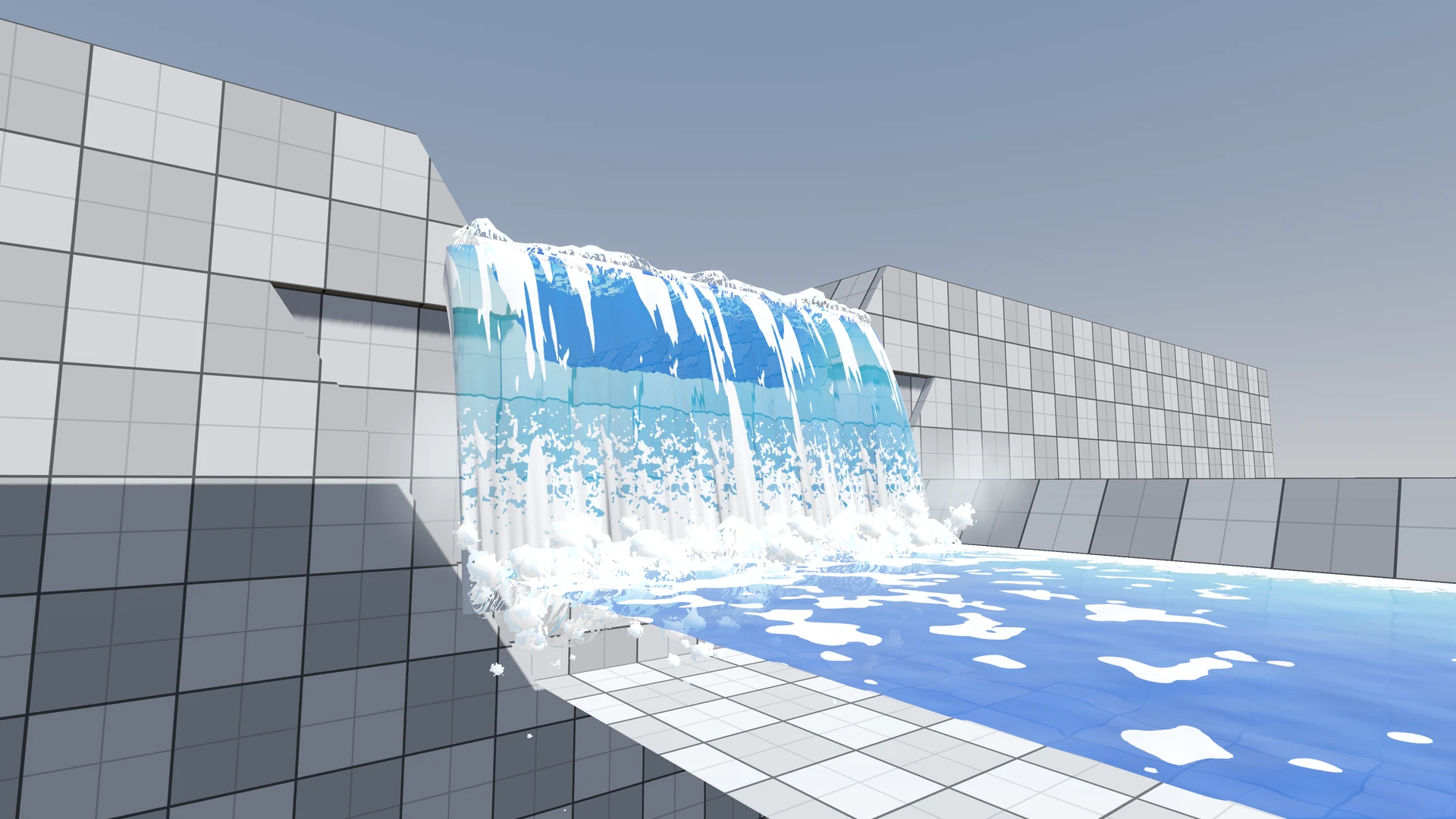 The river in Windup Wonderland looked clear, but its foam kept repeating and the waterfall felt flat. After feedback on Reddit, zhan reworked both in Godot.
