
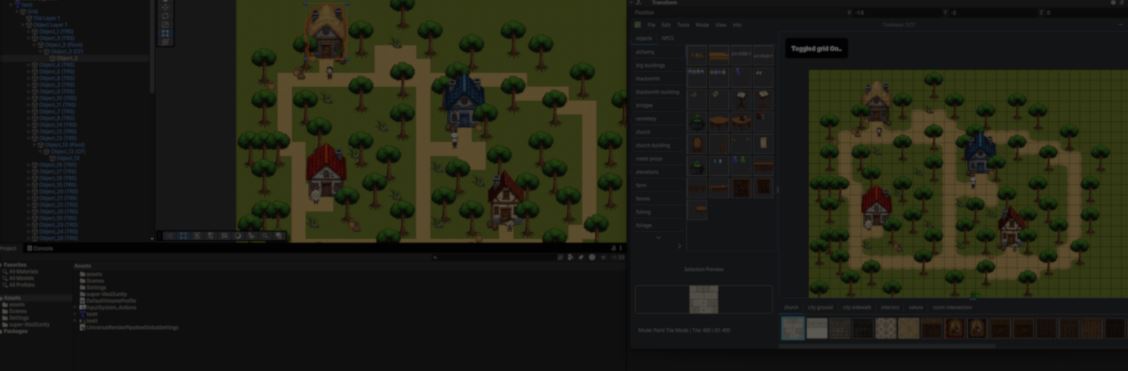
TileMaker DOT: From a personal tool to an Open Source Map Editor.
by Vicente C.
Published |
24
For years, Andrei Voia has been working on a personal game that slowly grew into a larger game framework. At first, building maps was simple. He painted them in Photoshop, assigned a unique RGB color to every object, then used a script to convert those colors into object IDs inside the game.
That worked for small maps. As the project grew, it became much harder to manage more objects, larger maps, and multiple projects with the same system.
He tried existing editors like Tiled, but they did not fit the way his engine worked. His objects already had their own IDs, he wanted objects to sort themselves, and he wanted to leave notes on the map while designing it.
So he built a small editor for himself.
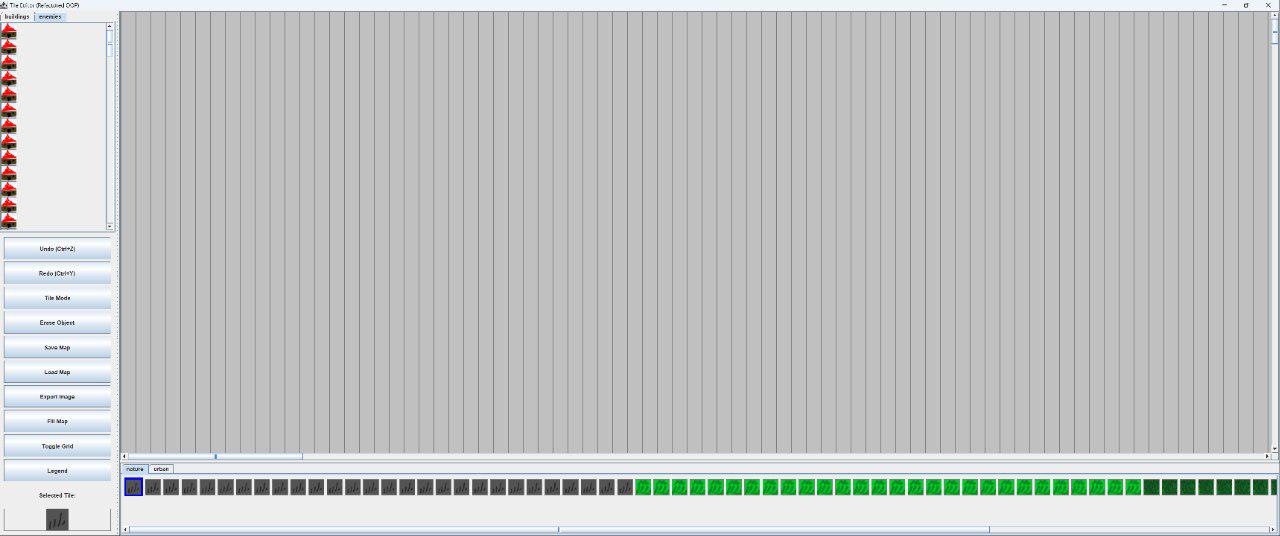
The editor lets you place tiles, objects, and NPCs on the map. It also draws everything in the correct order. Assets keep the IDs you assign, making it easier to connect the editor with an existing project.
Posts from the unity3d
community on Reddit
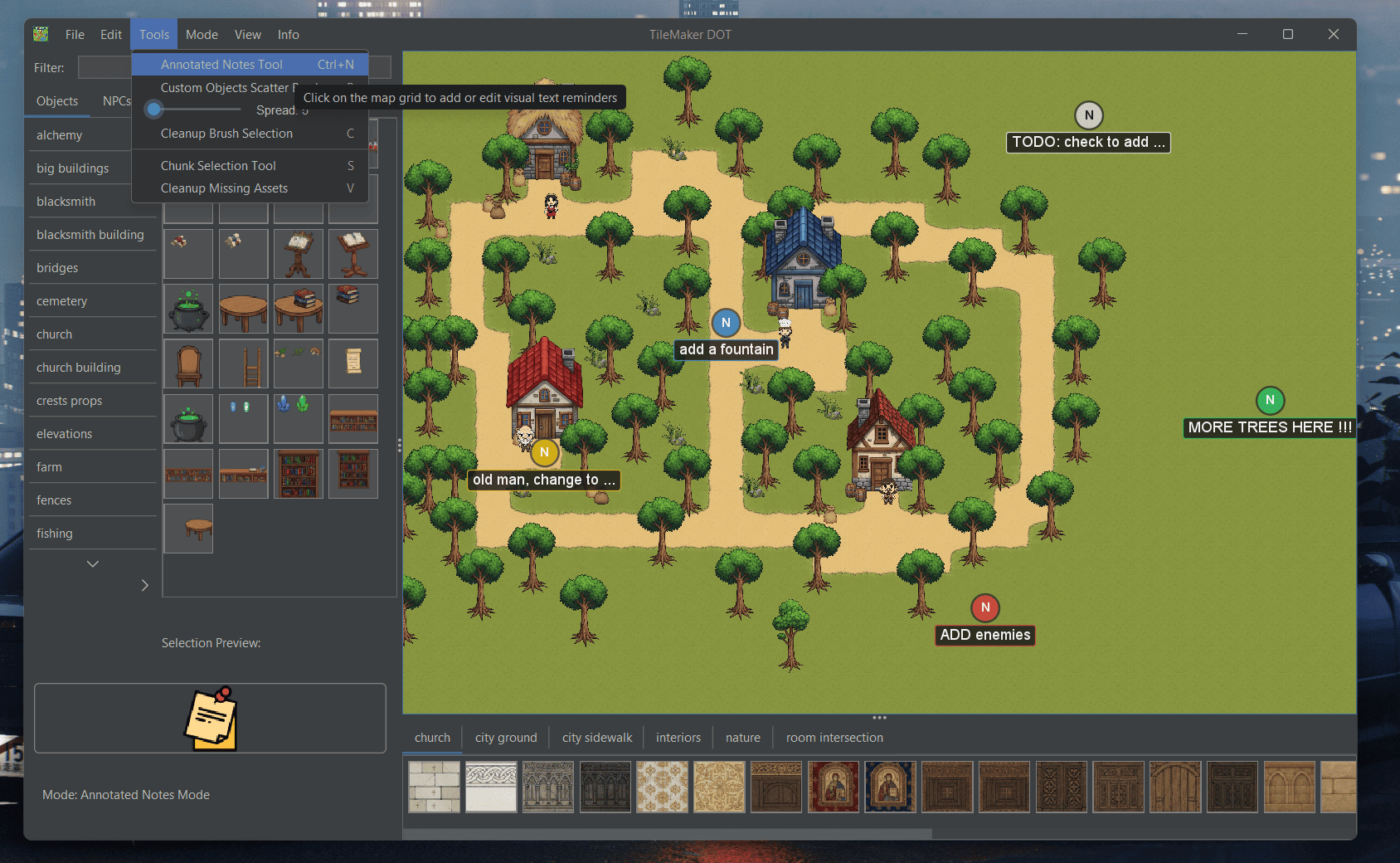
One feature Andrei added more recently is map annotations. You can drop notes anywhere on the map, color them, and even leave reminders.
Behind the editor, every map keeps its own saved state. Every change is saved as a new map state, allowing Undo and Redo.
The editor is also organized into different modes. Placing objects, painting tiles, adding notes, selecting areas, or erasing all work as separate tools, with only one active at a time. According to Andrei, this made it easier to keep adding new features without changing the existing ones.
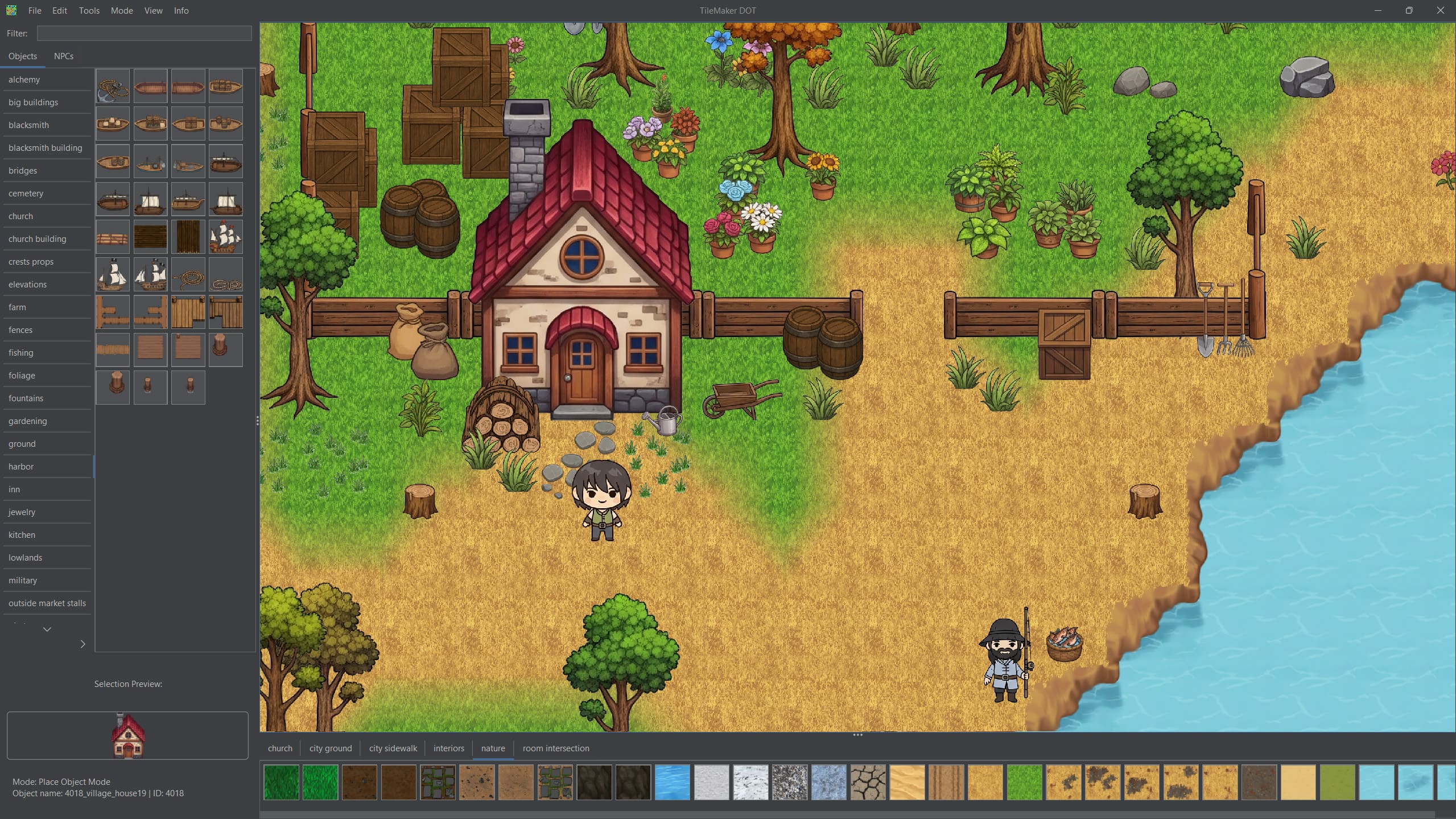
After sharing it with other developers, the positive feedback encouraged Andrei to keep improving it, adding new features over time. Today, TileMaker DOT is completely free and open source, and it continues to grow with each update.
If you want to check out the project or follow its development, the links will be right below.
Interested in learning more?
If you’re interested in the technical side of Unity? The Unity Dev Bundle brings together six books covering shaders, math, procedural shapes, editor tools, and character customization.
Shaders, tools, animation, math, and more, the new "Unity Dev Bundle" is still available for a bit longer. 🔥 Get it here: https://t.co/gPPcuZDuFX#unity3d #gamedev pic.twitter.com/mnxRUCtUHC
— Jettelly Inc. (@jettelly) April 8, 2026
Jettelly wishes you success in your professional career!
Did you find an error? No worries!
Write to us at [email protected], and we'll fix it!
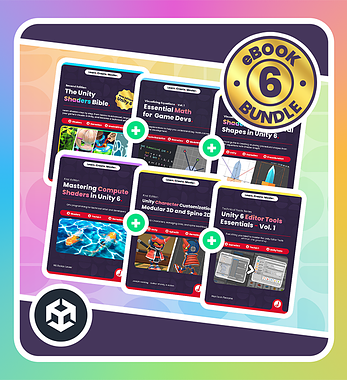
Using Unity? Here's a bundle that might help you! ✨
We invite you to explore "The Unity Dev Bundle", a comprehensive bundle on the concepts and fundamentals seen in this post.
Other posts that might interest you.
-
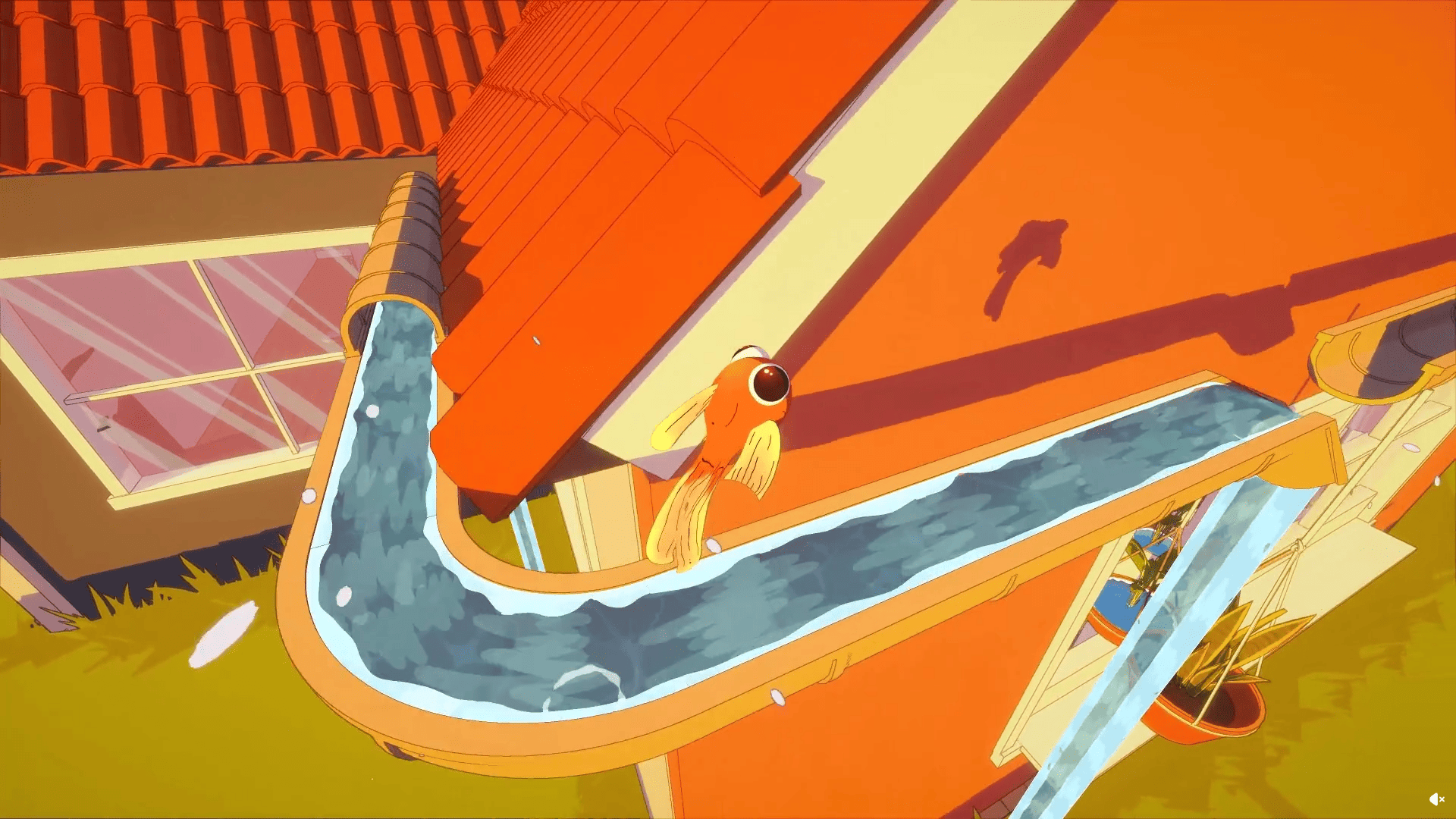 Barely Breathing received a new procedural puddle system that uses raycasts, BFS, and Marching Cubes to react to walls and uneven ground.
 -
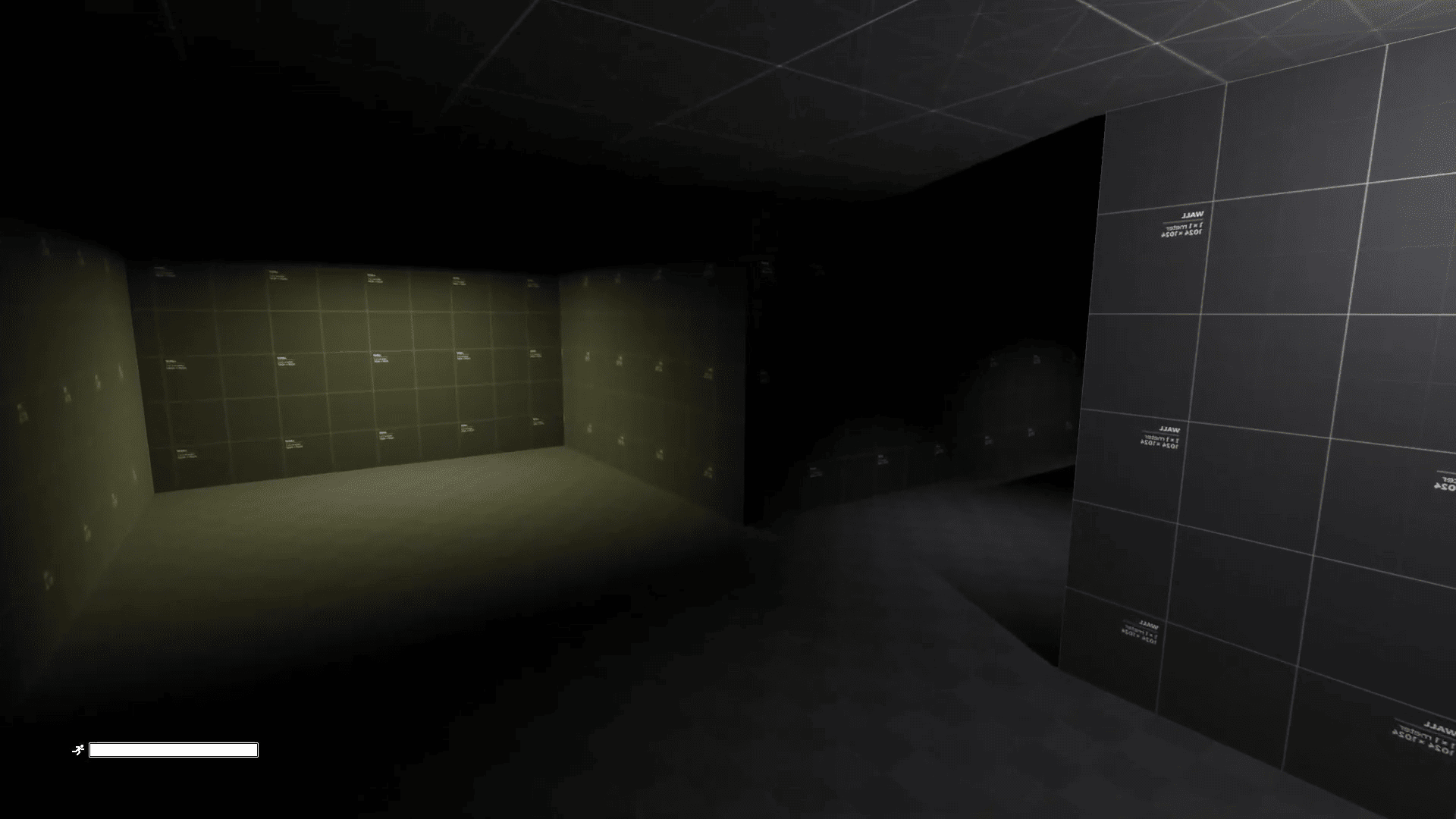 Godot developer Advis recreated the feel of Alien: Isolation's first-person controller in Godot 4.7.
 -
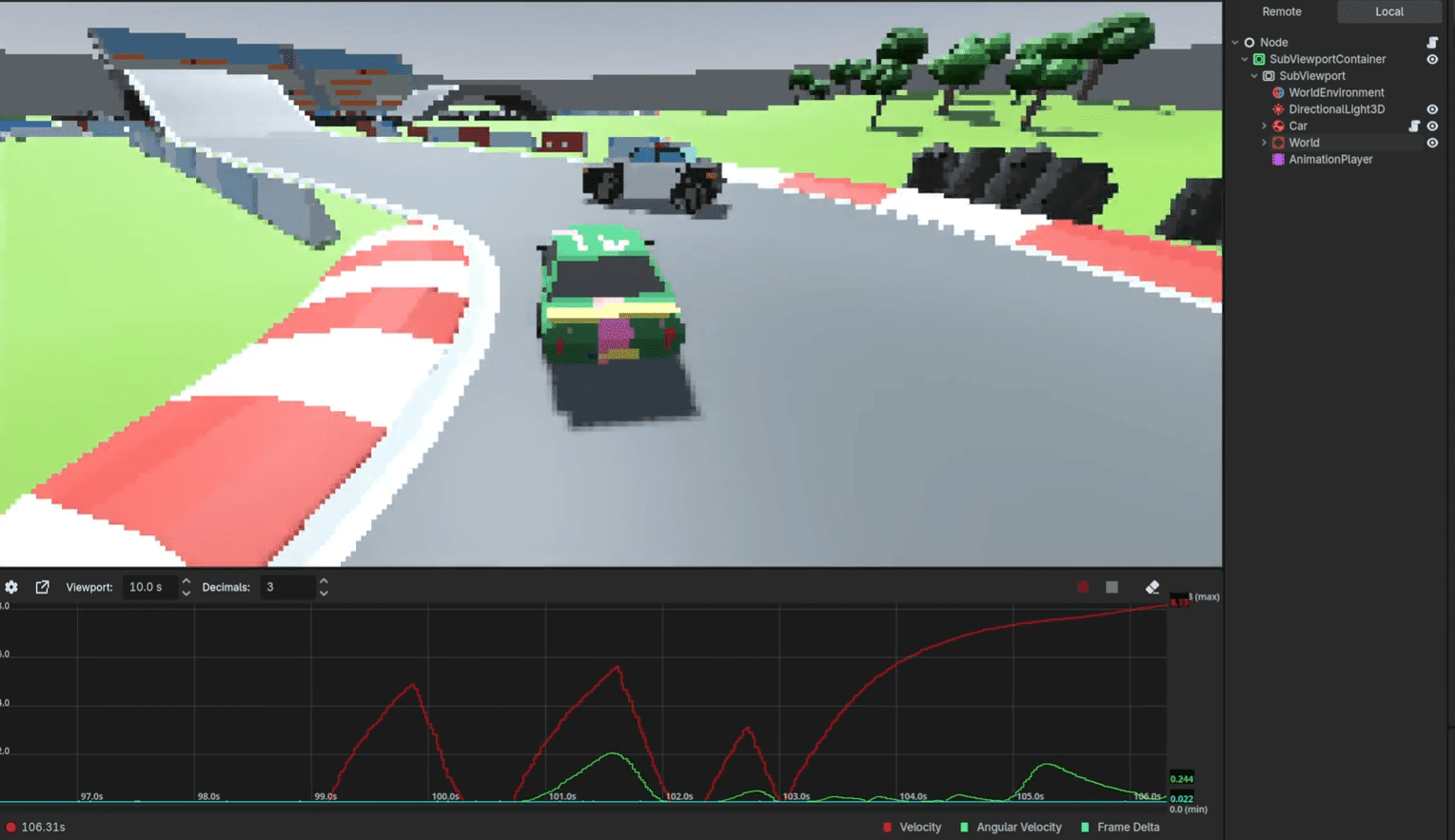 Developer Nathan Stroomberg (McJeditor) released Debug Graph, a free tool for visualizing runtime values inside Godot’s editor.
