
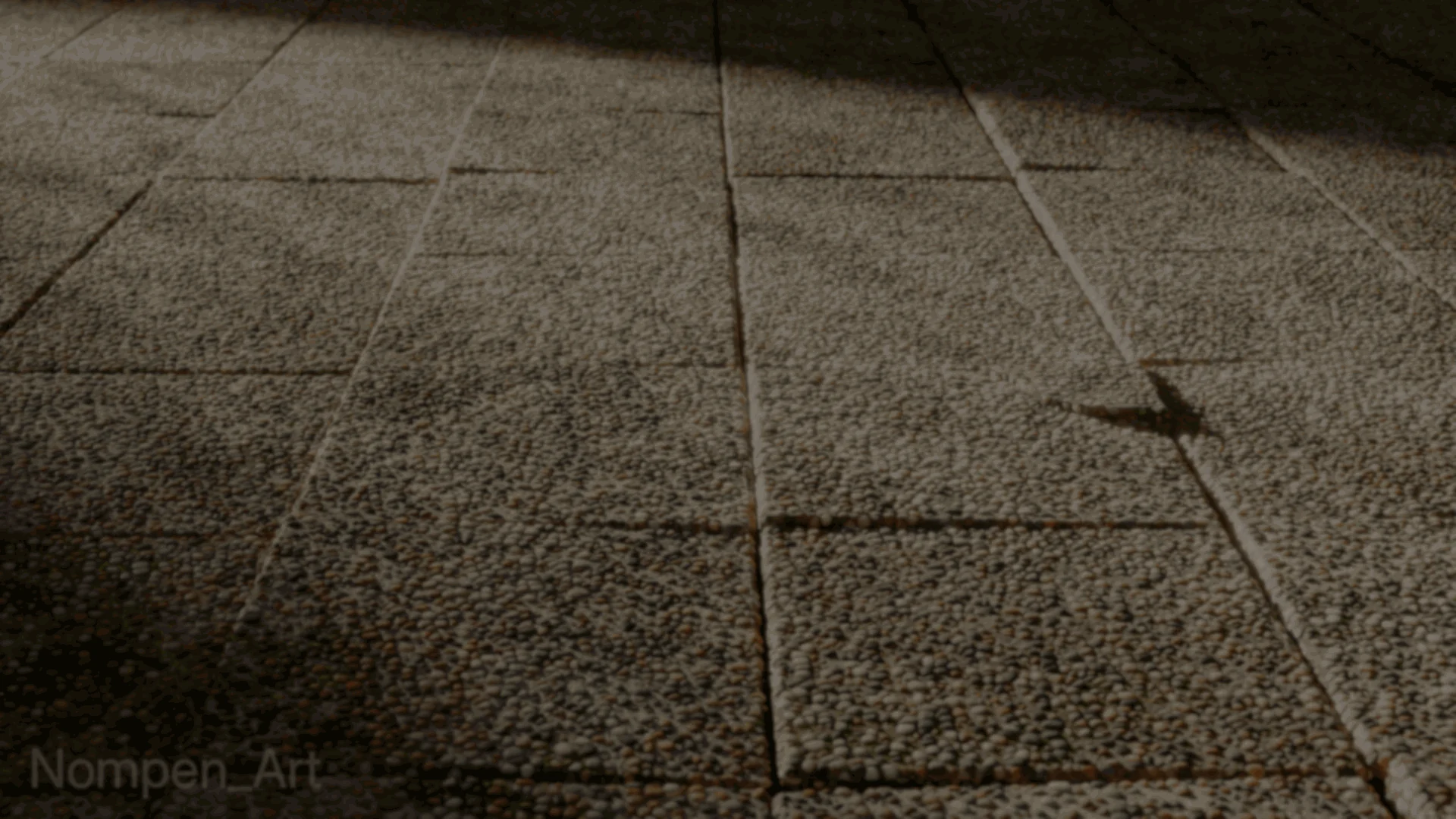
3D artist Nompen often photographs surfaces they want to recreate. They had recently challenged themselves to share one or two shaders a week, and a patch of pebblecrete became the reference for their second one.
Nompen broke the photo down into two parts: stones and the concrete around them. They left out the small bits of debris and decided to build the stones with shader nodes instead of scattering geometry.
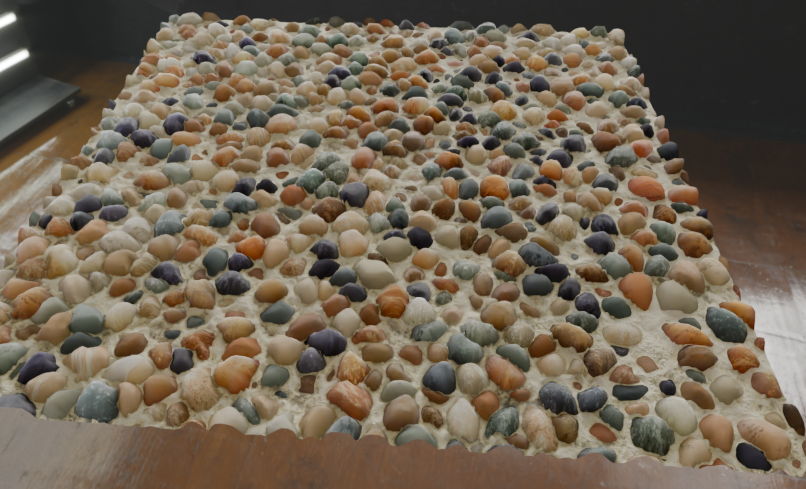
Apparently this is called Pebblecrete, so I made it as a fully procedural shader!
by u/Nompen_art in blender
A Voronoi Texture gave Nompen the irregular stone layout. They used its Distance output to make a black-and-white mask, separating the stones from the gaps between them. Adjusting that mask also changes the size of the stones.
At first, Nompen passed the Voronoi node’s Color output through a Color Ramp to give each stone a color. This gave them a flat pebble pattern.
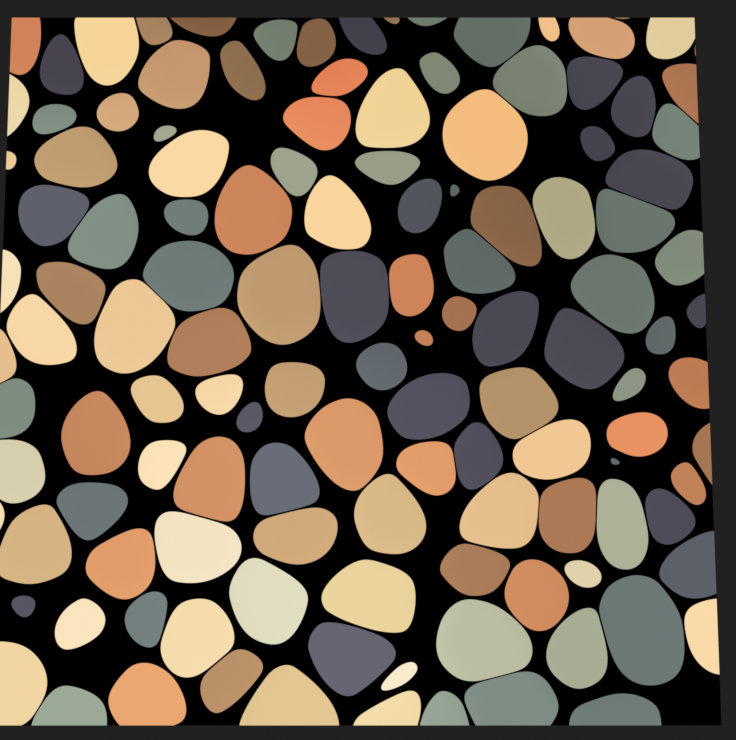
The stones in the reference had more going on than color. Some had spots; others had thin lines. Nompen made the spots with a second, finer Voronoi texture and the lines with a Noise Texture stretched along one axis.
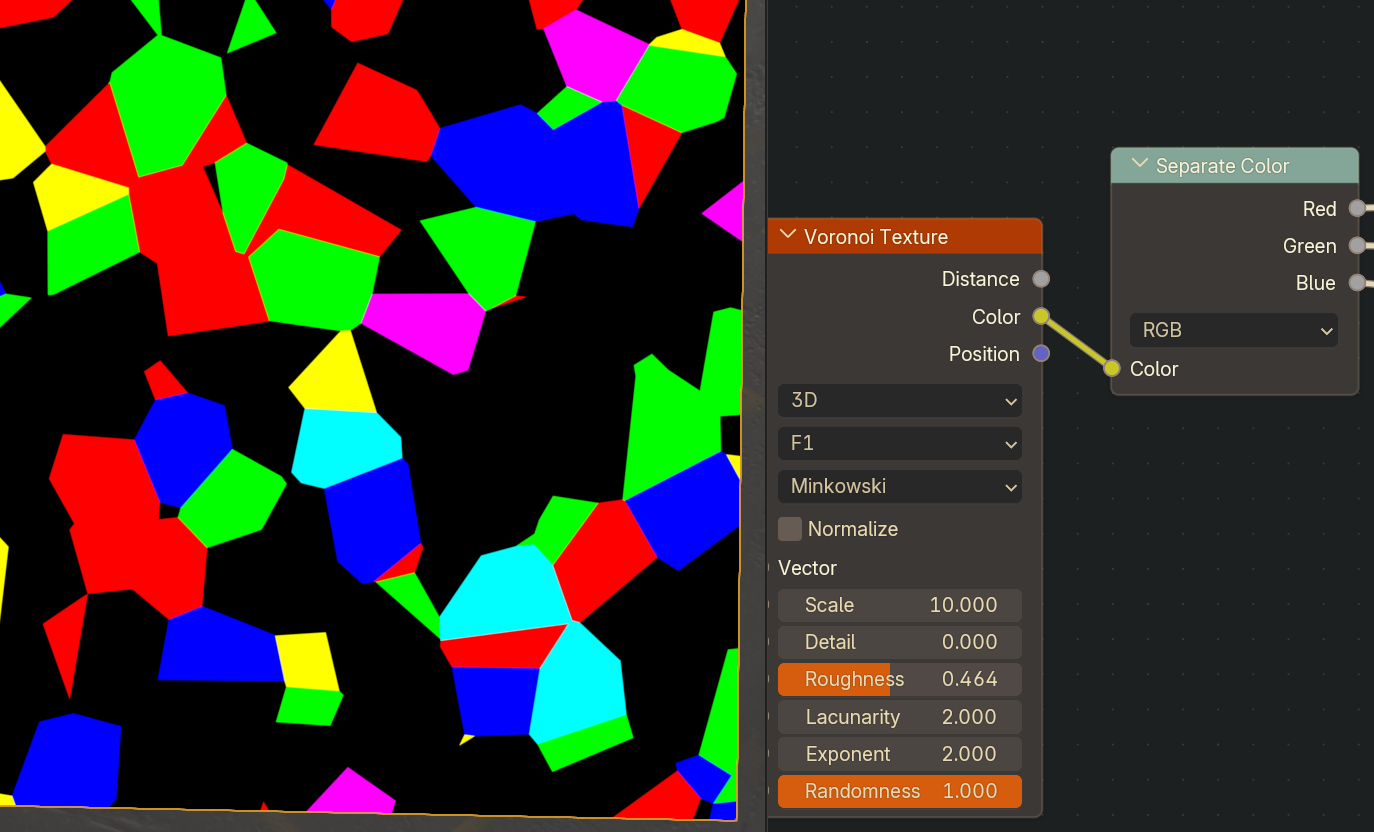
Choosing which stones received each pattern took more thought. If Nompen reused the same random value that picked their colors, stones of the same color would keep getting the same markings.
So they split the first Voronoi node’s Color output into red, green and blue values. Red drives the palette, green and blue control the pattern masks, and the full Color output varies their rotation. The markings can change from stone to stone without needing another random texture to assign them.
Nompen reused the original Distance output for bump and displacement, giving the stones relief. One of the RGB values also varies their roughness.
The concrete underneath uses several layered Noise textures. Another Noise Texture acts as a mask, while the original Voronoi Distance output adds grunge near the stones. Nompen gave the concrete its own color, roughness and bump, then combined it with the pebbles using the mask from the first step.
- Original post: Nompen’s pebblecrete shader on Reddit
- Portfolio: Nompen on ArtStation
- Bluesky: Follow Nompen
Working in Blender and Godot?
Jettelly wishes you success in your professional career!
Did you find an error? No worries!
Write to us at [email protected], and we'll fix it!
Other posts that might interest you.
-
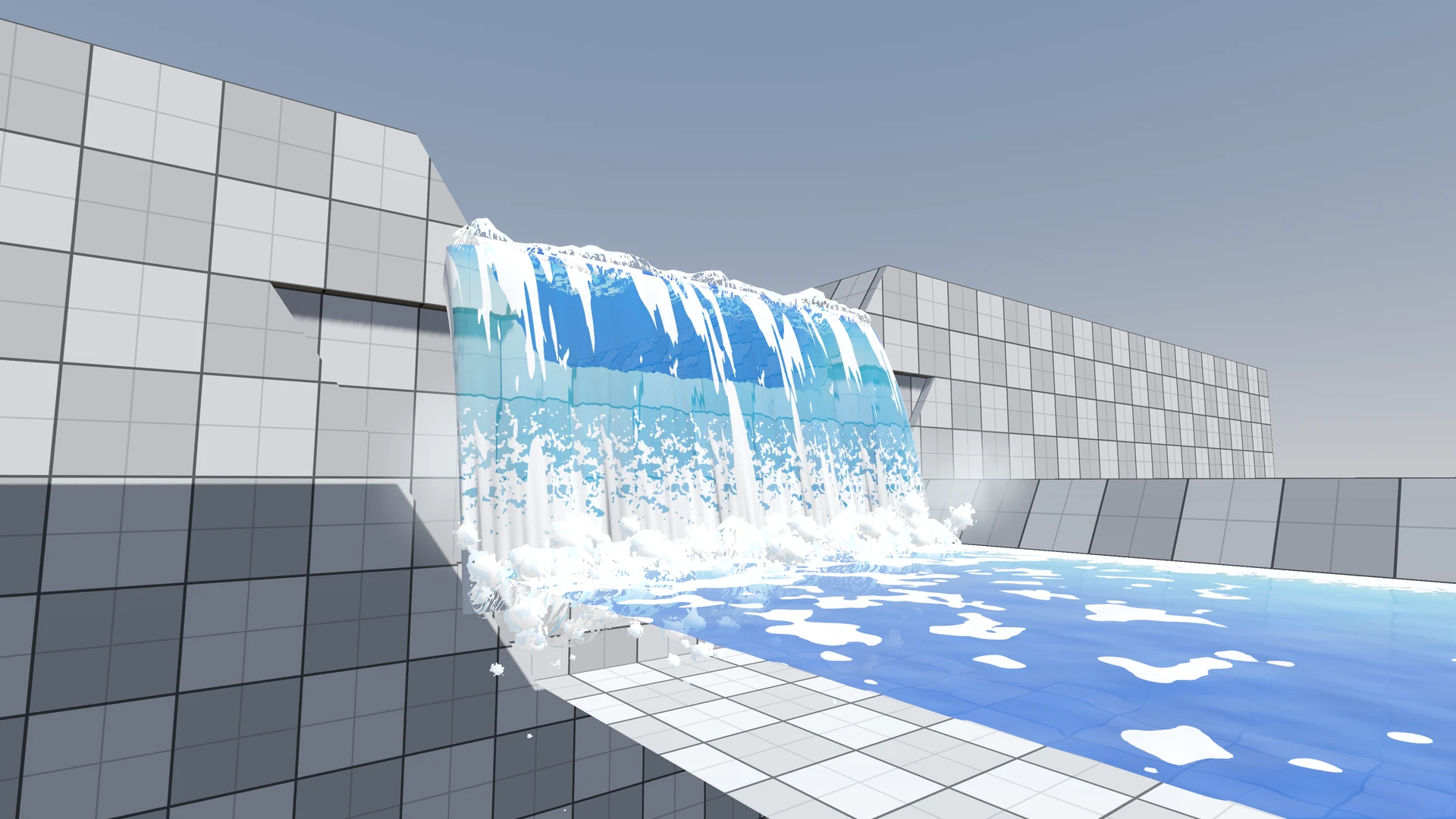 The river in Windup Wonderland looked clear, but its foam kept repeating and the waterfall felt flat. After feedback on Reddit, zhan reworked both in Godot.
 -
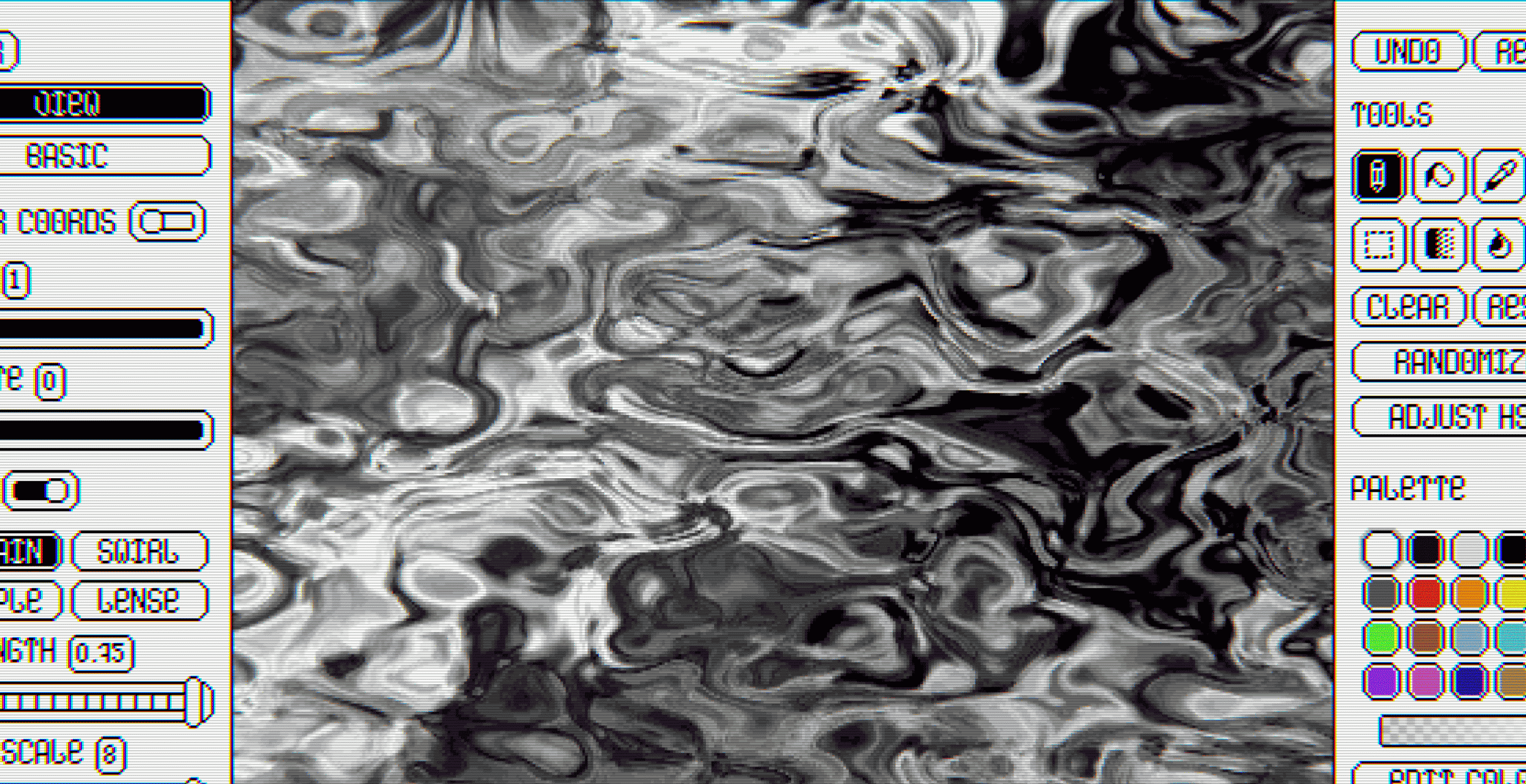 Anastasiia shares why she built Kaleidos for Emerald Ferns and how it exports procedural patterns as images, videos and shader code.
 -
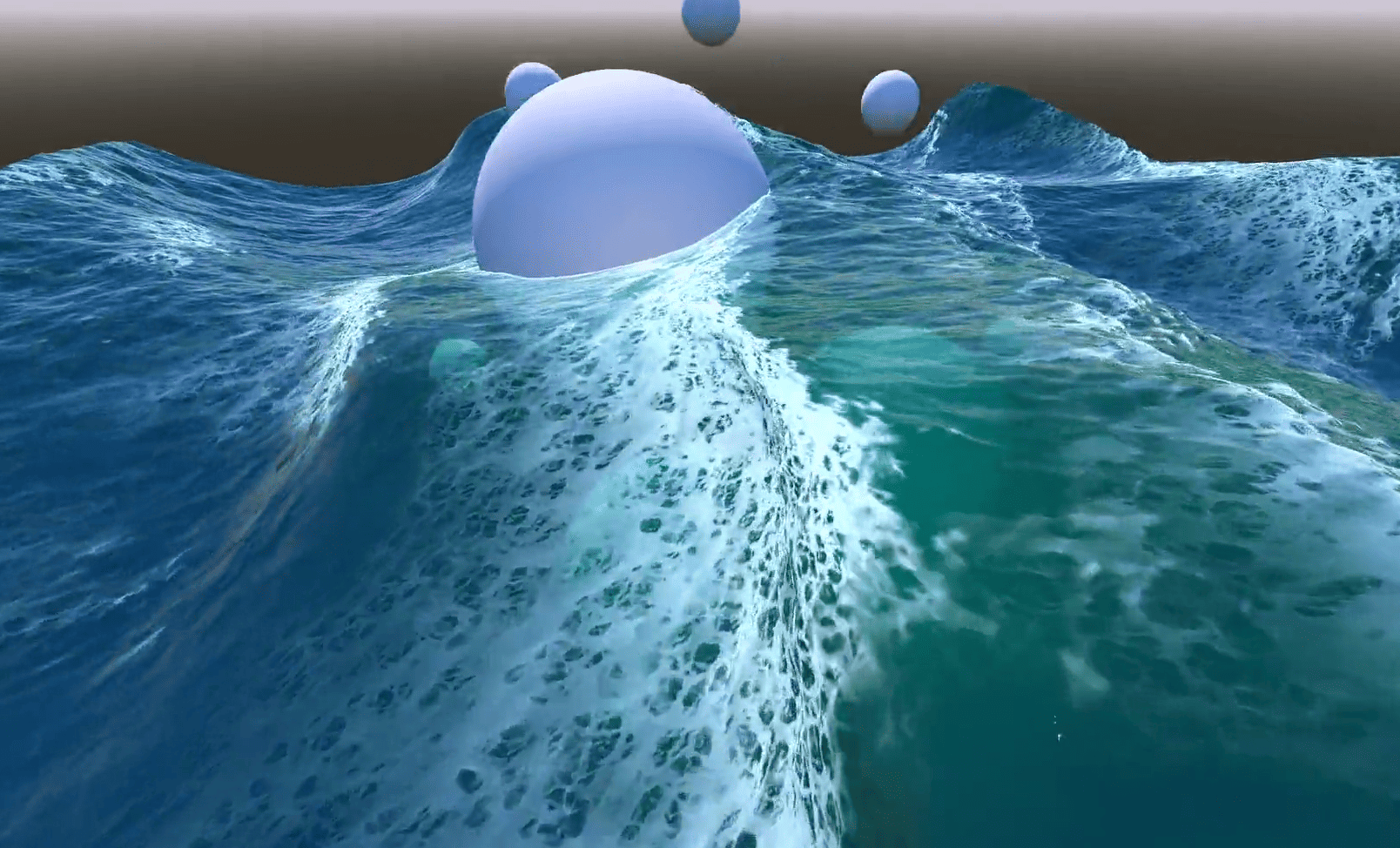 In Emil's Godot ocean, foam appears where waves bunch together and fades after they spread. He shares how he built the effect.
