
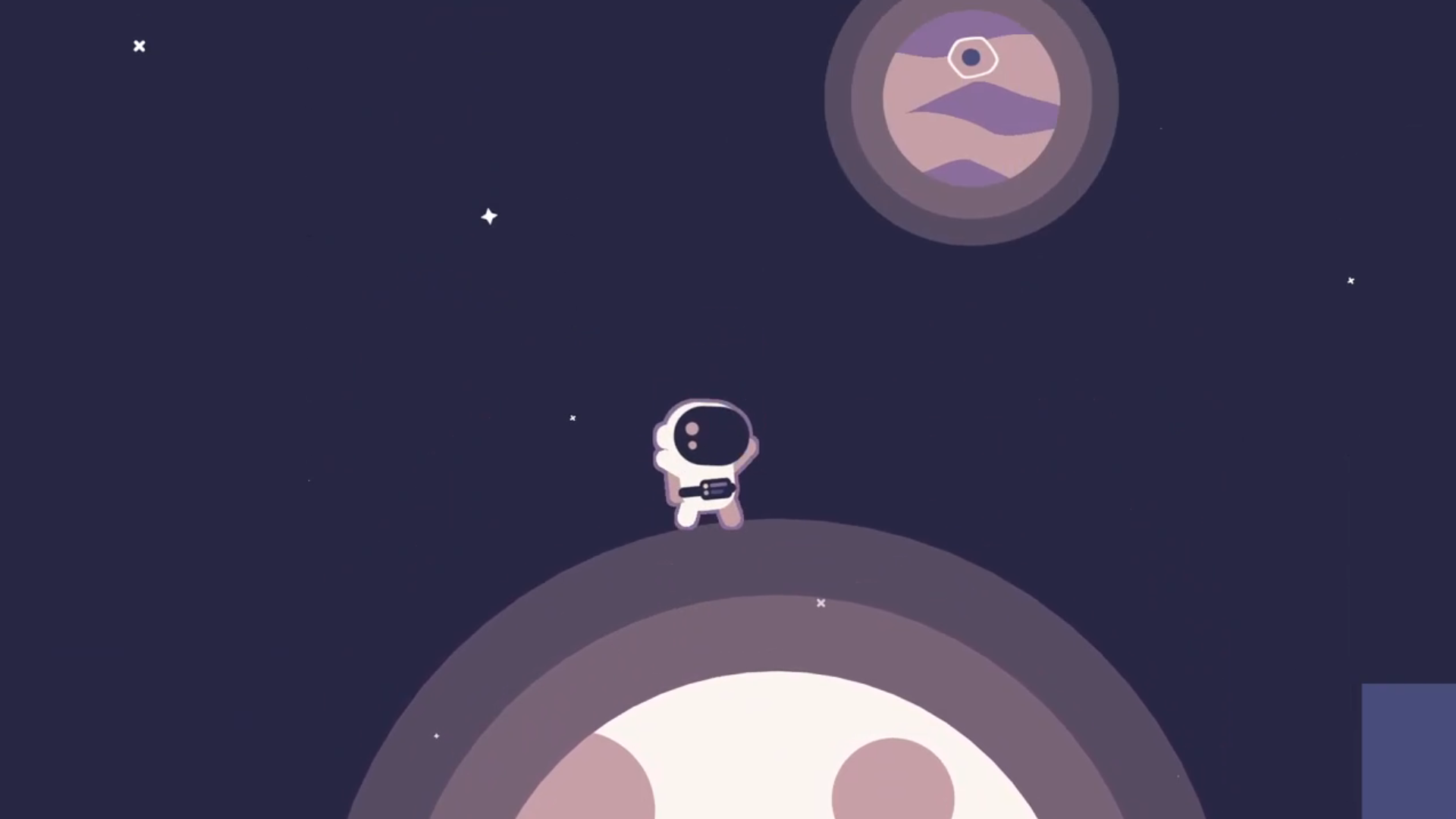
Not long ago, developer Ludonauta shared a short tutorial thread showing how to recreate Mario Galaxy-style planetary movement in Godot Engine.
2D Mario Galaxy Movement in Godot Engine: a tutorial thread 🧵
— Ludonauta (@LudensLudonauta) March 3, 2026
You’re not using CharacterBody2D at its full potential in Godot 4.
Most platformer movement, especially “planet gravity / Mario Galaxy” attempts fight the engine with custom physics.
Let’s do it the ludonaut way. https://t.co/peZbYOBA5b
The idea is simple: a character can walk around planets or curved surfaces by continuously updating the direction the engine considers “up.” Instead of building a custom physics solution, the approach relies on a property already present in Godot’s CharacterBody2D.
After seeing the thread, I reached out to Ludonauta, who shared more details about how the system works and how it can be implemented in a typical 2D platformer setup.
The Usual Platformer Approach
In many Godot platformers, gravity and movement are handled using fixed screen-space directions. A typical controller might look like this:
velocity.y += gravity * delta
velocity.x = direction * speed
move_and_slide()
This works well when gravity always points downward and characters only walk on flat surfaces. The moment gravity changes direction, or the character moves onto curved terrain, this structure starts to break down.
The Role of up_direction
Godot’s CharacterBody2D includes a property called up_direction. The engine uses it to determine what counts as a floor, wall, or ceiling during collision checks.
Most developers leave it untouched, since it defaults to pointing upward in screen space. The important detail is that up_direction is not fixed. It can be updated during gameplay. When it changes, Godot automatically adjusts how movement, floor detection, and surface snapping behave.
With this approach, the character updates the direction it considers “up,” letting Godot’s physics system handle the rest.
Movement Relative to Up
With this setup, movement forces are defined relative to the current up direction. Gravity pushes in the opposite direction:
velocity += -up_direction * gravity * deltaJumping follows the same reference:
velocity += up_direction * jump_strengthRunning happens perpendicular to the up direction. Because everything is defined relative to that vector, the character adapts naturally as the orientation changes.
When the up direction rotates, the rest of the movement rotates with it.
Planetary Gravity
To make a character walk around a planet, the up direction simply needs to point away from the planet’s center.
In Ludonauta’s implementation, this is handled with a single line inside the physics process:
character_body.up_direction = planet.global_position.direction_to(character_body.global_position)The planet effectively tells the character which direction counts as “up.” Once that value updates, Godot recalculates the physics interactions automatically. The character then sticks to the surface and can walk around it without needing a custom gravity solver.
Gravity Fields with Area2D
The system uses Area2D nodes to define gravity zones. When a CharacterBody2D enters the area, the gravity field begins updating that character’s up_direction every frame. When no bodies remain inside the area, the physics process is turned off to avoid unnecessary updates.
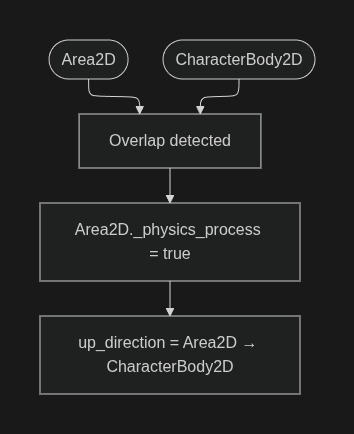
Each gravity field can be attached to a circular planet, asteroid, or similar object in the scene.
One detail Ludonauta pointed out is that Area2D.get_overlapping_bodies() returns all physics bodies inside the area. Because of that, it helps to place the character on a dedicated physics layer so the gravity system only interacts with the intended objects.
One detail Ludonauta pointed out is that Area2D.get_overlapping_bodies() returns all physics bodies inside the area. Because of that, it helps to place the character on a dedicated physics layer so the gravity system only interacts with the intended objects.
The complete RelativeGravityArea2D script looks like this:
%20(1).png)
Scene Setup in Godot
The setup itself is fairly small. A typical scene includes:
- an Area2D node representing the gravity field
- a CollisionShape2D defining the field radius
- the script responsible for updating up_direction
- the player character using a movement controller based on that direction
Once the character enters the gravity field, the orientation adapts automatically, and the player can walk along the surface.
.png)
Free Asset Pack
Ludonauta shared this system as part of the Godot 2D Platformer Character asset pack available on itch.io. The pack includes movement controllers based on up_direction, gravity areas for planetary movement, and support for moving platforms.
The project also includes additional tutorials and examples exploring related mechanics such as gravity puzzles and alternative movement modes.
If you’d like to see more from Ludonauta, you can check out their projects and socials below:
- X profile: https://x.com/LudensLudonauta
- Godot 2D Platformer Character Pack: https://ludonauta.itch.io/godot-platformer-character
- Ludonauts Headquarters (itchio community): https://ludonauta.itch.io/headquarter
Interested in learning more?
If you’re interested in learning how shaders work in Godot, The Godot Shaders Bundle includes a book and two practical tutorials focused on real-time graphics techniques.
The bundle features The Godot Shaders Bible, along with the tutorials How to: Dice Shader in Godot and How to: Item Box in Godot. They cover the fundamentals of Godot’s shader language, core math concepts, and practical examples, going from simple visual effects to more advanced techniques used in both 2D and 3D projects.
The bundle features The Godot Shaders Bible, along with the tutorials How to: Dice Shader in Godot and How to: Item Box in Godot. They cover the fundamentals of Godot’s shader language, core math concepts, and practical examples, going from simple visual effects to more advanced techniques used in both 2D and 3D projects.
These are all the shaders we've created so far while writing the Godot Shaders Bible! Want to learn shaders? Start step by step today! ✨ https://t.co/pTFh4XfXUt#godot #indiedev #3DCG pic.twitter.com/mXFKQ6Sn3k
— Shaders Bible Series (@ushadersbible) December 1, 2025
Jettelly wishes you success in your professional career!
Did you find an error? No worries!
Write to us at [email protected], and we'll fix it!
Other posts that might interest you.
-
 Developer Niko shared how the 2.5D visual style in Moon Reader comes together, combining billboard sprites, shader passes, and texture projection.
 -
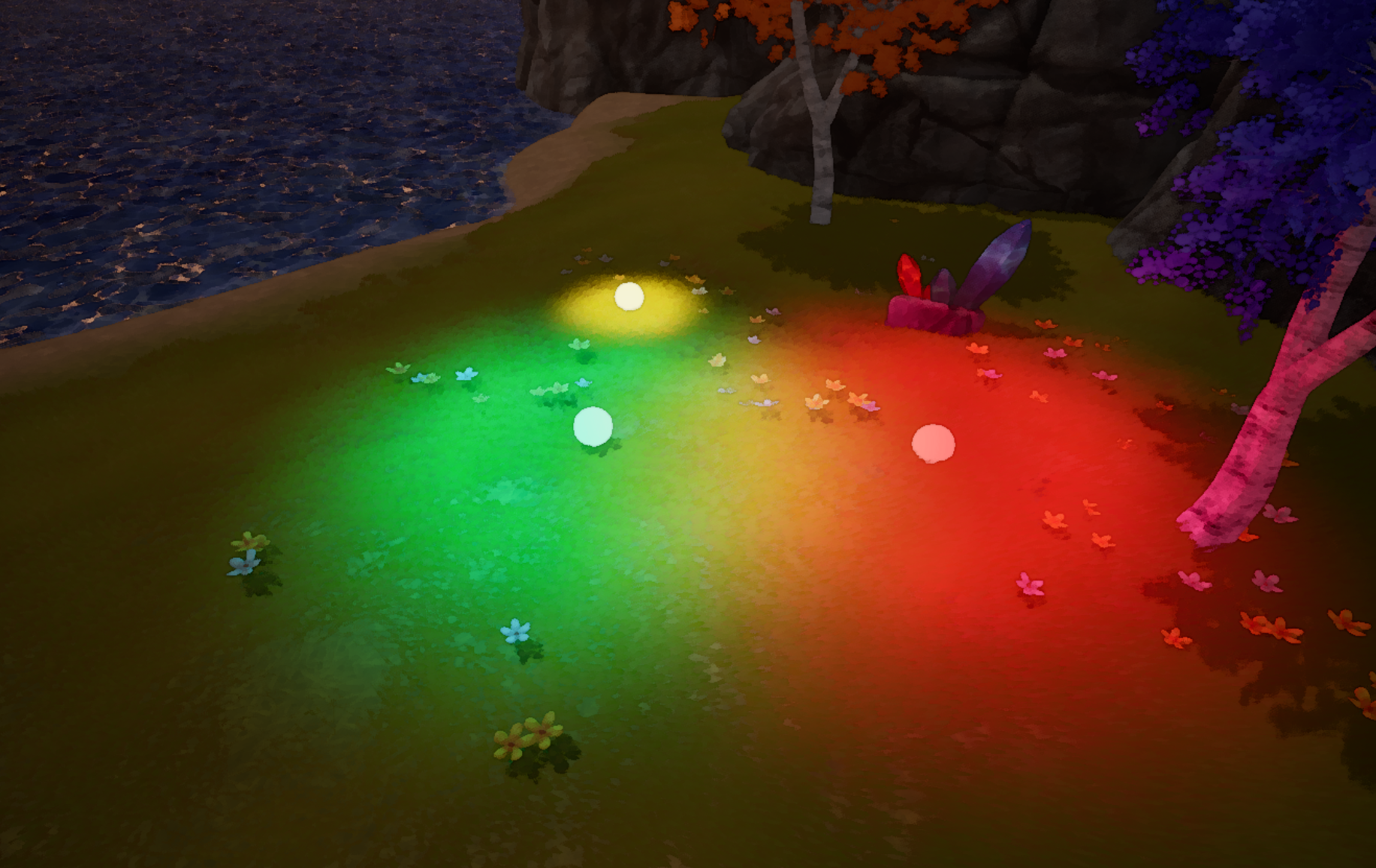 How can lighting become part of gameplay? Jean-Baptiste Louis shared a UE5 prototype that generates light through a post-process pipeline.
 -
 How can a game simulate the way real waves break near the shore? Developer FinSaltSwell showed us the approach used in their early surfing prototype, Swell.
