
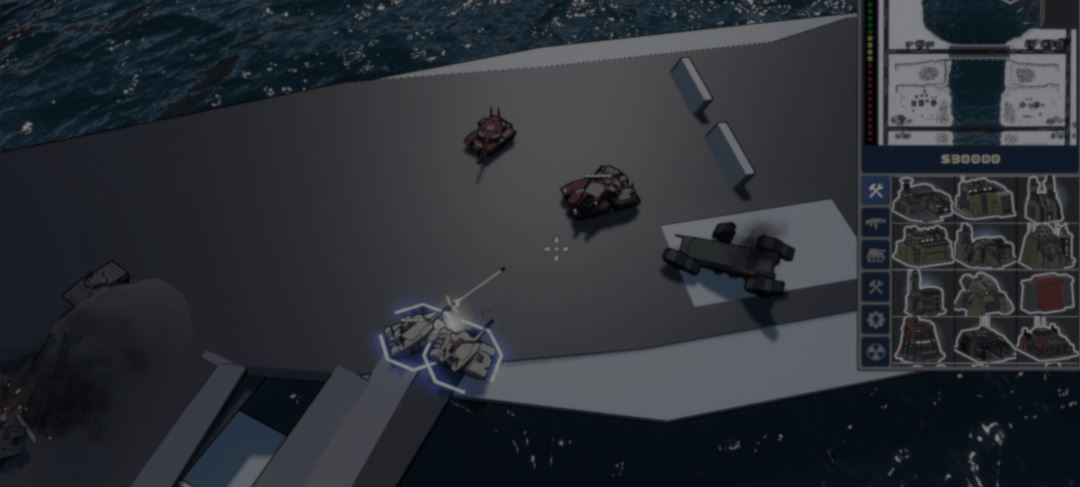
Steel Command is a classic-style RTS inspired by games from the 1990s and 2000s, including Command & Conquer, StarCraft, and Total Annihilation. It is being developed in Godot by Smitty and Syphotic, a two-person team.
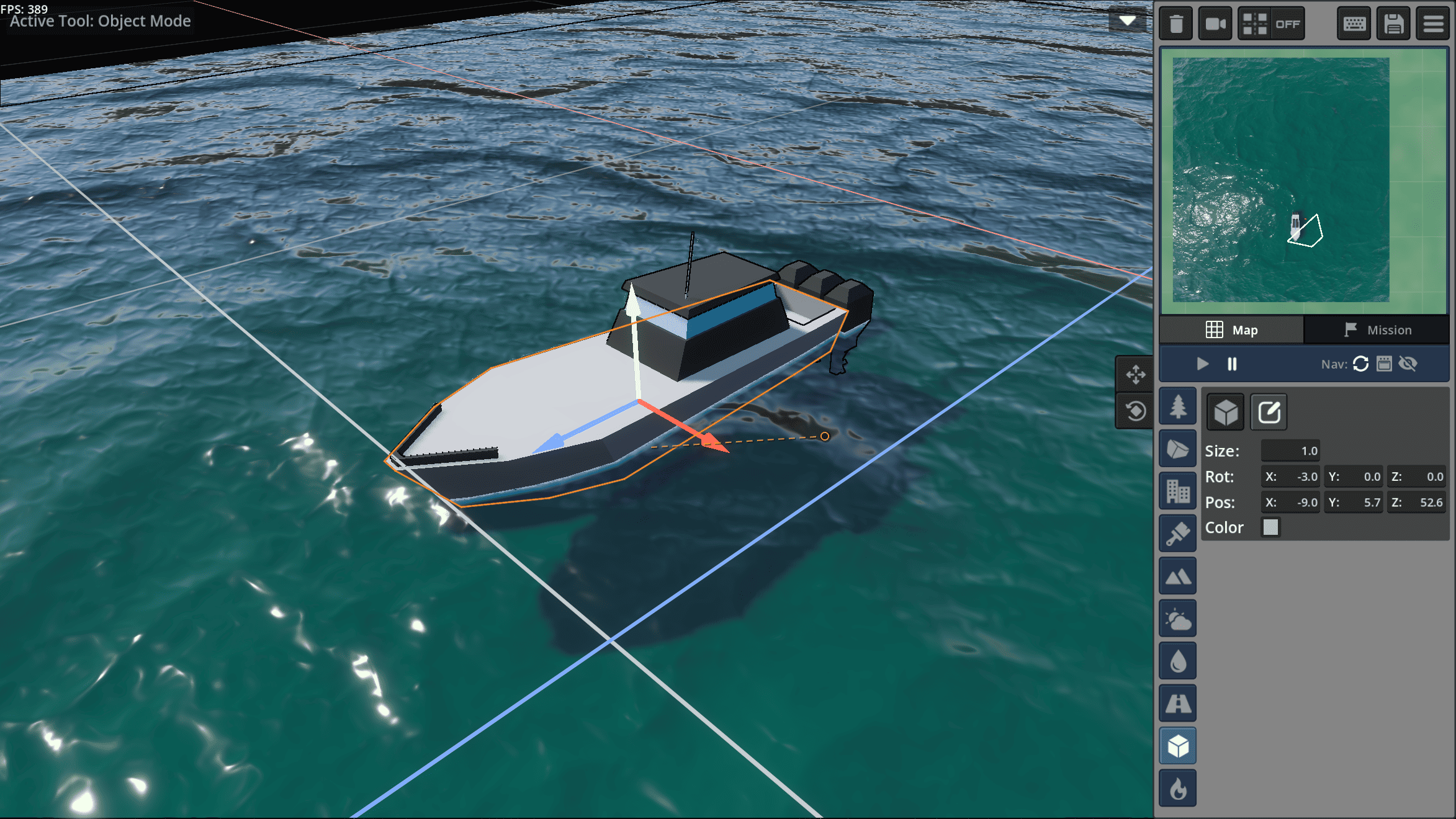
The game includes a built-in mission editor for creating skirmish maps, custom missions, and complete solo campaigns. Players can upload what they make to the Steam Workshop for others to play.
The editor also includes the Creation Cube, a 3D modeling tool for making environment props inside the game.
Map edits affect more than how the battlefield looks. Buildings and other obstacles also change where units can move, so the navigation data needs to update whenever players add or remove one.
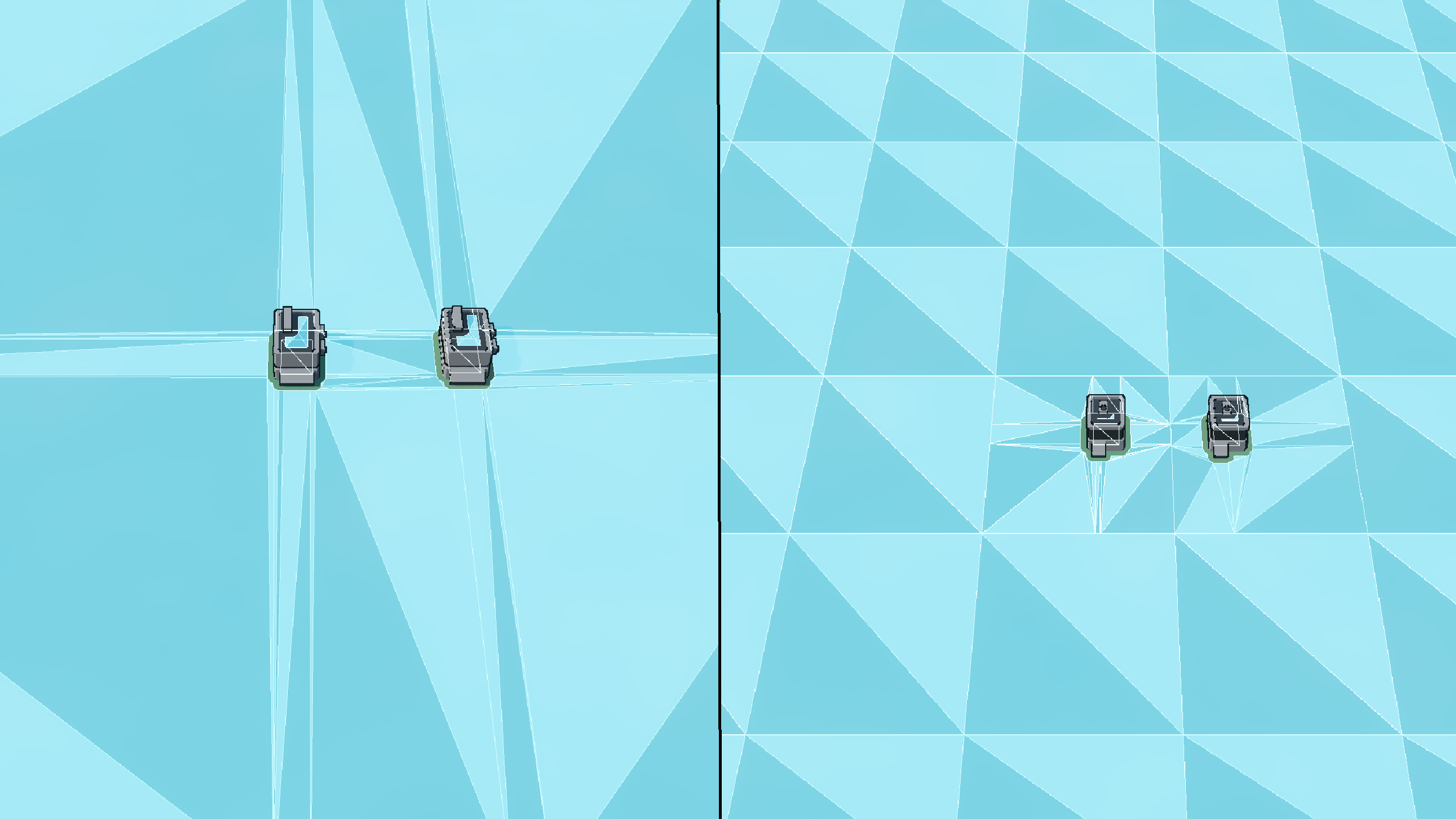
Steel Command uses Godot's built-in navigation system. A NavigationMesh marks the areas units can cross. NavigationRegions place those meshes in the game world, and the NavigationServer uses them to calculate paths.
With one NavigationRegion covering the entire battlefield, adding or removing any obstacle would require the full NavigationMesh to be rebaked. So Smitty split the map into a grid of smaller regions that stitch together.
When an obstacle changes, the game rebakes only the NavigationMeshes in the affected regions. The other regions remain unchanged.
Interested in Steel Command? You can learn more about the game and follow its development through the links below:
- Steam: Steel Command on Steam
- Discord: Steel Command Discord
- X: Smitty Games on X
- YouTube: Smitty Games on YouTube
See more 📘
If you want to learn more about shaders in Godot, The Godot Shaders Bible covers topics like stylized shading, screen-space VFX, lighting, and vertex manipulation through step-by-step examples.
It is a good starting point for developers who want to better understand how shaders work and improve the visuals of their games.
It is a good starting point for developers who want to better understand how shaders work and improve the visuals of their games.
You could pay a lot for a Godot shaders course, or get the Godot Shaders Bible for just $29.99 ✨
— Shaders Bible Series (@ushadersbible) May 5, 2026
Looking to improve your game's graphics? This book might be exactly what you need ➡️ https://t.co/1kYkAqSE2L#godot #indiedevart #gamedev pic.twitter.com/aOjMGKP2f7
Jettelly wishes you success in your professional career!
Did you find an error? No worries!
Write to us at [email protected], and we'll fix it!
Level up your game's VFX in Godot!
We invite you to explore "The Godot Shaders Bible", a comprehensive book on the concepts and fundamentals seen in this post.
Other posts that might interest you.
-
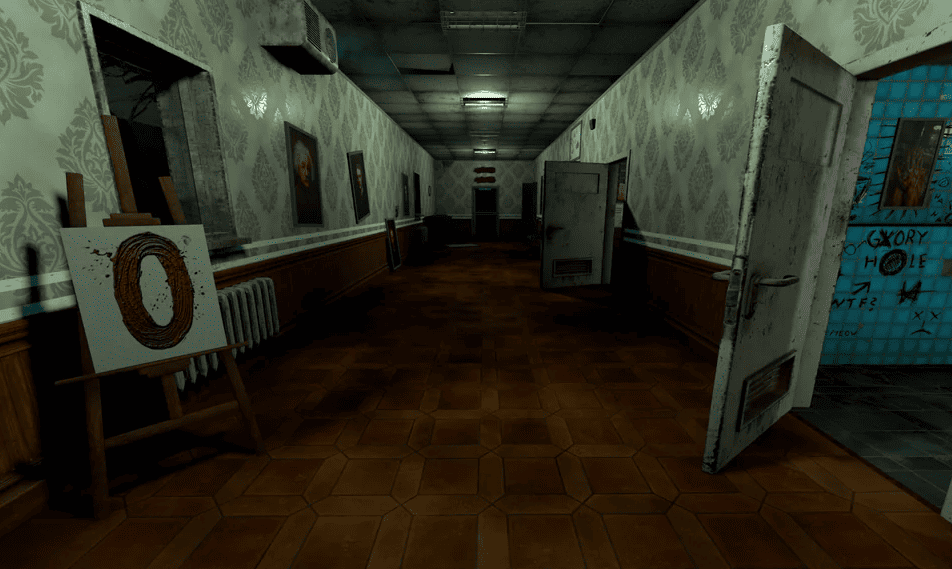 Developer kanuddel shared how they optimized Corridor 13, increasing its performance from around 100 FPS to over 400 FPS without changing its dynamic lighting.
 -
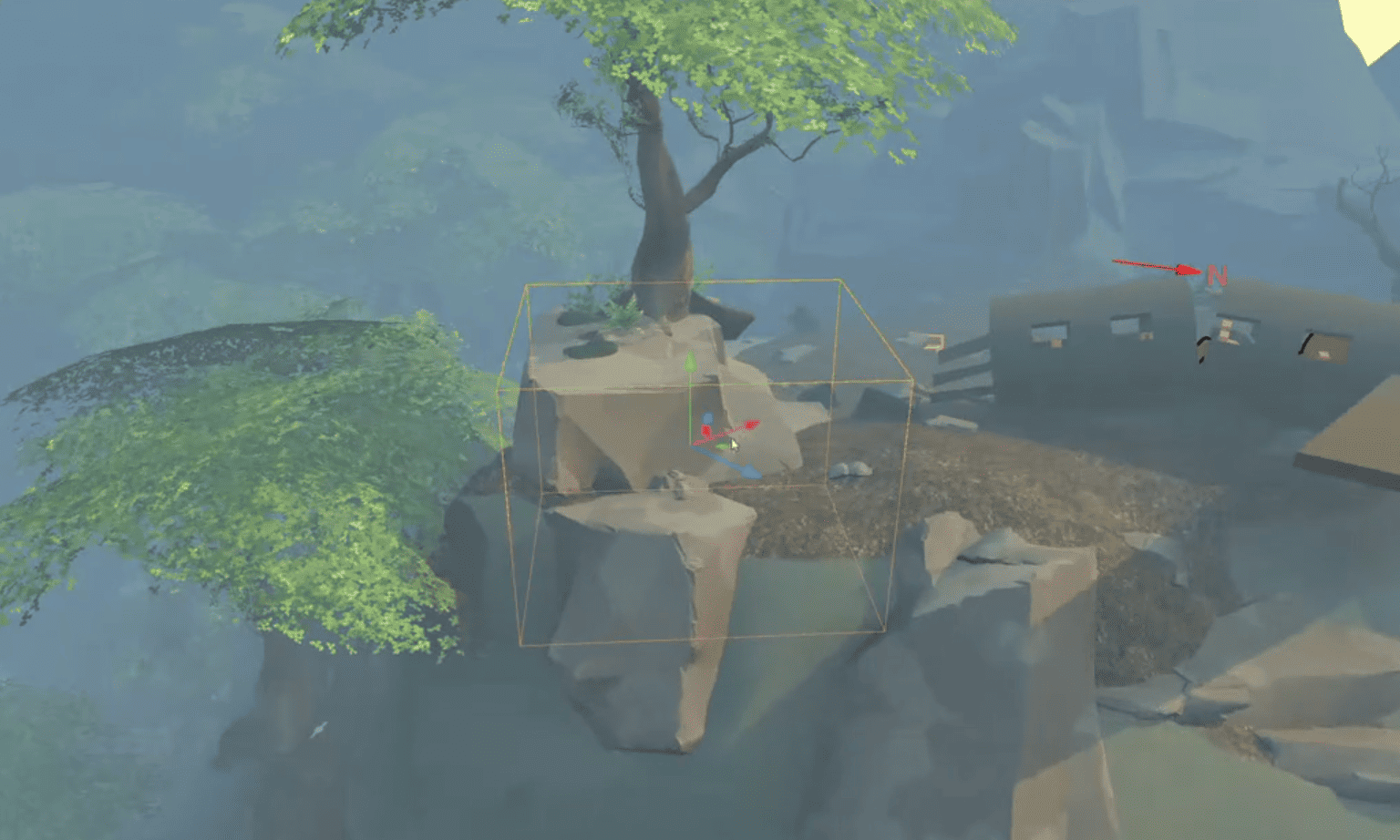 Godot 4.7 is now officially available. Alongside the features we covered during beta, the release also introduces improved UI tools, better Android support, and more.
 -
.png) Check out SVGreColorizer, a Godot tool that lets you recolor SVG icon sets with live previews before saving the changes.
Check out SVGreColorizer, a Godot tool that lets you recolor SVG icon sets with live previews before saving the changes.
