
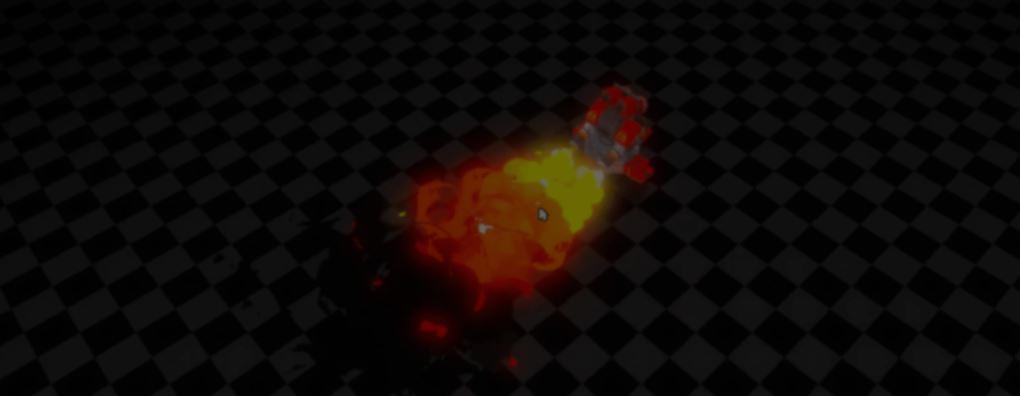
Good-looking fire often looks much more complicated than it really is.
For this flamethrower turret, developer Loop_Box did not build a new shader from scratch. They reused a stylized smoke shader they had made earlier in Godot and just adjusted a few parameters to make it behave like fire.
The effect starts by scrolling a Voronoi noise texture across the particle mesh. As the UVs move, the flame keeps changing shape without needing different meshes or animations.
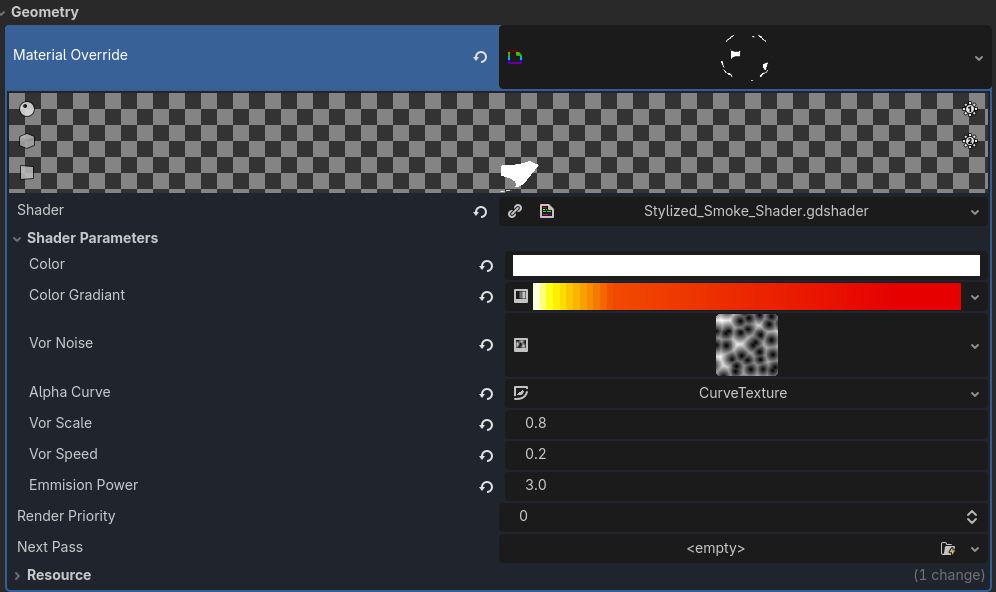
As the particle changes, the visible part of the mesh gets smaller. Loop_Box uses the particle's lifetime as the alpha cutoff.
The particle also changes color over time. A gradient texture controls the transition from almost white to orange and finally red.
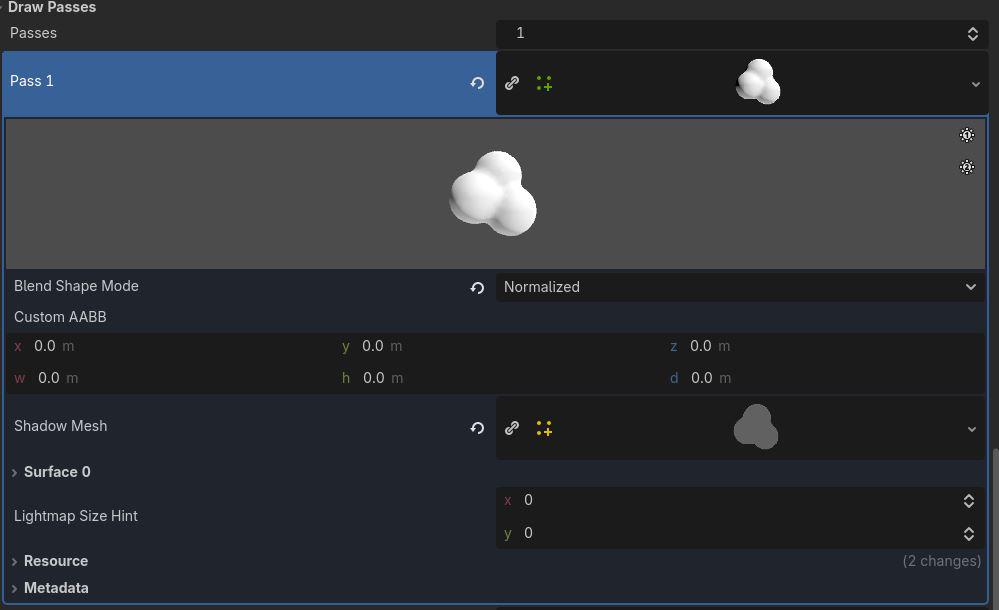
The smoke effect uses the same shader. The main differences are a longer particle lifetime and a different color gradient that goes from red to black.
According to Loop_Box, that is the whole trick. The flamethrower reuses the same shader with a few tweaked parameters.
If you want to learn more, the links will be right below.
- Smoke shader: https://github.com/Loop-Box/Stylized-Smoke-For-Godot4.5
- Twitter / X: https://x.com/Loob_Box
- Instagram: https://www.instagram.com/loop_box_the
See more! 📘
If you want to learn more about shaders in Godot, The Godot Shaders Bible covers topics like stylized shading, screen-space VFX, lighting, and vertex manipulation through step-by-step examples.
It is a good starting point for developers who want to better understand how shaders work and improve the visuals of their games.
It is a good starting point for developers who want to better understand how shaders work and improve the visuals of their games.
You could pay a lot for a Godot shaders course, or get the Godot Shaders Bible for just $29.99 ✨
— Shaders Bible Series (@ushadersbible) May 5, 2026
Looking to improve your game's graphics? This book might be exactly what you need ➡️ https://t.co/1kYkAqSE2L#godot #indiedevart #gamedev pic.twitter.com/aOjMGKP2f7
Jettelly wishes you success in your professional career!
Did you find an error? No worries!
Write to us at [email protected], and we'll fix it!
Level up your Technical Art skills in Godot!
We invite you to explore "The Godot Shaders Bible", a comprehensive book on the concepts and fundamentals seen in this post.
Other posts that might interest you.
-
.png) Check out SVGreColorizer, a Godot tool that lets you recolor SVG icon sets with live previews before saving the changes.
Check out SVGreColorizer, a Godot tool that lets you recolor SVG icon sets with live previews before saving the changes. -
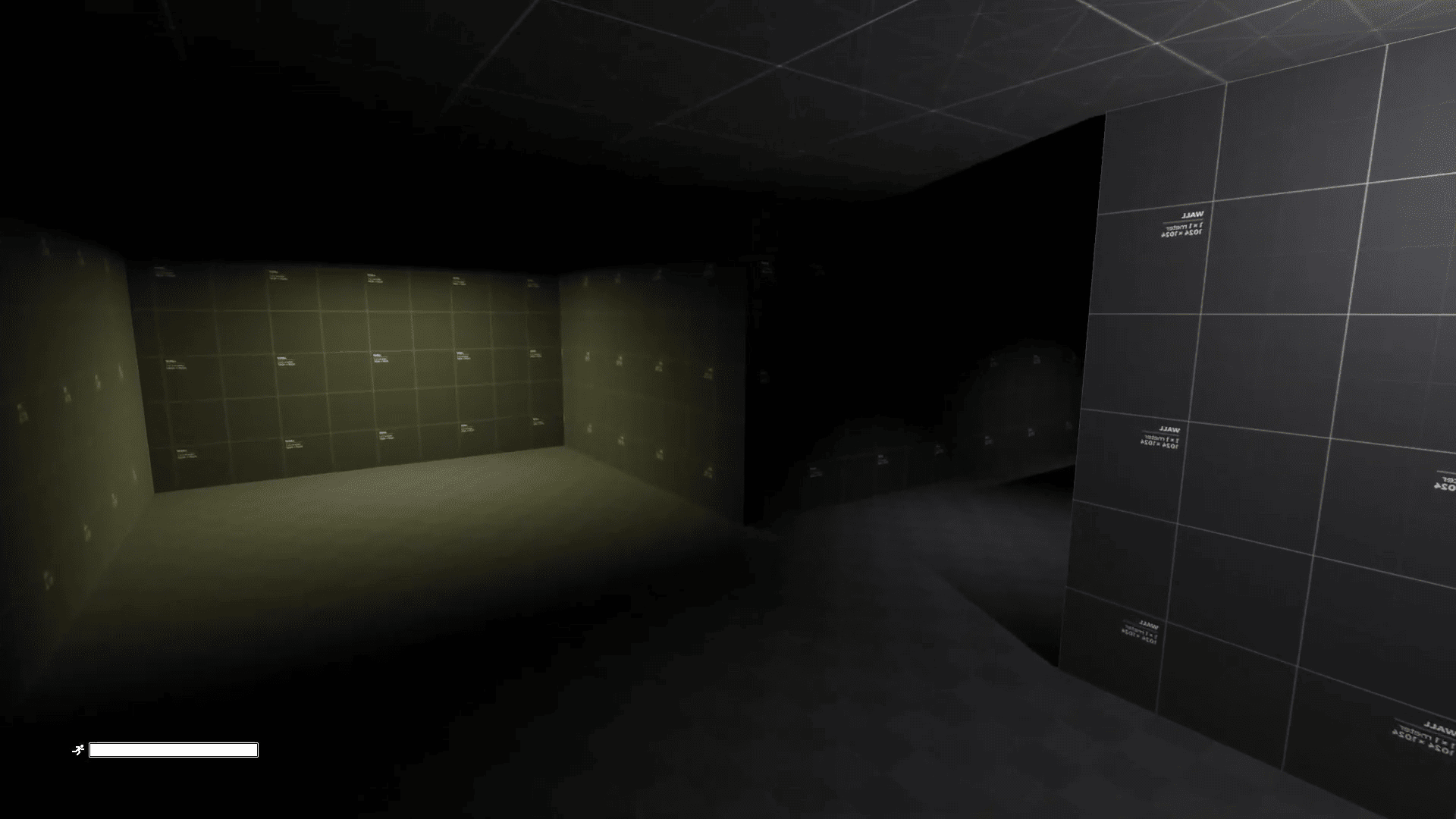 Godot developer Advis recreated the feel of Alien: Isolation's first-person controller in Godot 4.7.
 -
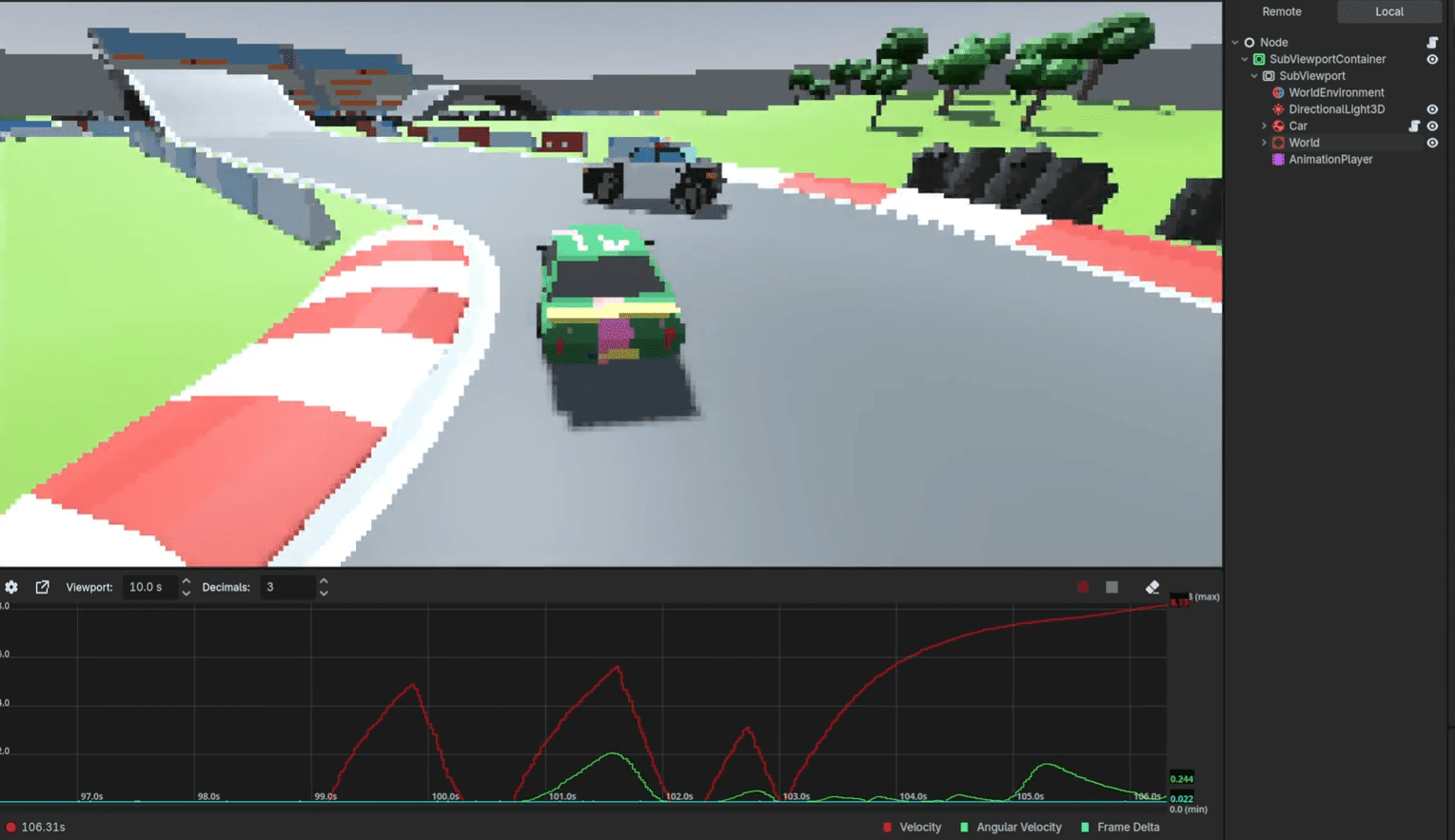 Developer Nathan Stroomberg (McJeditor) released Debug Graph, a free tool for visualizing runtime values inside Godot’s editor.
