
Simun Dev first made Anvil CSG to block out levels quickly in Unity. He kept seeing developers say they disliked ProBuilder or had trouble with scale when exporting from Blender, so he made his tool easier for others to use and shared it on Reddit.
The response encouraged him to keep working on it. After his next post, Simun opened a Discord, where around 30 to 40 testers reported bugs and suggested features familiar from Hammer and TrenchBroom.
Anvil opens with top, front, side and 3D views. You draw brushes, the simple shapes used to make walls and rooms, in the 2D views. Then you can cut into them or move their faces, edges and vertices. The brushes stay convex, keeping the geometry clean and quick to edit.
You can also paint textures directly onto faces. Texture lock keeps them in place when you change the shape of a brush.
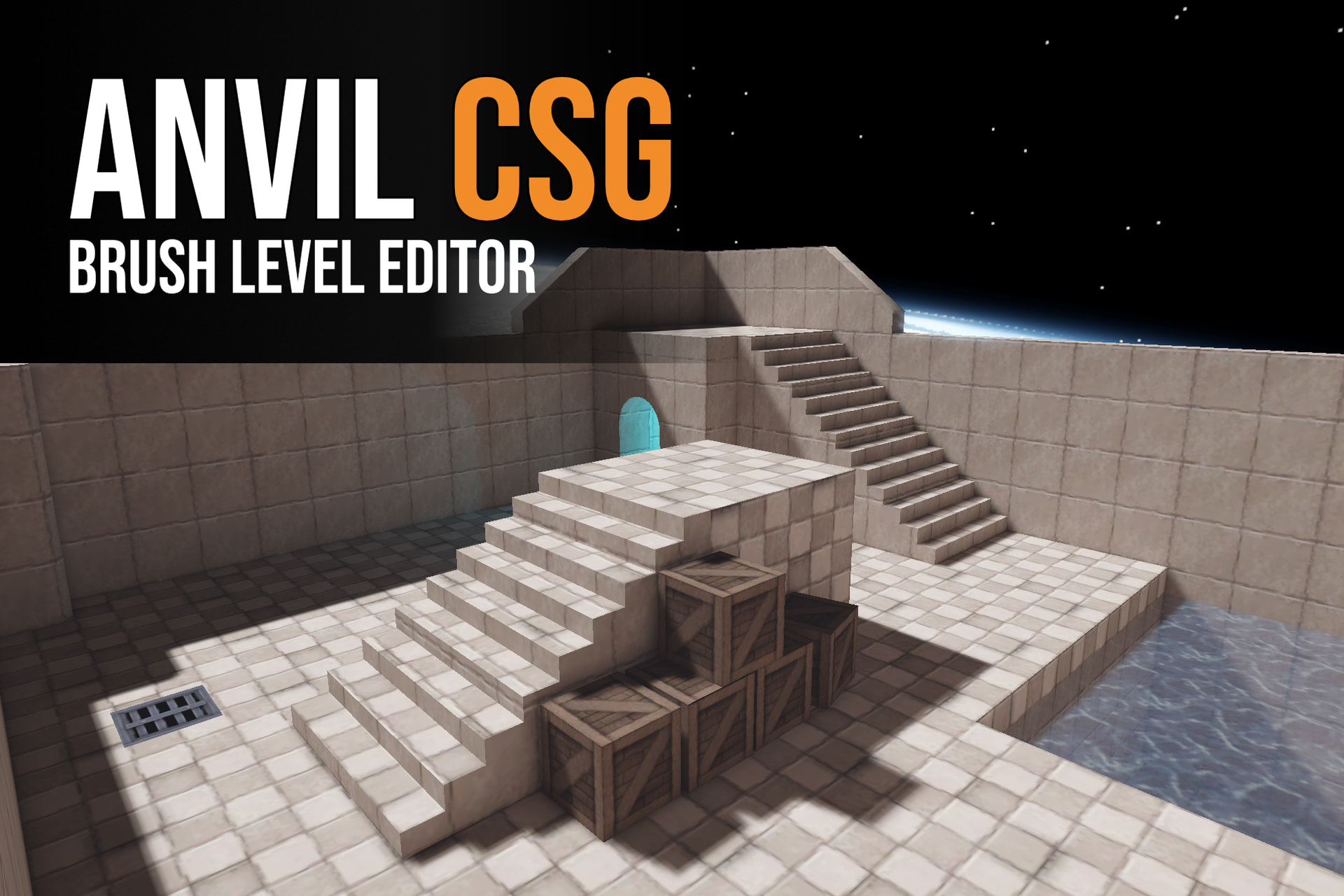
When the layout is ready, Build Map turns the brushes into merged meshes with colliders and lightmap UVs. Lighting can be baked with Unity’s lightmapper or Bakery. The original brushes stay editable, so you can change the layout and rebuild the map later.
Simun has also worked on what happens after a map is built. Anvil now merges brushes by area, reduces the number of triangles on flat surfaces and removes faces the player will never see, such as the outside of a closed level. It can bake occlusion culling to hide rooms when they are out of sight.
Cell Fracture breaks a brush into pieces around a chosen point, such as where a wall was hit. The Test Physics panel lets you drop those pieces and see how they land. Decals are easier to place now too: a preview follows the cursor, and you can resize, rotate and wrap them around corners.
The free Beta 2 on GitHub is an older preview. It does not include all the fixes and features Simun has added since. He plans to release the newer version on the Unity Asset Store.
- Free preview: Anvil CSG Beta 2 on GitHub (Unity 6.3 only)
- Tutorial: Anvil CSG beginner tutorial
- Documentation: Anvil CSG guide
Want to build your own tools in Unity?
Unity Dev Bundle: 6 Books
Learn to build editor tools, work with shaders, and explore graphics math and character customization in Unity.
1,450+ pages of practical content covering shaders, compute shaders, math for graphics, editor tools, and character customization in Unity ➡️ https://t.co/1eA8907m5M #gamedev https://t.co/u5JwmGXNij
— Shaders Bible Series (@ushadersbible) October 5, 2026
Jettelly wishes you success in your professional career!
Did you find an error? No worries!
Write to us at [email protected], and we'll fix it!
Other posts that might interest you.
-
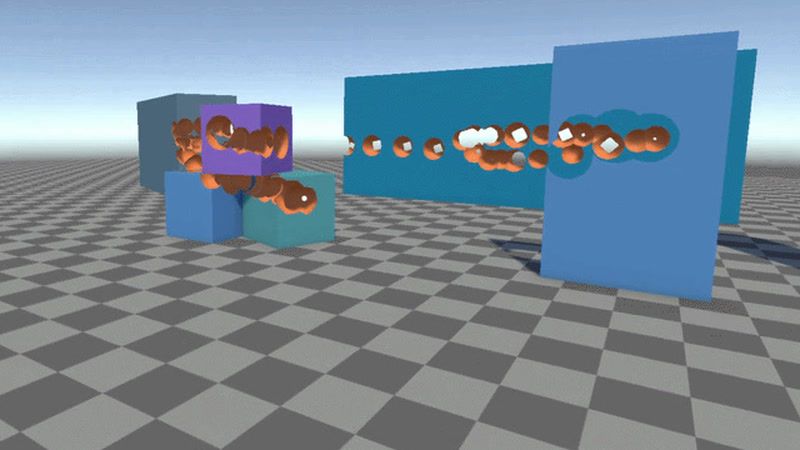 Johann Hotzel built a free Unity library that cuts holes into meshes while a game is running. In his demo, the collider changes too, so shots can pass through.
 -
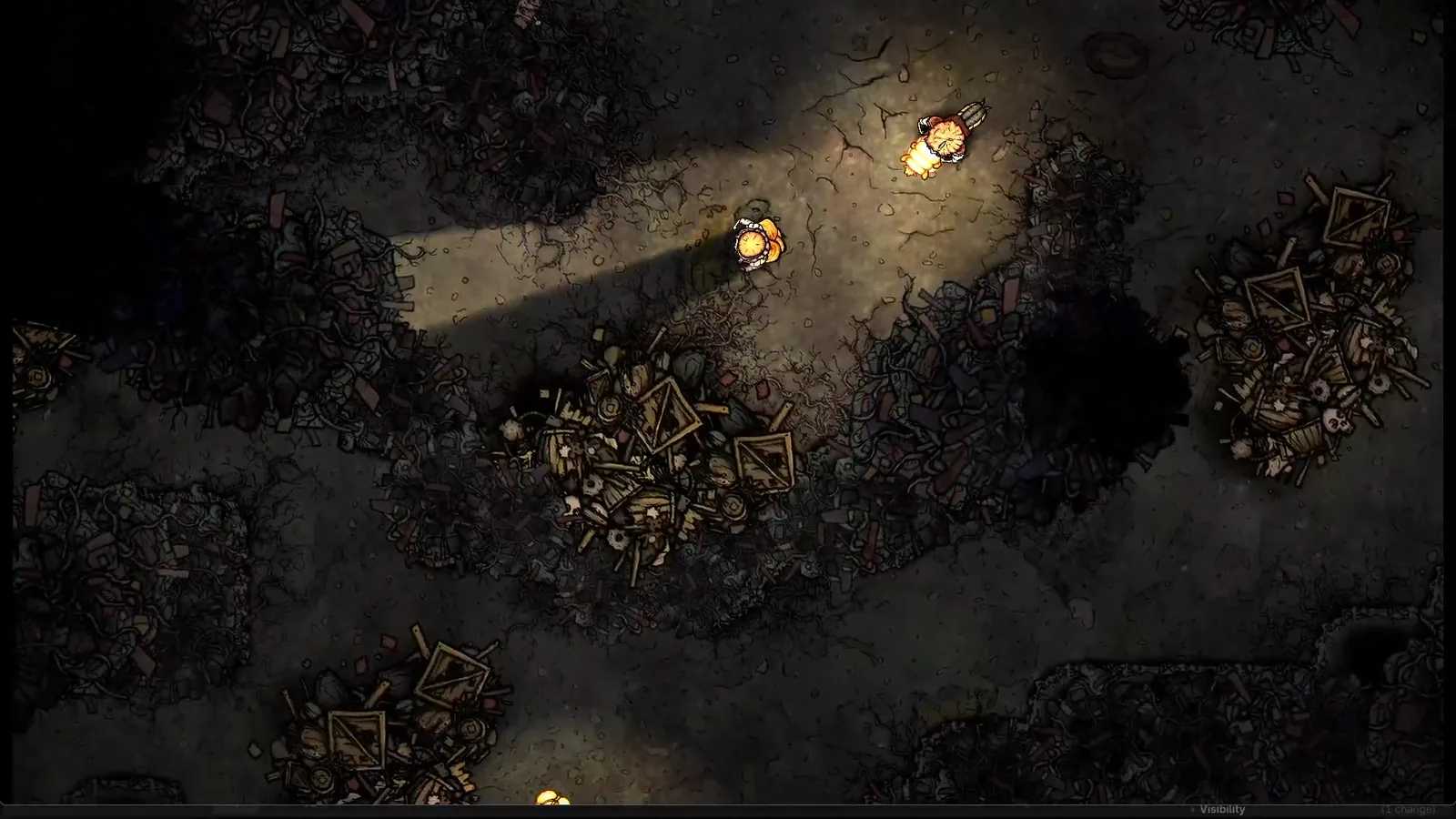 Silk & Sorrow's trees and trash piles seem to have height, but they are made from sprites. Florian Heynen of Snowberry Games made the effect by stacking, moving and lighting those layers in Godot.
 -
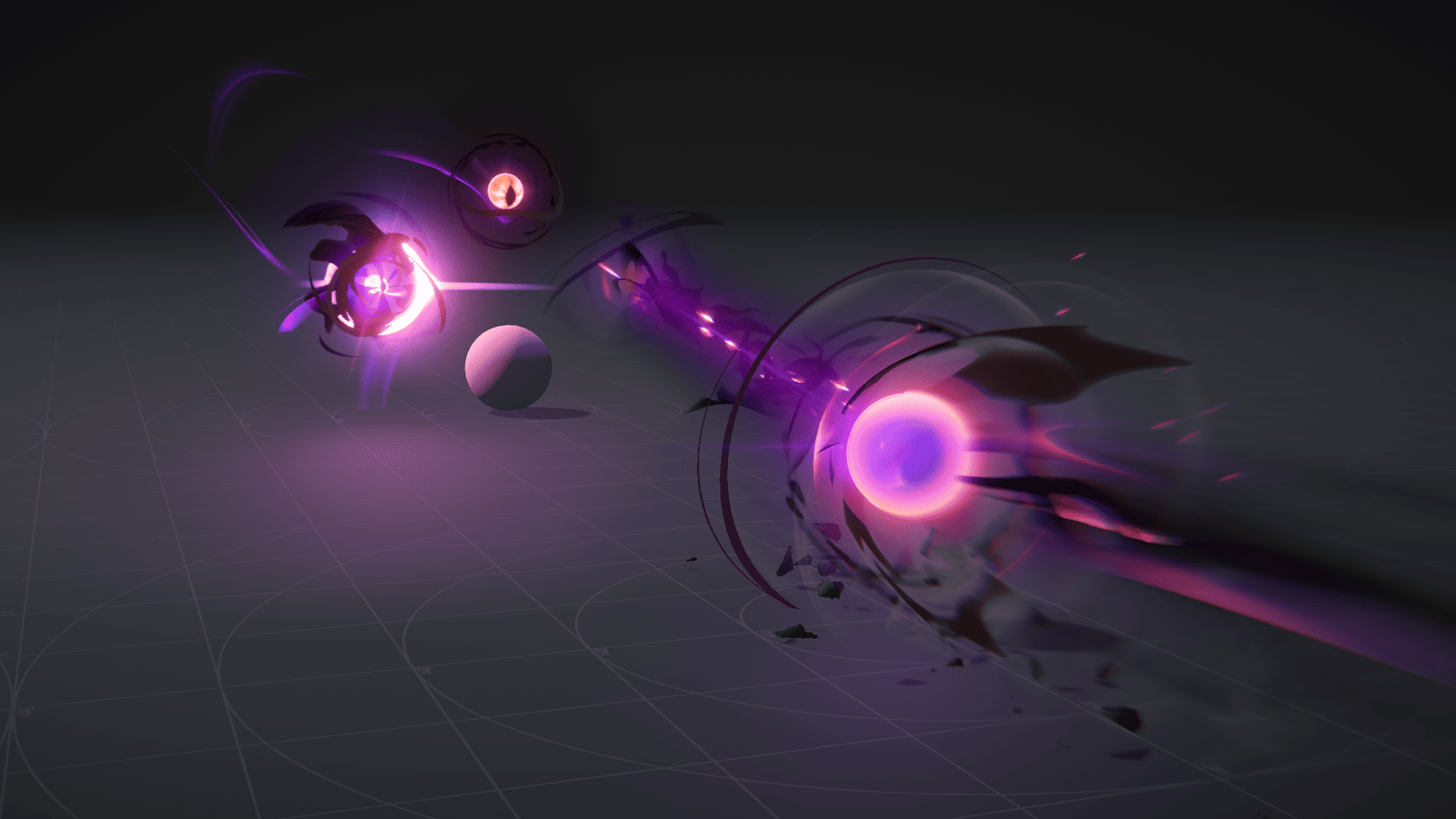 Ryan Gee’s Eldritch Blast uses procedural eyes and exaggerated motion to give the spell weight, without relying on camera shake.
