
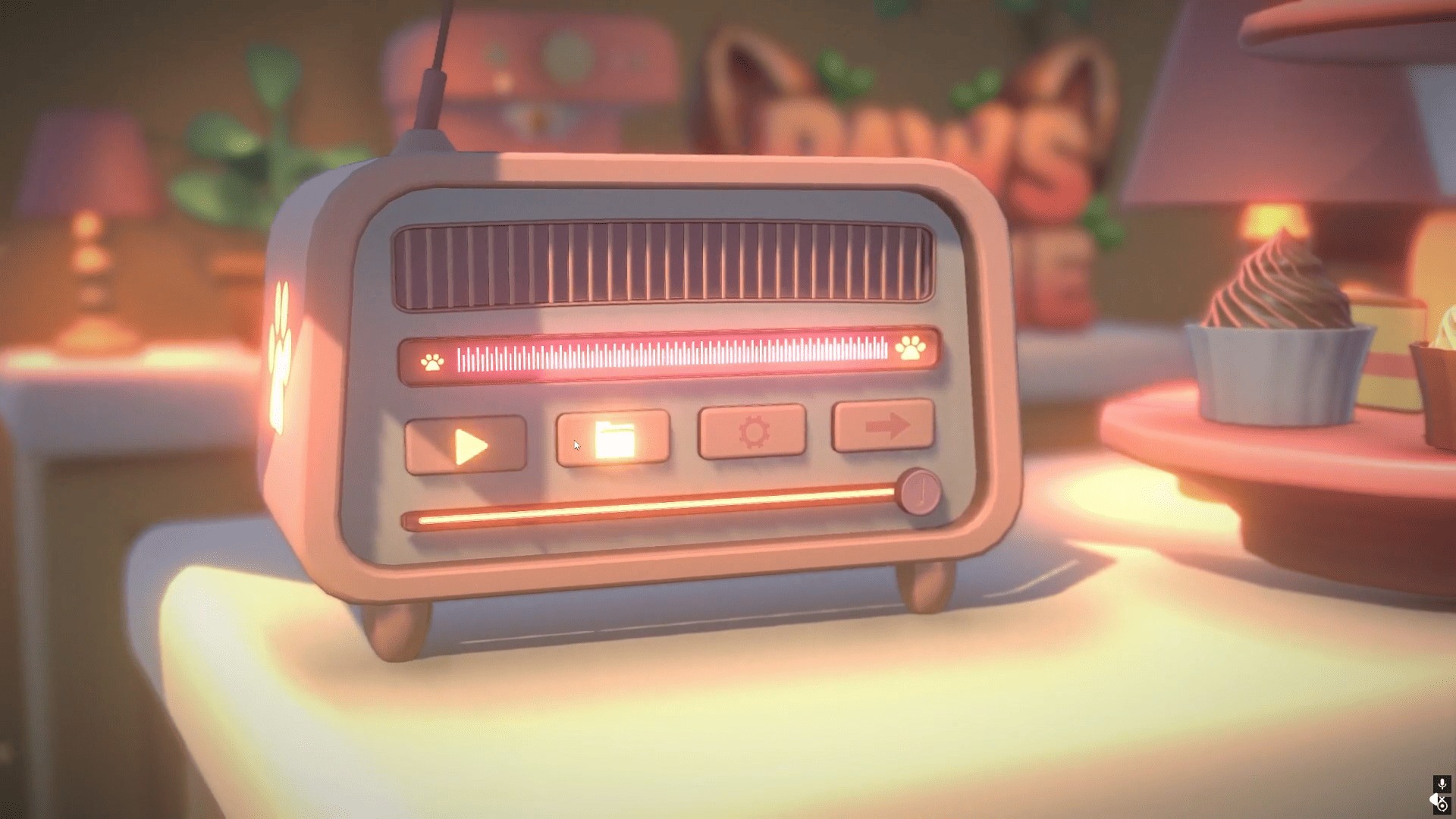
3D artist and developer Mert Emir Erte showed the new 3D menu they made for Paws and Shine, an upcoming cozy decorating game set on a cat island, where players can clean, restore, and decorate different spaces.
I'm a 3D artist, so I inadequate at 2D UI. Instead, I made the main menu entirely 3D to play to my strengths. What is your first impression?
by u/This-Room-2708 in Unity3D
It starts by the menu constantly sending a raycast from the camera toward the mouse position, and if that ray hits one of the button colliders, the game knows the player is interacting with it.
void Update() {

    Ray ray = mainCamera.ScreenPointToRay(Input.mousePosition);

    if (Physics.Raycast(ray, out RaycastHit hit)) {

        if (hit.collider.gameObject == this.gameObject) {

            ApplyHoverEffects();

            if (Input.GetMouseButtonDown(0)) {
                StartCoroutine(PressAnimation());
            }
        }
Since the buttons are real 3D objects inside the scene, Mert added a few extra effects to make hovering and clicking feel more satisfying.
When the cursor moves over a button, the object scales up slightly over time using Vector3.Lerp so the transition feels less abrupt. The buttons also change color using a MaterialPropertyBlock, which lets the game update material values .
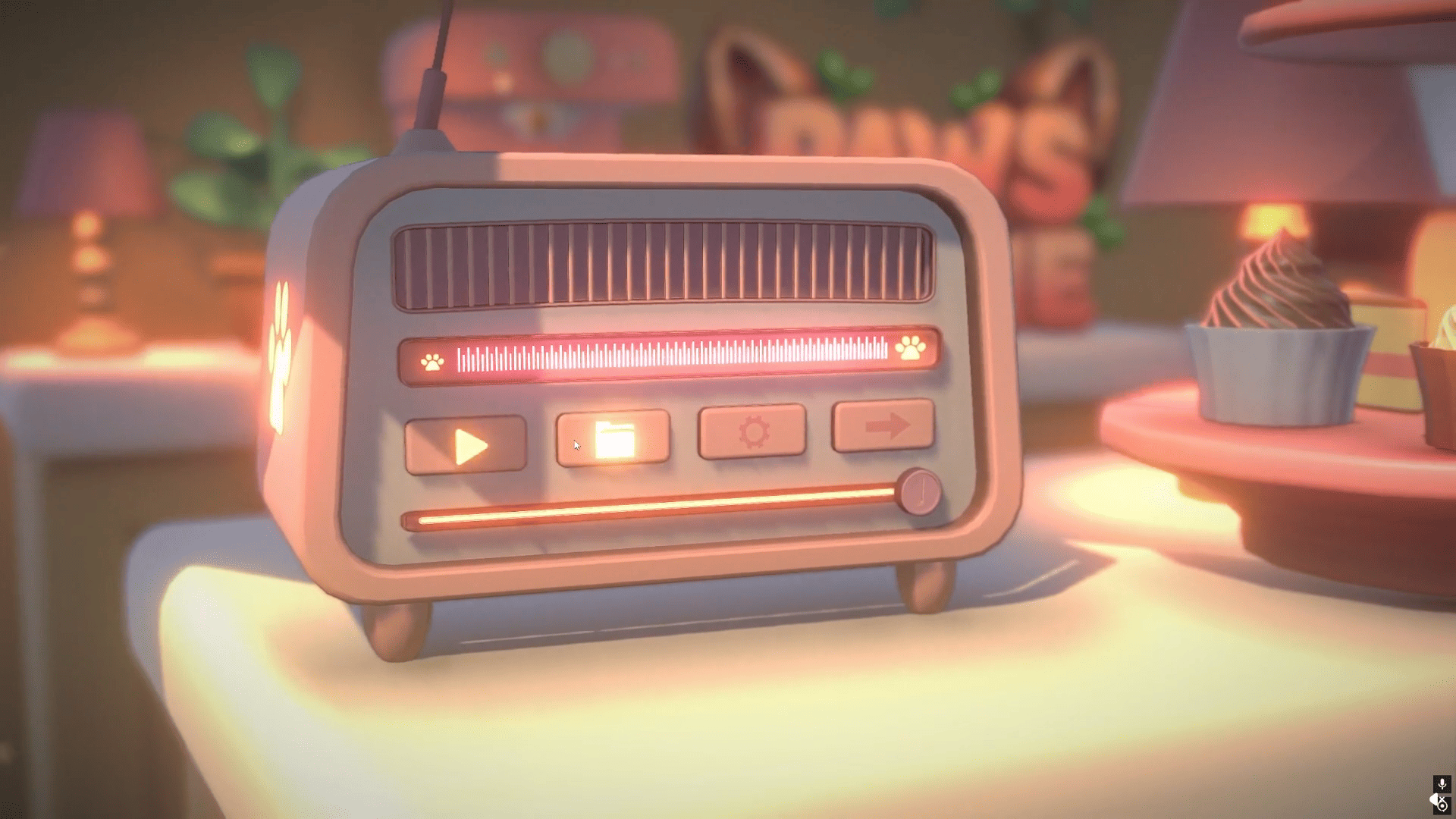
For the glow effect, the text and icons use a separate material assigned in Blender, so only the glowing parts need to be updated when the player hovers a button. During the interaction, the emission intensity is smoothly increased through code.
propBlock.SetColor("_Color", targetColor);
buttonRenderer.SetPropertyBlock(propBlock);

currentEmissionColor = Color.Lerp(
    currentEmissionColor,
    targetEmissionColor,
    Time.deltaTime * transitionSpeed
);

emissionMaterial.SetColor("_EmissionColor", currentEmissionColor);
Clicking a button also has its own small animation, and not only code running in the background, the button moves backward a bit and quickly returns to its original position using a Coroutine.
According to Mert, that small movement, combined with the glow flash and the click sound, was meant to make the interaction feel more like pressing a real mechanical button.
IEnumerator PressAnimation() {

    Vector3 pressedPos =
        originalLocalPos - Vector3.forward * pressDepth;

    float elapsed = 0f;

    while (elapsed < pressDuration) {

        elapsed += Time.deltaTime;

        transform.localPosition = Vector3.Lerp(
            originalLocalPos,
            pressedPos,
            elapsed / pressDuration
        );

        yield return null;
    }

    ExecuteAction();
}
As Mert said, a big reason for building the menu this way was simply to stay inside an area they already felt comfortable with as a 3D artist.
If you want to see more from them or follow the development of Paws and Shine, the links will be right below.
I just published the Steam page for my cozy game and I'd love some early feedback on the level design does this feel like a world you'd want to decorate?
by u/This-Room-2708 in IndieDev
Interested in learning more?
If you’re interested in learning shaders in Unity, The Unity Shaders Bible covers everything from the basics of Shader Graph and HLSL to more advanced topics like lighting models, ray marching, and compute shaders. 📘
Interesting fact: Most of the technical artists hired in the game industry know Python, C# (or C++) and HLSL. 👀
— Jettelly Inc. (@jettelly) December 5, 2025
And The Unity Shaders Bible can definitely help you get there. ✨
🔗 https://t.co/fw4pna2vUj#gamedev #unity3d #madewithunity #indiedev pic.twitter.com/nnMiBdXhJm
Jettelly wishes you success in your professional career!
Did you find an error? No worries!
Write to us at [email protected], and we'll fix it!
Level up your Technical art skills with our book!
We invite you to explore "The Unity Shaders Bible", a comprehensive book on the concepts and fundamentals seen in this post.
Other posts that might interest you.
-
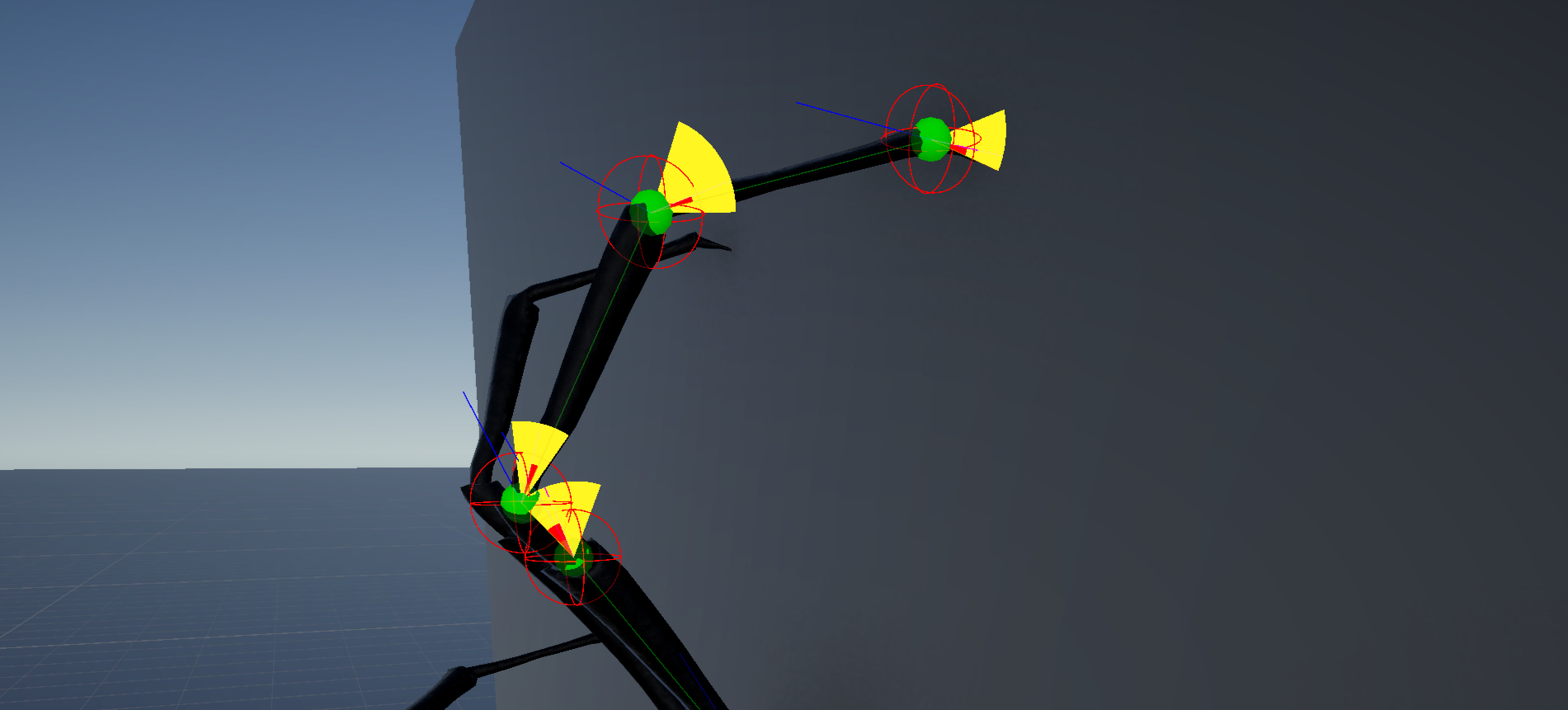 Arachnid-dev shows how they made a procedural spider that can move and climb on any surface using IK and raycasts.
 -
 Take a quick look at the free sample of The Unity Shaders Bible (2nd Edition), breaking down the basics behind how shaders work in Unity.
 -
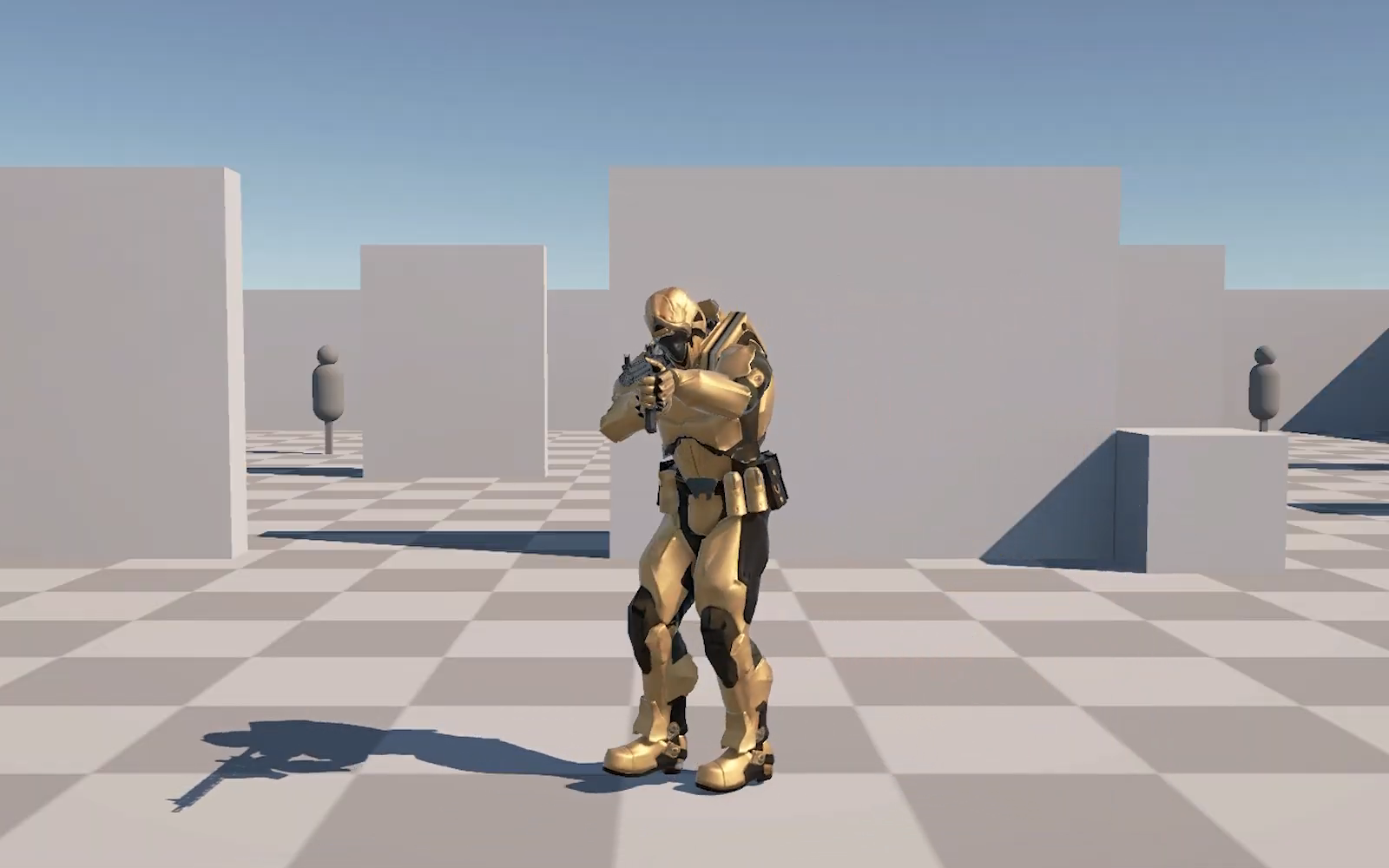 Check out this physics-based movement system in Unity for a new military game project by Irakli Geleishvili.
